
Luminar Neo is an AI-powered photo editor for Mac, Windows, mobile and web from Skylum, offering one-time-purchase plans, raw editing, and generative tools for photographers of all levels.
About
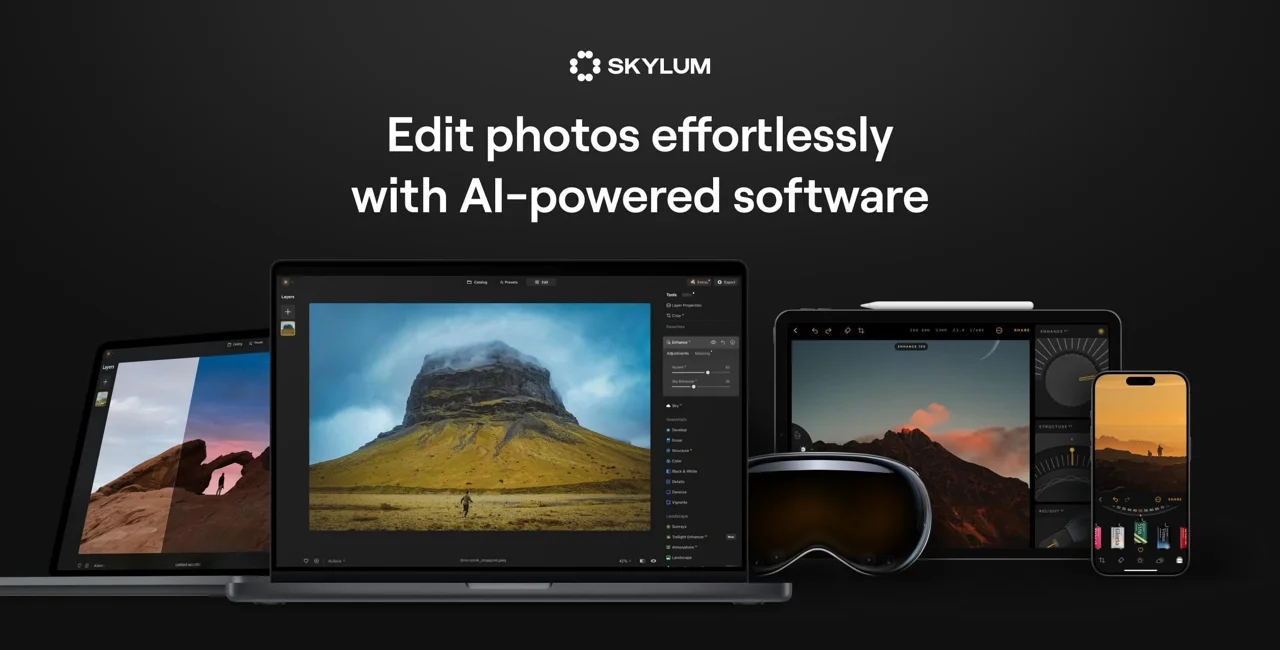
Luminar Neo is an AI-powered photo editing application developed by Skylum, available for macOS, Windows, Android, iOS, and ChromeOS, with a web version also offered. It addresses a common problem for photographers: getting professional-quality results—sky replacement, skin retouching, denoising, sharpening, and object removal—without spending hours on manual masking and layered corrections.
The software pairs a one-slider AI enhancement approach with traditional controls such as layers, masking, dodge and burn, clone stamping, and lens correction. It supports raw files from more than 1,000 cameras alongside JPEG, PNG, and TIFF, and it can run standalone or as a plug-in inside Adobe Photoshop, Adobe Lightroom Classic, and Apple Photos. Generative tools let users erase distractions, swap or expand parts of a scene, and restore old photographs. Cross-device editing keeps work synced between phone and desktop.
Key Features
Pricing & Fees
- Pricing: Plans reviewed at the time of writing were discounted one-time payments: Desktop Only at $99 (77% off), All Platforms at $139 (71% off), and Max at $159 (71% off). All plans include a 30-day money-back guarantee.
- Licensing structure: The apps are perpetual licenses usable forever, but generative AI tools and the Library of Assets (2,150+ presets, 500+ LUTs, 400+ overlays, 550+ skies, 50+ courses) are covered for 365 days and renew through the Luminar Prime add-on.
- Platforms: Desktop (macOS, Windows), mobile (iOS, Android, ChromeOS), and a web version, with cross-device sync between mobile and desktop.
- Support: 24/7 chat support is listed on the pricing page.
Who It's For
Luminar Neo suits photographers who want strong results quickly, including beginners who rely on one-slider AI adjustments and enthusiasts working in landscape, wildlife, wedding, family, newborn, real estate, food, and drone photography. Retouchers who already use Lightroom Classic or Photoshop can add it as a plug-in for specific AI tasks like sky replacement or skin smoothing. E-commerce sellers and content creators who need background removal, upscaling, and batch processing across many product images will also find the toolkit relevant.
FAQ
What is Luminar Neo?Luminar Neo is an AI-assisted photo editor from Skylum that runs on desktop, mobile, and web, combining automated enhancement tools with manual editing features like layers, masking, and raw processing.
How much does Luminar Neo cost?At the time of review, plans were one-time payments: $99 for Desktop Only, $139 for All Platforms, and $159 for the Max package, all heavily discounted from list price; AI tools and the asset library are included for 365 days and renew via Luminar Prime.
Which platforms and integrations does Luminar Neo support?It runs standalone on macOS, Windows, iOS, Android, and ChromeOS, with a web version, and works as a plug-in for Adobe Photoshop, Adobe Lightroom Classic, and Apple Photos.
Does Luminar Neo edit raw files?Yes, it supports raw files from more than 1,000 cameras, including Canon CR2/CR3, Nikon NEF, Olympus ORF, and Fujifilm RAF, along with JPEG, PNG, and TIFF.
Is Luminar Neo a subscription?No, the licenses are one-time purchases with lifetime access to the apps, though generative AI features and the Library of Assets operate on a 365-day access model that renews through Luminar Prime and can be cancelled at any time.
Related Tutorials
View all →
Related Tools
View all → Best Free AI Photo Editor & Video Generator Online | YouCam YouCam offers free AI-powered photo editing and video generation tools for creative projects.
  AI Background Remover Remove backgrounds from images automatically with AI technology.
  Pixa | Free AI Photo Editor A free AI-powered photo editor that simplifies image enhancement and editing with intelligent tools.
  PicWish PicWish is an AI photo editor that removes backgrounds, enhances image quality, restores old photos, and generates AI backgrounds for e-commerce sellers, designers, and casual users.
  VanceAI VanceAI is a web and desktop suite of AI tools for upscaling, sharpening, denoising, restoring, colorizing and editing photos and video, aimed at creators, e-commerce sellers and developers.