
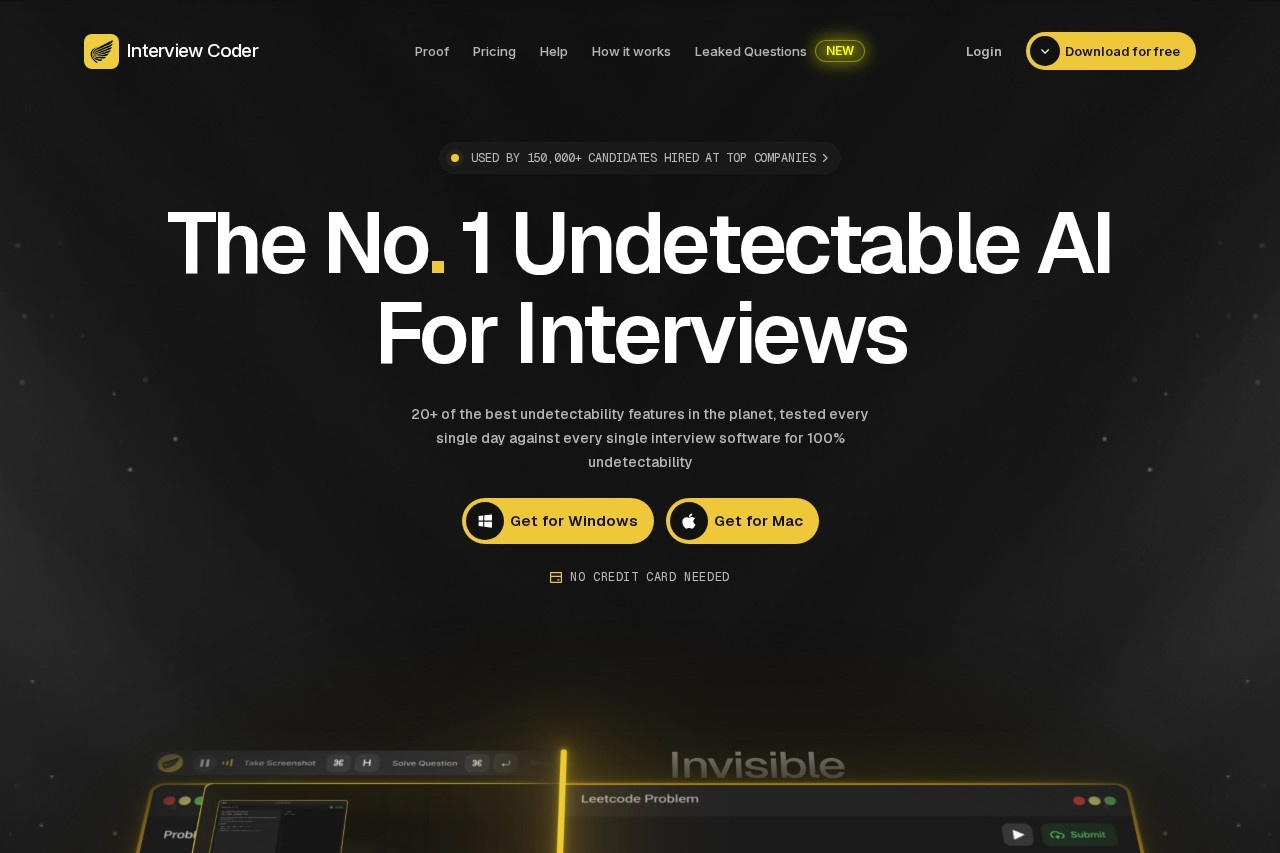
Interview Coder is a native desktop AI assistant for technical interviews, providing real-time coding help with stealth features designed to stay hidden during screen shares and recordings.
About
Interview Coder is a desktop application (available for macOS and Windows) that provides AI-generated assistance during technical job interviews, particularly LeetCode-style coding rounds. The vendor positions it as a tool that stays hidden while a candidate is being interviewed over video calls or shared screens, generating solutions and explanations in real time.
The app works by capturing the on-screen problem or the interviewer's spoken questions — it includes audio capture that transcribes the interviewer's voice live — and then produces AI solutions, typically within a few seconds. Its defining characteristic is a set of more than 20 "undetectability" features: the app does not appear in the Dock, the system tray, or the Activity Monitor/Task Manager, its overlay is invisible to screen sharing and screen recording, and clicks pass through the overlay so the system shows no focus shifts. It supports 15+ programming languages and works alongside common interview platforms such as Zoom, Google Meet, CoderPad, HackerRank, CodeSignal, and Microsoft Teams. It is worth stating plainly that using such a tool in a live interview violates the policies of most employers and interview platforms, and candidates who are caught risk rescinded offers and bans. Readers should treat this page as a factual description, not an endorsement.
Key Features
Pricing & Fees
- Pricing: The site lists a free download, a Monthly Pro plan at $299 per month (marked down from $499), and a Lifetime Pro plan at $799 one-time (marked down from $1,598). The vendor's own documentation also references lower Pro tiers ($60/month or $25/month billed annually), so readers should confirm current pricing on the official site before subscribing.
- Free tier: The app can be downloaded and explored without a credit card; AI features require a paid subscription.
- Platforms: Native desktop apps for macOS and Windows; because it runs outside the browser, it is not detected by browser extensions or browser-based monitoring scripts, according to the vendor.
- Usage limits: The Monthly Pro plan as listed on the homepage includes 1,000 usage credits per month.
Who It's For
Interview Coder is marketed to software engineering candidates facing live technical interviews, including new graduates, engineers targeting FAANG and other large tech companies, and candidates for internships through staff-level roles. The vendor says it has been used by 150,000+ candidates and claims users have received offers at companies such as Meta, Google, Amazon, Apple, and Microsoft. It is also aimed at people preparing for system design and behavioral rounds, not only algorithm questions. Prospective users should understand that employers treat undisclosed AI use in interviews as cheating, with consequences that can include withdrawn offers and permanent hiring bans.
FAQ
What is Interview Coder?It is a desktop AI assistant for macOS and Windows that provides real-time coding and interview help while using stealth features intended to keep it invisible during screen shares and recordings.
Is there a free plan?Yes, the app can be downloaded for free with no credit card required; ongoing AI assistance requires a paid subscription, listed on the homepage as $299/month or $799 lifetime.
Which platforms and interview tools does it work with?It works as a native app on Mac and Windows and is designed to run alongside Zoom, Google Meet, Microsoft Teams, CoderPad, HackerRank, CodeSignal, and similar interview software.
Is using Interview Coder in a real interview allowed?No. Most employers and interview platforms explicitly prohibit unauthorized AI assistance, and candidates discovered using it can lose offers or be banned from future hiring processes — a risk the vendor's own "undetectability" claims cannot eliminate.
Does the vendor publish evidence of user results?The site displays anonymous testimonials and screenshots of offers it attributes to users, but these claims are unverifiable, and the testimonials are largely anonymous.
Related Tutorials
View all →

Related Tools
View all → CodeBuddy - AI-Powered IDE for Efficient Coding CodeBuddy is an AI-driven IDE that boosts coding efficiency with intelligent assistance.
 9Router - Free AI Router Free AI routing with smart 3-tier fallback. Maximize subscriptions, auto-switch to cheap/free models. Never stop coding with Claude Code, Codex, Gemini CLI.
 Claude Claude is an AI assistant made by Anthropic that answers questions, writes and edits text, analyzes documents, and helps with coding through natural conversation.
 DeepSeek V4.1 Flash DeepSeek V4.1 Flash is DeepSeek's new-generation flagship: a 552B MoE with an asymmetric CED architecture offering native vision, 1M-token context and V4-Pro-beating performance at lower cost.
 Google Antigravity Google Antigravity is Google's agentic development platform that lets developers build, automate, and verify software with AI agents across an IDE, desktop app, CLI, and SDK.