
Turn any image into editable layered PNG/PSD layers with AI — subject, background, and objects as separate transparent layers.
About
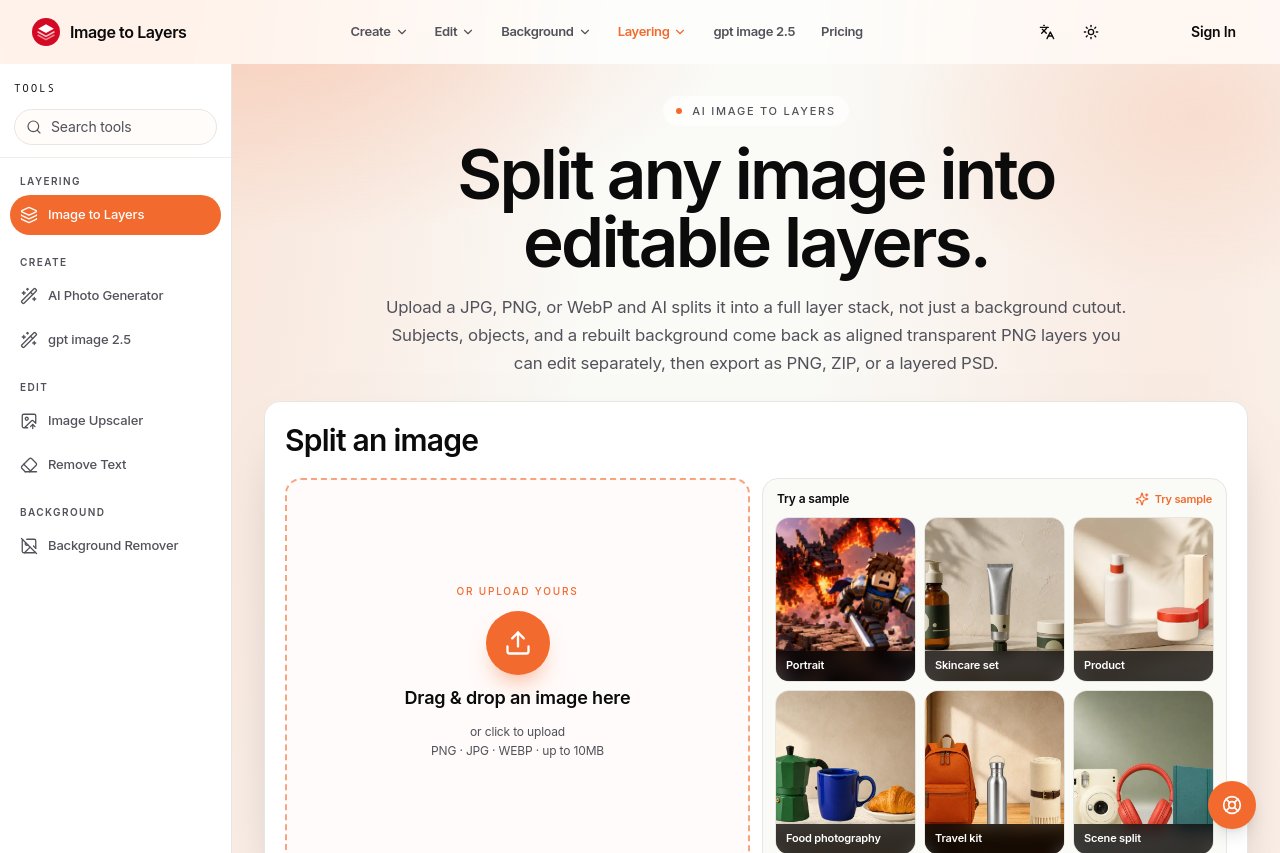
Image to Layers AI decomposes any image into editable layers. Upload a picture and, in about a minute, you get the subject, background, and objects as separate transparent PNG (RGBA) layers — ready to open in Photoshop, Figma, After Effects, or any editor that handles layers. It replaces manual masking sessions with a single automated step, for designers, motion artists, and developers who need clean layer stacks fast.
Key Features
Pricing & Fees
- Pricing: Credit packs are Trial $5 (100 credits), Starter $9.90 (600 credits), Creator $39 (2,600 credits), and Studio $99 (7,000 credits); Pro subscriptions cost $19/month (1,400 credits) or $190/year (15,000 credits).
- Pay per returned layer: Flash uses 10 credits per output layer; Pro uses 12 at 1K/1.5K or 24 at 2K. The target layer count is reserved up front, unused credits are refunded, and extra layers may make the balance negative.
- Free trial equivalent: The Trial pack is a $5 one-time purchase (not free) covering up to 10 Flash output layers, with no subscription or recurring charges.
- Credits never expire: Paid credits, from packs or subscriptions, stay in your balance until used; subscription plans offer a lower cost per credit.
- Refund policy: Unused packs and eligible first subscription payments have a 7-day refund request window; all paid plans include a commercial-use license and watermark-free exports.
Who It's For
It is for graphic designers recomposing images, motion artists animating scene elements separately in After Effects, e-commerce teams isolating products, and developers building quick mockups — anyone who needs clean layers without a masking marathon.
FAQ
What do I get from one image?Separate transparent PNG layers for subject, background, and objects — in about a minute.
Can I use the layers in Photoshop or Figma?Yes — standard PNG/PSD-compatible outputs work in common editors.
Do I still need to mask by hand?No — that is the point; separation is automatic.
Related Tutorials
View all →

Related Tools
View all → Nano Banana 2 AI Image Editor Generator Browser-based AI image editor and generator. Upload photos, refine scenes, and create 2K/4K visuals with free credits.
 Nano Banana 2 - Advanced Photo Editor & Generator Nano Banana 2 is an AI-powered image editor and generator. Free online tool for advanced photo editing.
 remove.bg remove.bg is an online AI tool that removes image backgrounds automatically in seconds, producing transparent PNGs or clean cutouts for designers, sellers, and marketers.
 Image 2 Create amazing 4K pictures from simple text with Image 2. Our AI follows your instructions perfectly, draws clear text, and lets you edit any part of the image easily.
 Image FX - Free One-Click AI Photo Editor & Image Generator Image FX is a free AI-powered photo editor and image generator. Instantly enhance, transform, and create stunning visuals with one click. No login required.