
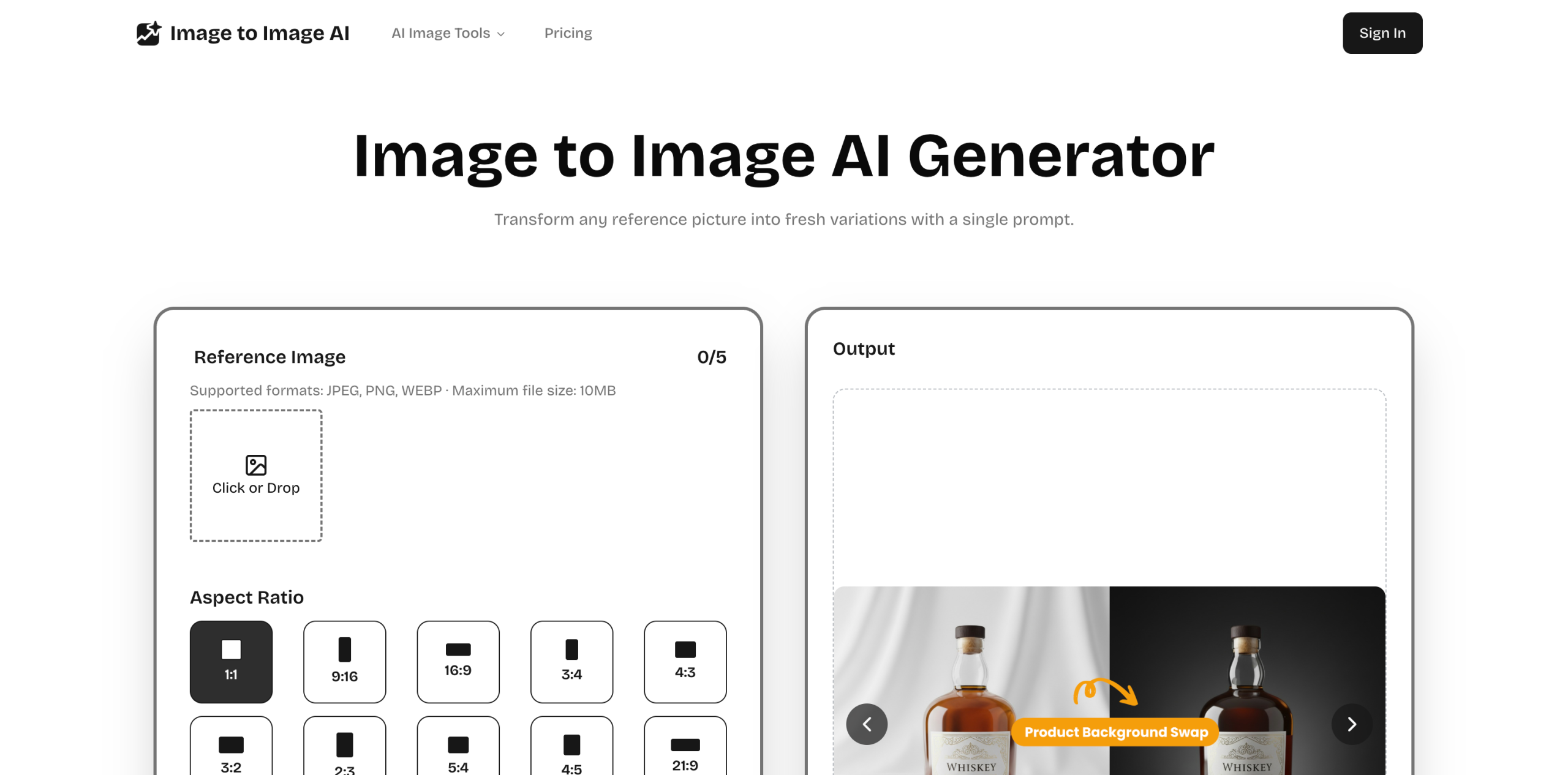
Image to Image AI turns any photo into fresh, high-quality variations in seconds, offering multi-style editing with zero design skills required.
About
Image to Image AI transforms any photo into fresh, high-quality variations in seconds, offering multi-style editing with zero design skills required. Whether you are refreshing a portrait, reimagining a product shot, or exploring new creative directions, this tool handles the heavy lifting so you can focus on the vision, not the technical details.
Key Features
Pricing & Fees
- Pricing: Yearly plans start at $15.99/mo ($144.00/year) for 4,500 credits, Pro at $39.99/mo ($234.00/year) for 24,000 credits, and Premium at $79.99/mo ($468.00/year) for 52,800 credits; one-time credit bundles and a free tier are also offered.
- Credit system: Each generation deducts credits; generation costs 5 credits per output. Credits refresh with your plan or can be topped up anytime.
- Free tier & watermark: A free entry point is available, and paid plans remove watermarks and unlock full creation history plus priority support.
- Billing details: Plans can be upgraded or downgraded anytime with unused credits retained; monthly credits expire each cycle while yearly bundles last the full term. Cancellation keeps remaining credits until they expire.
- Platform availability: Fully cloud-based—works in a browser on desktop, tablet, or phone, with uploads up to 10MB in JPEG, PNG, or WEBP; a REST API is also offered.
Who It's For
Image to Image AI is built for photographers, fashion and product creators, and any creative who wants to produce polished, high-quality image variations without deep design expertise. It is equally suited for marketers, social media managers, and small business owners who need fast, reliable edits—whether for hero shots, quick posts, or print-ready assets—without sacrificing professional results.
Related Tutorials
View all →

Related Tools
View all → Nano Banana 2 AI Image Editor Generator Browser-based AI image editor and generator. Upload photos, refine scenes, and create 2K/4K visuals with free credits.
 Nano Banana Pro - AI Image Generator | Free Trial Nano Banana Pro is a professional AI image generation platform powered by Google DeepMind. Try it free.
 Bimg AI: All-in-One Nano Banana AI Platform Bimg AI is an all-in-one platform for Nano Banana, Pro and 2, with AI image editing, generation, upscaling, restoration, background removal, and AI video generation.
 OpenDesign - Open-Source Vibe Design Workspace OpenDesign is an open-source alternative to Claude Design: a vibe-design workspace where teams prototype and iterate on UI with AI assistance.
 Image FX - Free One-Click AI Photo Editor & Image Generator Image FX is a free AI-powered photo editor and image generator. Instantly enhance, transform, and create stunning visuals with one click. No login required.