
HumanLayer is a multiplayer coding agent IDE and cloud workspace where engineering teams run AI agent sessions, review plans, and collaborate on code diffs in one place.
About
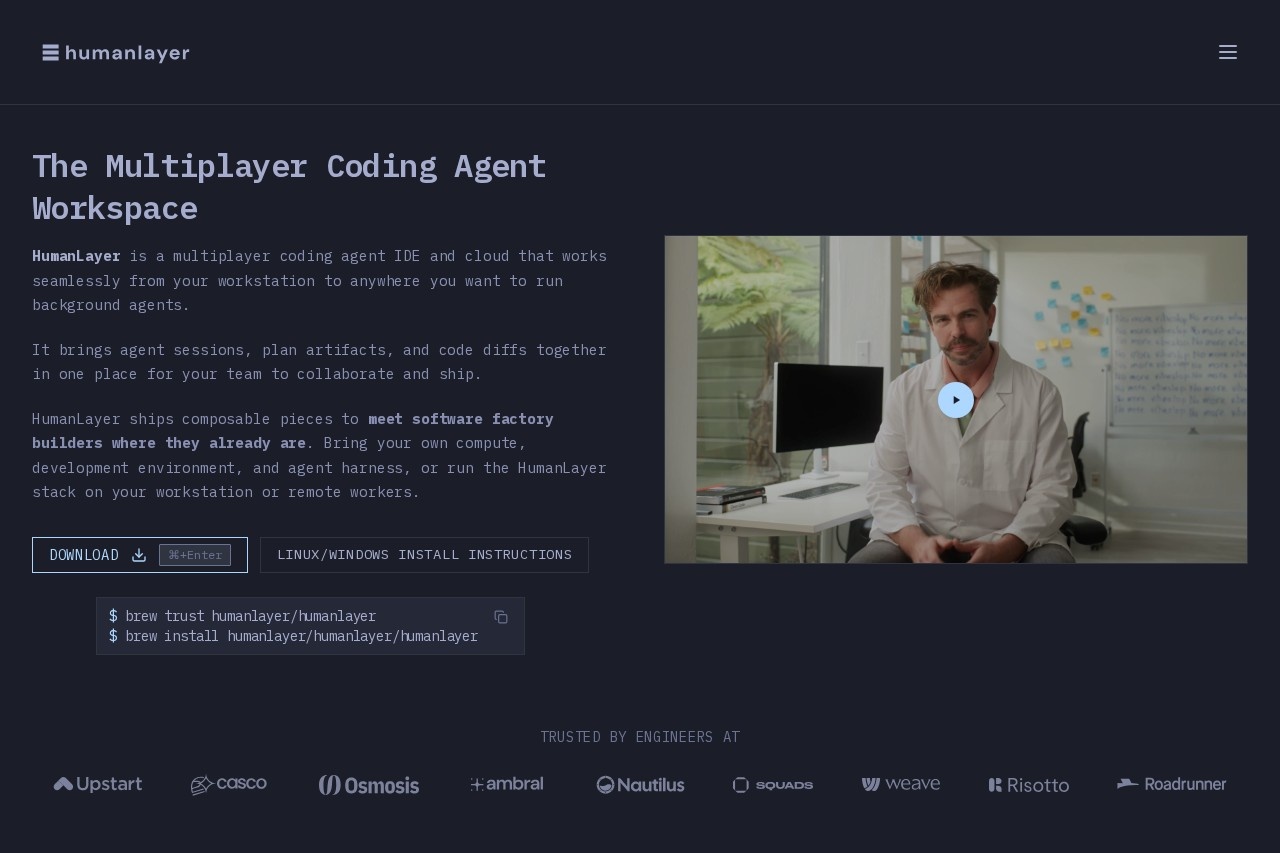
HumanLayer is a multiplayer coding agent workspace — an IDE plus cloud service that lets software teams run AI coding agents collaboratively. It addresses a common pain point with agentic coding: sessions, planning documents, and code changes are usually scattered across terminals, chat threads, and documents, making it hard for teams to see what an agent did or why. HumanLayer gathers agent sessions, plan artifacts, and code diffs into a single shared workspace.
At a high level, HumanLayer organizes work around Tasks, each of which groups related agent sessions, artifacts (research notes, design docs, structure outlines, mockups, and plans), and worktrees. A local daemon runs multiple agent sessions in parallel on a laptop, and cloud daemons handle longer-running work; everything syncs through the HumanLayer API and is accessible from web, desktop, or mobile. The company is also known in the engineering community for its writing on context engineering and the 12 Factor Agents guide.
Key Features
Pricing & Fees
- Pricing: Not publicly listed on the pages we reviewed; check the official site for current plans.
- Installation: Available for macOS download, with Linux and Windows install instructions and a Homebrew tap (`brew install humanlayer/humanlayer/humanlayer`).
- Cross-device access: The same workspace is available on web, desktop, and mobile, with teammates one tab away.
- Design philosophy: The product emphasizes keeping engineers in control of code quality and architecture rather than delegating decisions wholesale to agents.
Who It's For
HumanLayer is built for software engineering teams that use AI coding agents for substantial work, especially in large codebases. Typical users include backend and full-stack engineers running multiple agent sessions in parallel, tech leads who want visibility into what agents are changing, and platform teams assembling internal development tooling. It suits organizations where design review matters — teams that want clarifying questions, research, and design docs produced and critiqued before implementation begins, and where multiple people need to collaborate on the same agent-driven task.
FAQ
What is HumanLayer?HumanLayer is a multiplayer coding agent IDE and cloud workspace that brings agent sessions, plan artifacts, and code diffs together in one place so teams can collaborate on AI-assisted software development.
Is HumanLayer free, and what does it cost?Pricing is not publicly listed on the pages we reviewed; the official site should be checked for current plans and costs.
What platforms does HumanLayer support?It offers a macOS download plus Linux and Windows install instructions, runs a local daemon on the user's machine, supports cloud daemons for long-running work, and provides the same UI on web, desktop, and mobile.
Can teams use their own agents and infrastructure with HumanLayer?Yes — HumanLayer ships composable pieces, so teams can bring their own compute, development environment, and agent harness, or run the HumanLayer stack on their workstation or remote workers.
How does HumanLayer differ from writing design docs in Notion or Google Docs?In HumanLayer, comments and decisions on design documents feed directly back into the agent sessions, so the document acts as an interface to the code rather than an artifact detached from the work.
Related Tutorials
View all →
Related Tools
View all → Orca Orca is a free, open-source Agent Development Environment that runs CLI coding agents like Claude Code, Codex, and Gemini in parallel across isolated git worktrees.
  Cursor Cursor is an AI code editor and coding agent from Anysphere that turns development tasks into working code, letting engineers delegate work to autonomous agents in the editor, terminal, and cloud.
  T3 Code T3 Code is a free, open-source desktop and mobile application that lets developers orchestrate multiple AI coding agents like Claude Code and Codex from one interface.
  Google Antigravity Google Antigravity is Google's agentic development platform that lets developers build, automate, and verify software with AI agents across an IDE, desktop app, CLI, and SDK.
  Taste Skill - Anti-Slop Frontend Framework for AI Agents Taste Skill is a frontend framework that prevents AI-generated slop. It integrates with Cursor, Claude Code, and Codex to produce high-quality UI.