
HeyPhoto is a free online AI photo editor that lets users retouch selfies and group photos by changing faces, smiles, age, emotions, and more in a browser.
About
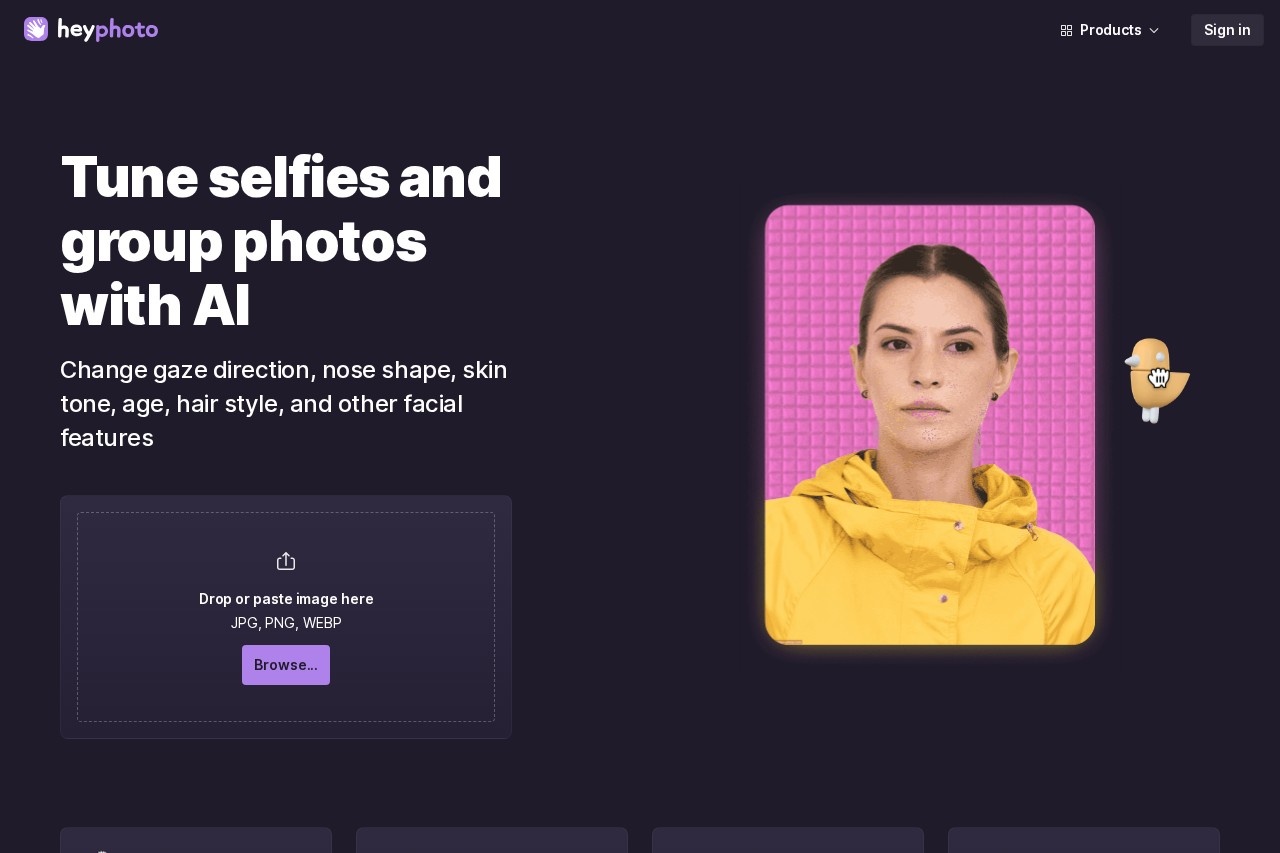
HeyPhoto is a free web-based AI photo editor focused on face editing. It solves a common problem for casual photographers: adjusting facial details in selfies and group shots—such as smile, gaze, age, skin tone, and expression—without learning complex desktop editing software.
The tool works by using artificial intelligence to detect faces in an uploaded photo and then applying changes based on the selected editing tool. Users drop or paste a JPG, PNG, or WEBP image into the browser interface and pick an adjustment; no special skills are required. HeyPhoto is made by Icons8 LLC, a company known for design assets and AI image tools such as Face Generator, Face Swapper, and Smart Upscaler, and HeyPhoto is offered alongside that broader product family.
Key Features
Pricing & Fees
- Pricing: HeyPhoto is free to use, but the service places a watermark on resulting photos in exchange; no paid plan details are listed on the pages we reviewed.
- Platform: HeyPhoto runs entirely online, so no installation is needed; it accepts JPG, PNG, and WEBP uploads up to 5 MB with faces up to 1024×1024 px, and output matches the source image's size and quality.
- Best inputs: Photos with people facing the camera directly produce the best results, though slight rotation is acceptable.
- Privacy: Uploaded images are stored securely so users can access them quickly, and users can delete them at any time.
Who It's For
HeyPhoto suits casual photographers and social media users who want quick, no-skill face retouching before posting pictures. It is useful for people building dating profiles who want a natural smile or a refreshed look, and for anyone who wants to anonymize photos before sharing them publicly. Designers and content creators working with portraits may also use it for light, fast adjustments instead of opening a full photo editor.
FAQ
What is HeyPhoto?HeyPhoto is a free online AI photo editor from Icons8 LLC that detects faces in uploaded photos and lets users change smiles, emotions, gaze, age, gender appearance, and skin tone in a browser.
Is HeyPhoto free?Yes, HeyPhoto is free to use, but the resulting photos carry a watermark; paid options, if any, are not described on the pages reviewed.
What image formats and sizes does HeyPhoto support?It accepts JPG, PNG, and WEBP files up to 5 MB, with faces up to 1024×1024 px, and returns images at the same size and quality as the source.
Does HeyPhoto store uploaded photos?Uploaded images are stored securely for quick re-access, and users can delete them at any time through the service.
How does HeyPhoto compare with Icons8's other tools?HeyPhoto handles in-place face editing, while related Icons8 products like Face Swapper and Face Generator serve different purposes—production face swaps and creating photorealistic synthetic faces, respectively.
Related Tutorials
View all →

Related Tools
View all → EasyFaceSwap EasyFaceSwap is a free online AI face swap tool for photos, videos and GIFs that produces photorealistic results in seconds, with daily free credits and no card required.
 Visro AI Visro AI is a free online platform for AI face swapping in photos, videos and GIFs, plus AI image generation, photo editing and video creation, usable without sign-up.
 AI Face Swap AI Face Swap is a free online tool that swaps faces in photos and videos without sign-up or watermarks, aimed at casual users and social media creators. AI Face Swap by DRESSXME.com An online AI face swap tool from DRESSXME.com that lets users transfer a face from one photo onto another for creative edits, portraits, and social content.
 CrazyFace CrazyFace is an AI facial expression changer and editor that lets users adjust emotions in photos via chat prompts, mouse dragging, or 1000+ templates, with video and selfie generation included.