
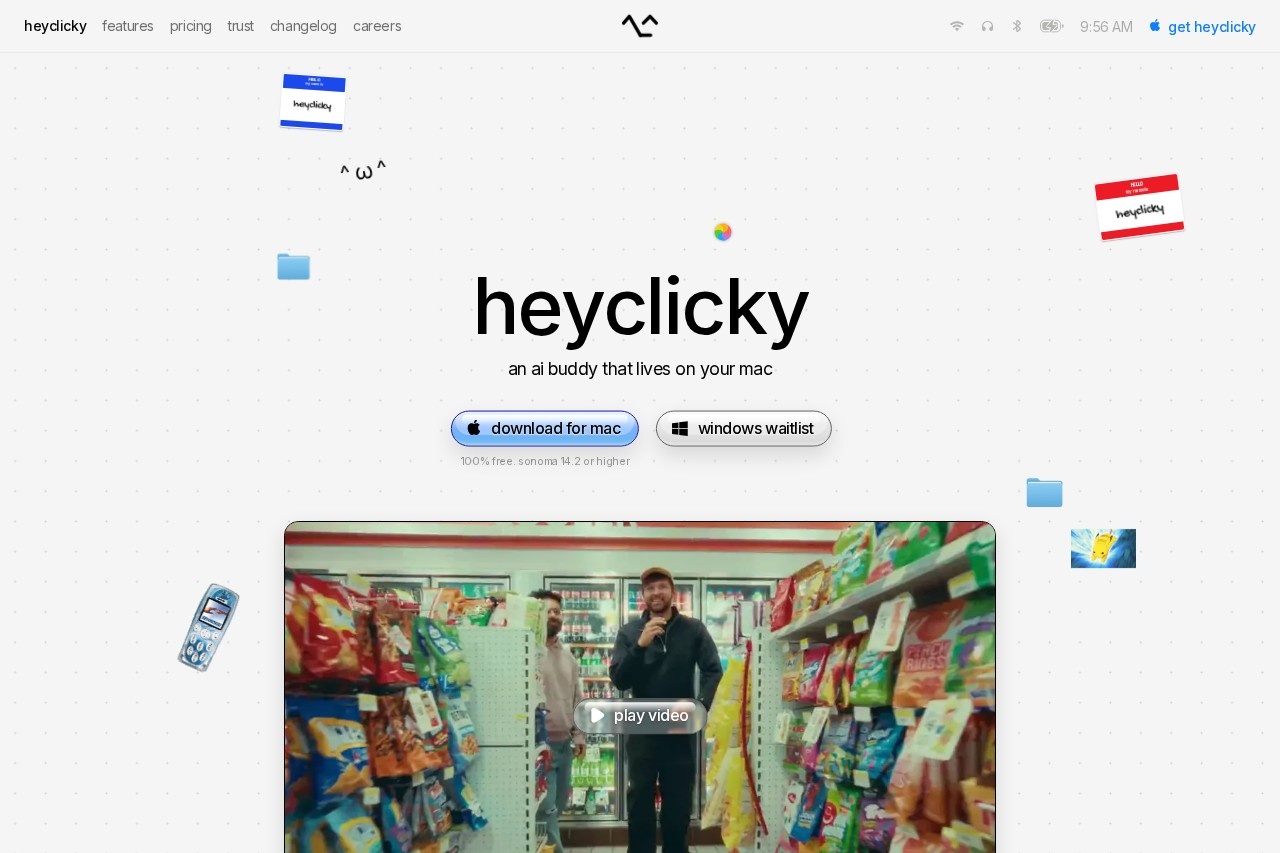
heyclicky is a free-floating AI companion for macOS that sees your screen on demand, answers questions out loud, and runs agents to complete tasks while you work or step away.
About
heyclicky is an AI assistant that lives as a small character on the macOS desktop. It addresses a common frustration: powerful AI models exist, but most people access them only through chat windows or terminals that do not fit how they actually work. heyclicky brings the same models directly into whatever is on screen.
Pressing a hotkey lets heyclicky see the current screen, so a user can ask a question out loud and receive spoken, step-by-step guidance for the app in front of them. It can also draw annotations on the display to point things out, and it runs agents that carry out tasks on command. The project is led by founder Farza and built by Humansongs, Inc., with a free tier, paid Pro and Max plans, and a stated user base of more than 25,000 people.
Key Features
Pricing & Fees
- Pricing: A Free plan costs $0 with 25 talk messages and 25 agent messages per month; Pro is $20/month with unlimited talk and 150 agent messages; Max is $100/month with 1,000 agent messages. Yearly billing offers a 20% discount.
- Free tier: The free plan requires no credit card and stays free indefinitely.
- Platform availability: heyclicky is Mac-only, requiring macOS Sonoma 14.2 or higher; a Windows waitlist is open.
- Student discount: Students with a valid school email or student ID get 50% off their first month of Pro.
- Cancellation: All plans are month-to-month and can be cancelled in one click, with access kept through the end of the billing cycle.
Who It's For
heyclicky suits everyday Mac users who want help learning software such as video editors or design tools, since it can walk through any on-screen application. Self-learners and students benefit from spoken, contextual tutoring, while busy professionals can hand repetitive tasks to agents. It also appeals to people who find chat interfaces awkward and prefer an assistant that sits beside their work, sees what they see on demand, and responds by voice with visual pointers on the screen.
FAQ
What is heyclicky?heyclicky is an AI assistant for macOS that appears as a small character on screen, sees whatever you see when you press the hotkey, answers spoken questions, and runs agents to complete tasks for you.
Is there a free plan?Yes, the free plan costs nothing, requires no credit card, and includes 25 talk messages, 25 agent messages, and plenty of dictation each month; paid plans start at $20/month for Pro.
Does heyclicky work on Windows?No, it currently runs only on Mac with macOS Sonoma 14.2 or higher, though a Windows waitlist is available on the official site.
Is my data private?The service never views the screen unless the hotkey is pressed, does not store screenshots, keeps only basic text summaries for context, and lets users delete their account and all data in settings.
What happens if I hit my agent message limit?Talk remains unlimited and keeps working, while agent messages pause until the next billing cycle or until the account upgrades to the Max plan with 1,000 agent messages per month.
Related Tutorials
View all →

Related Tools
View all → Dograh - Voice Assistant Workflow Builder Open Source Voice Assistant Workflow Builder.
 OfoxAI One API for all LLMs. Access OpenAI, Claude, Gemini & 100+ models through a unified endpoint. OpenAI SDK compatible.
 Cici AI Cici AI is an AI assistant that offers smart solutions. It helps users with daily tasks and questions.
 MiniMax Agent: Smart Planning, Easy Travel - AI Travel Tool MiniMax is an AI chatbot that offers multimodal intelligent conversations to boost productivity and creativity.
 Hivemind: Shared Memory for AI Agents Hivemind provides shared memory for AI agents like Claude Code, OpenClaw, Codex, Cursor, Hermes, and pi. Install via npm to enable seamless collaboration.