
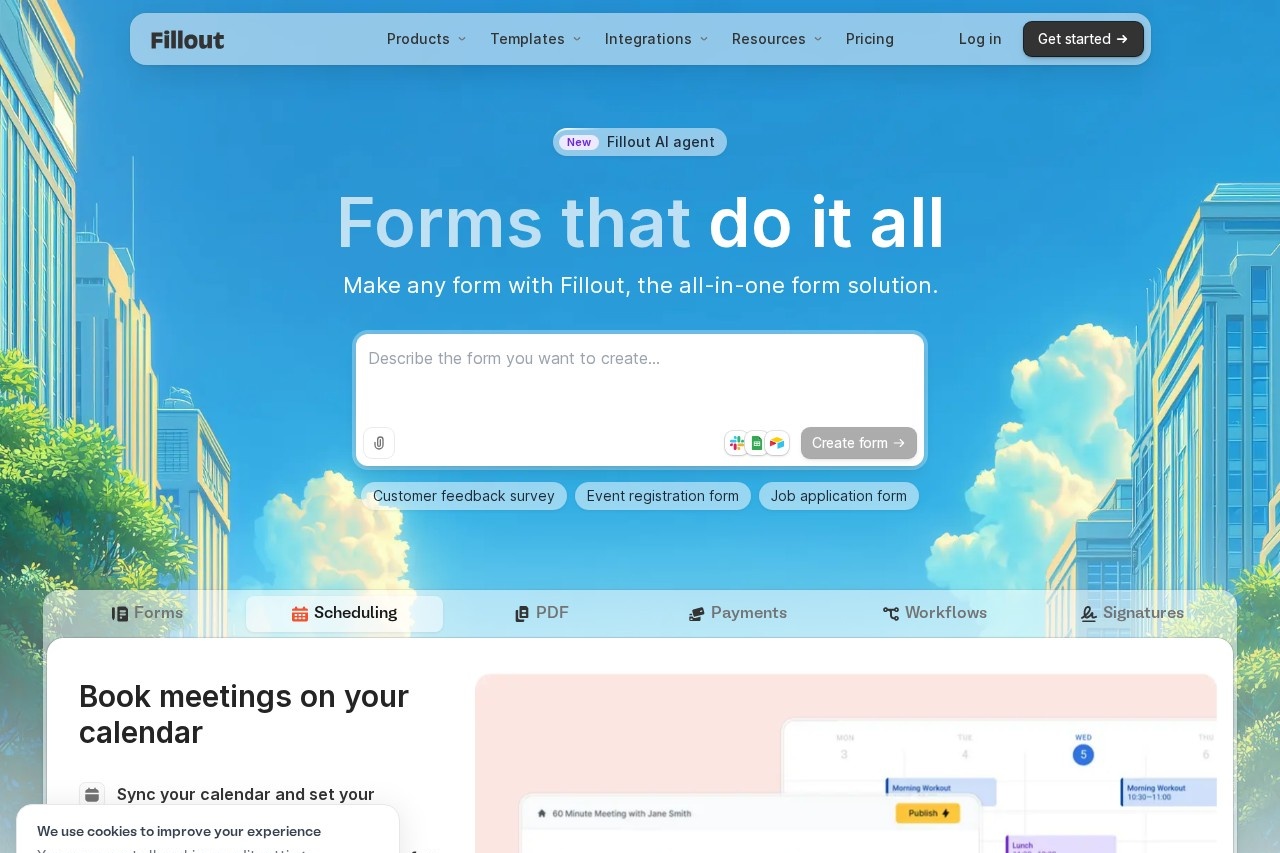
Fillout is a no-code form builder for creating branded forms, surveys, quizzes and scheduling pages, with payments, e-signatures, PDF generation and 50+ integrations.
About
Fillout is an all-in-one form builder that lets teams create forms, surveys and quizzes without writing code. It addresses a common pain point: organizations need to collect structured data — feedback, registrations, applications, bookings and payments — but generic form tools often lack branding controls, conditional logic, or the ability to store responses where the data is actually used.
Users build forms with a drag-and-drop editor, choosing from pre-built themes or customizing fonts, logos, colors and CSS. Forms can include conditional logic, answer piping, calculations, file uploads, signature fields and payment collection. Responses flow into more than 50 native integrations, where teams can analyze results, collaborate in real time and automate routing through Fillout Workflows. The company states that over 100,000 organizations use Fillout for secure data intake, and the site lists an average rating of 4.8 out of 5 across G2 Business Reviews and Product Hunt. Fillout is operated by Restly, Inc.
Key Features
Pricing & Fees
- Pricing: Free plan at $0/month (unlimited forms and seats, 1,000 responses/month); Starter at $15/month ($180/year); Pro at $40/month ($480/year); Business at $75/month ($900/year, unlimited responses, custom domain, priority support). Annual billing saves 20%.
- Free tier: The Free plan is available forever with unlimited forms, unlimited seats and 1,000 responses per month.
- Seats: All plans include unlimited seats with no per-seat charges, so an entire company can be invited at no extra cost.
- Security: The site states SOC II Type 2 compliance and 256-bit AES data encryption.
- AI tools: Fillout offers an AI form builder, AI quiz maker, AI survey maker and a Google Forms import tool.
Who It's For
Fillout suits teams that collect data at scale and need it to look on-brand: HR teams running job applications and internal workflows, event organizers handling registrations, nonprofits managing intake, and product or support teams gathering customer feedback. It also fits agencies and enterprises that need white-labeled forms on a custom domain, and administrative bodies such as the government offices cited in its customer stories. The free tier with unlimited seats makes it practical for small teams and nonprofits, while higher plans serve organizations needing unlimited responses and analytics.
FAQ
What is Fillout?Fillout is a no-code form builder for creating forms, surveys and quizzes, with scheduling, payments, e-signatures, PDF generation and workflow automation built in.
Is Fillout free to use?Yes, Fillout offers a free forever plan with unlimited forms, unlimited seats and 1,000 responses per month; paid plans start at $15 per month.
Does Fillout integrate with other apps?Fillout provides more than 50 native integrations so form responses can be stored directly in the tools a team already uses, and it supports embedding on any website.
How does Fillout compare with Google Forms or Jotform?Fillout publishes its own comparison pages versus Google Forms, Jotform, Typeform, SurveyMonkey, Formstack and FormAssembly; it differentiates with unlimited seats on every plan and white-labeling on higher tiers.
Is Fillout secure?The company states that Fillout is SOC II Type 2 compliant and uses 256-bit AES data encryption, with support available 24 hours a day, five days a week.
Related Tutorials
View all →
Related Tools
View all → Rig - Build Powerful LLM Applications in Rust Rig: A Rust framework for building modular, scalable LLM applications. Features a unified LLM interface, Rust-native performance, and advanced AI workflow abstractions to streamline development.
  Zapier Zapier is a no-code AI orchestration platform that connects more than 9,000 apps so teams can build automated workflows, AI agents, and chatbots without writing code.
  n8n - AI Workflow Automation n8n is a workflow automation tool that integrates AI capabilities, allowing users to automate complex processes and connect various services effortlessly.
  DevChat DevChat is an AI assistant integrated with VS Code to help developers code faster. Get intelligent suggestions and improve workflow.
  Glide Glide is an AI app builder that turns spreadsheets, prompts, or files into custom internal business apps and AI agents for teams of any size.