
Diagramming and mind mapping software from Wondershare that lets teams create flowcharts, org charts, floor plans, and Gantt charts with AI and templates.
About
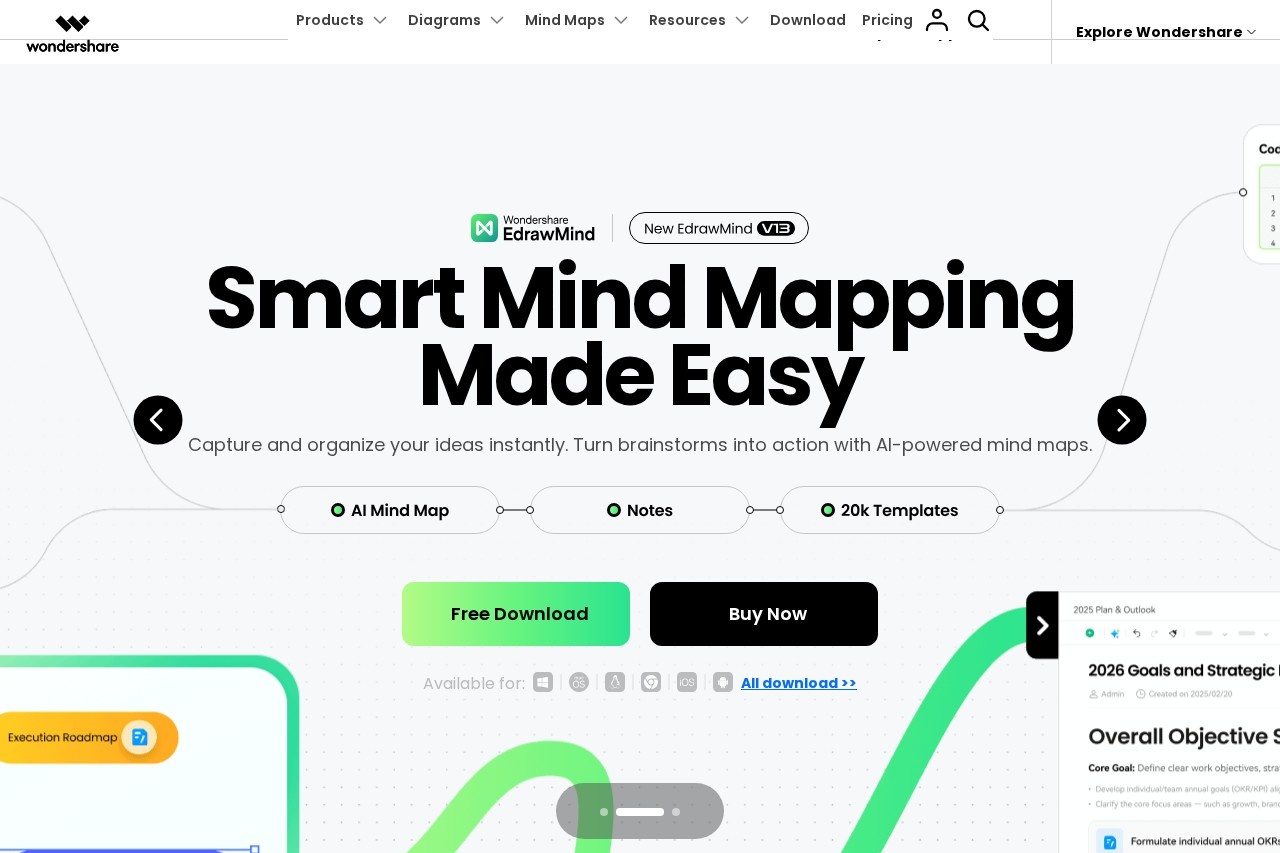
Edraw Software is a family of diagramming and visual collaboration tools developed by Wondershare, designed to help people turn ideas into structured visuals without drawing skills. Its main products—EdrawMax, EdrawMind, and EdrawProj—cover general diagramming, mind mapping and brainstorming, and project planning with Gantt charts, respectively. The tools address a common problem: producing professional flowcharts, org charts, network diagrams, or floor plans usually takes time and design effort, so Edraw provides templates and symbol libraries plus AI features that convert text into diagrams.
At a high level, users pick a template or start blank, drag and drop shapes from symbol libraries, and let AI handle repetitive steps such as generating diagrams from written descriptions. EdrawMax supports more than 210 diagram types and 50,000+ templates, while EdrawMind turns mind maps into presentations and supports slides and Kanban boards. The products run as desktop applications and in the browser, enabling real-time team collaboration from any location. Wondershare, the company behind the software, positions the suite for business, education, and enterprise use.
Key Features
Pricing & Fees
- Pricing: Not publicly listed on the pages we reviewed; check the official site for current plans.
- Free trial and free downloads: Free downloads are offered for EdrawMax and EdrawMind, and the site advertises a bundled offer covering EdrawMax, EdrawMind, and EdrawProj at a 50% discount.
- Platform availability: Products run on desktop (Windows and macOS) and on the web, with browser-based editing that requires no installation.
- Reported user base: The vendor states the software is used by more than 50 million users as well as various brands.
Who It's For
Edraw Software suits professionals who need to produce diagrams regularly but lack design resources: project managers building Gantt charts and timelines, business analysts documenting processes with flowcharts, software architects creating UML and ER diagrams, and IT staff mapping network topologies. Students and educators can use EdrawMind for notes, lesson planning, and brainstorming, while marketing teams can turn ideas into infographics and presentations. It also serves as a Microsoft Visio alternative for organizations that need floor plans, org charts, and technical drawings without a dedicated CAD tool.
FAQ
What is Edraw Software?Edraw Software is a diagramming suite from Wondershare that includes EdrawMax for general diagramming, EdrawMind for mind mapping, and EdrawProj for Gantt-chart-based project management, with AI features that generate diagrams from text.
Is Edraw Software free to use?The products are offered on a freemium basis: free downloads and free trials are available, while full features require a paid plan; exact prices are not publicly listed on the pages reviewed.
Which platforms and integrations does Edraw support?EdrawMax and EdrawMind are available as desktop applications and web versions, and the software integrates with Office, Notion, and Chrome, including a PowerPoint add-in for creating diagrams inside slides.
How many templates and diagram types does EdrawMax include?EdrawMax supports more than 210 diagram types and over 50,000 templates spanning business, technical, and design categories such as flowcharts, UML, network topology, and floor plans.
How does Edraw handle data security?According to the vendor, the software includes compliance and security measures, privacy controls, cloud backup, and file encryption to protect user documents.
Related Tutorials
View all →
Related Tools
View all → ChartGen AI chart generator that turns data into visual slides. Automatically creates charts and graphs, integrating them into professional presentations.
  Mermaid Chart Mermaid Chart is a collaborative diagramming platform that turns text prompts, documents, or code into flowcharts, sequence diagrams, and other visuals for technical teams.
  MindMap AI MindMap AI is an AI mind map generator that turns prompts, PDFs, videos, audio, and webpages into editable mind maps, with a chat-based AI copilot and a free manual editor.
  Boardmix Boardmix is an AI-powered online whiteboard where teams brainstorm, build mind maps and flowcharts, and collaborate in real time on a shared canvas. A free plan is available.
  ChartAI ChartAI is a web-based AI tool that turns text descriptions into charts and diagrams, aimed at professionals who need visuals without drawing them by hand.