
EaseUS ChatPDF is a free online AI tool that lets users chat with PDF, Word, and PowerPoint files to ask questions, get summaries, translate content, and extract text from scanned documents.
About
EaseUS ChatPDF, part of the EaseMate AI suite from EaseUS, is a web-based tool for holding question-and-answer conversations with document files. It addresses a common problem: long PDFs, contracts, research papers, and reports take hours to read, and readers often need only specific answers or a short summary. The tool reads an uploaded file and lets the user ask questions about its contents in plain language.
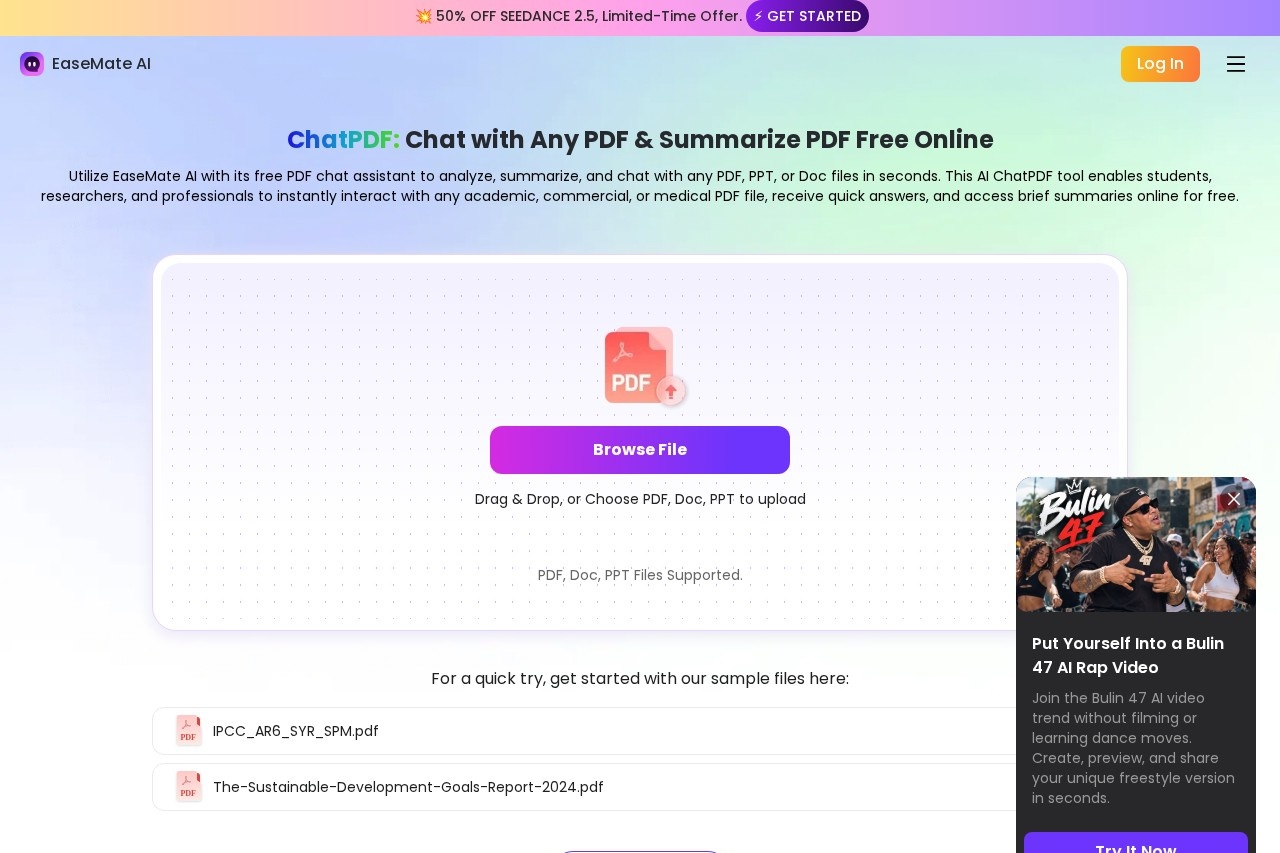
Users upload PDF, Word (.doc/.docx), or PowerPoint (.ppt/.pptx) files through a browser, either by dragging and dropping or browsing for files. The service then analyzes the document and can generate summaries, answer questions, translate content, and extract text from image-based PDFs using OCR. It runs on multiple third-party AI models, with GPT-4o-mini as the default and options that include GPT-4o, Claude 3 Haiku, DeepSeek R1, DeepSeek V3, and Meta Llama 3.3 70B. A Chrome extension and a downloadable EaseMate app are also offered.
Key Features
Pricing & Fees
- Pricing: Not publicly listed on the pages we reviewed; check the official site for current plans.
- Free usage: The vendor describes the ChatPDF tool as free to use, with daily free tokens for asking questions; downloading the EaseMate app is advertised as providing 30 free credits.
- Supported file types: PDF, Word (.doc/.docx), and PowerPoint (.ppt/.pptx) files can be uploaded.
- Access options: Available through a web browser, a Chrome extension, and a mobile/desktop EaseMate app.
Who It's For
EaseUS ChatPDF is aimed at students and educators who want to turn textbooks and papers into notes, quizzes, and plain-language explanations. Researchers can use it to summarize multiple studies, compare methodologies, and translate foreign-language papers. Lawyers can extract key clauses from contracts and translate cross-border documents, while business managers can condense reports for quicker decisions. Healthcare professionals, journalists, and content creators can also use it to digest clinical documents, scan source material, and surface key facts for publication.
FAQ
Is EaseUS ChatPDF free to use?The vendor describes it as a free tool that allows unlimited PDF uploads, with daily free tokens for asking questions about uploaded files; a paid tier exists but its pricing is not publicly listed on the pages reviewed.
Which AI models does EaseUS ChatPDF use?GPT-4o-mini is the default chat model, and additional options include GPT-4o, Claude 3 Haiku, DeepSeek R1, DeepSeek V3, and Meta Llama 3.3 70B.
What file types can be uploaded?PDF, Word (.doc/.docx), and PowerPoint (.ppt/.pptx) files are supported, and multiple files can be discussed in a single conversation.
Can it translate PDFs?Yes, uploaded documents can be translated into more than 245 languages with a side-by-side view of the original and translated content.
Is EaseUS ChatPDF secure?The vendor states that documents are held in protected cloud storage that blocks unauthorized access and that user files and queries are not used to train AI models.
Related Tutorials
View all →
Related Tools
View all → ChatPDF ChatPDF is an AI tool that lets users chat with PDF documents, summarizing content, answering questions with citations, and translating text for students, researchers, and professionals.
  AI PDF Summarizer by PDF Guru AI PDF Summarizer by PDF Guru condenses long PDFs into structured summaries and lets users chat with documents in 90+ languages, all in the browser.
  Presenton - AI Presentation Maker Create stunning presentations with AI, supporting PPTX export and more.
  Bige PPT - AI Presentation Maker ??PPT uses AI to automatically generate professional PowerPoint presentations. Simply input your topic and let the AI handle the design, saving you time and effort.
  super.AI Super.AI provides an AI platform for automating complex business processes with intelligent document processing.