
AI PDF Summarizer by PDF Guru condenses long PDFs into structured summaries and lets users chat with documents in 90+ languages, all in the browser.
About
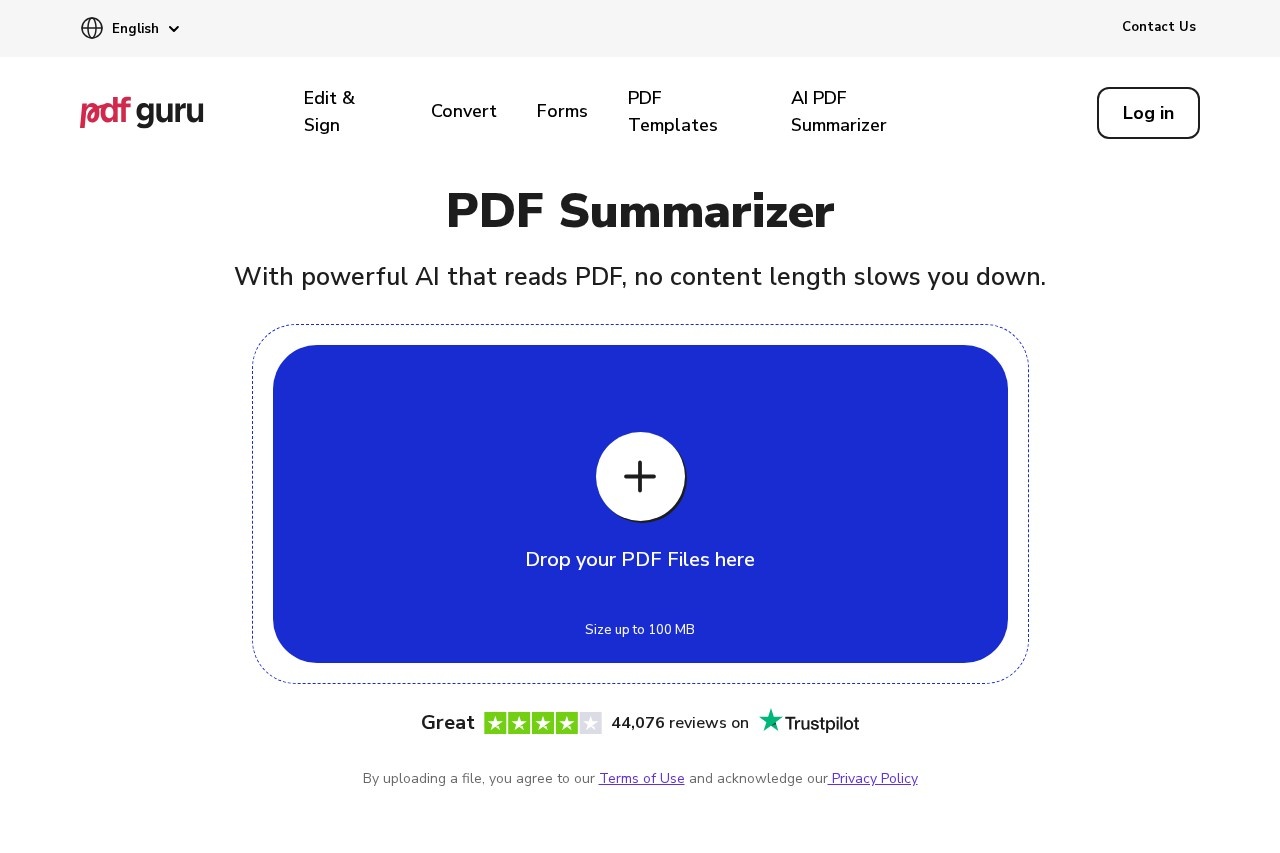
AI PDF Summarizer by PDF Guru is a browser-based tool that turns long PDF documents into short, structured summaries. It addresses a common problem: dense documents such as textbooks, research papers, contracts, and reports take hours to read, and this tool reduces that work to a summary of key points generated in seconds. It also provides an AI chat that answers questions about the uploaded document.
The tool is part of PDF Guru, a subscription-based online platform for editing, converting, compressing, translating, and signing documents. Users upload a file by drag and drop or a file picker, the AI reads it, and a summary appears; from there, the chat can translate, simplify, rephrase, or extract specific points. It accepts files up to 100 MB, handles scanned documents through OCR, and works without installing software.
Key Features
Pricing & Fees
- Pricing: Not publicly listed on the pages we reviewed; check the official site for current plans. The first summary and three chat questions are free.
- Free tier: New users get one free summary and three chat questions before a subscription is needed.
- Platform: Fully browser-based with no installation required; the site interface is available in more than 20 languages.
- Comparison: Unlike ChatGPT, which requires users to write and refine prompts, PDF Guru returns an instant structured summary; unlike Adobe Acrobat, it lets users pick the AI model for Q&A.
Who It's For
Students can condense textbook chapters and lecture notes into exam-ready reviews, while researchers can pull methods, findings, and conclusions out of academic papers. Lawyers and business professionals can get plain-language breakdowns of contracts, obligations, and key dates before signing. Teachers, writers, and general readers can use it for chapter-by-chapter book recaps or quick TL;DR versions of long articles and reports, then ask follow-up questions in the chat.
FAQ
Can I use the AI PDF Summarizer for free?Yes, the first summary and three chat questions are free; continued use requires one of PDF Guru's subscription plans.
Does it work on a phone or Mac?The tool runs in a browser, so it works on any device with a modern web browser, including Macs and phones, without installing software.
Can it summarize scanned PDFs?Yes, built-in OCR reads scanned documents as normal text, so image-based PDFs can be summarized.
How is it different from summarizing with ChatGPT?PDF Guru generates a one-click structured summary in bullet points and reads long files page by page, whereas ChatGPT requires user-written prompts and can truncate very long files.
Is it safe to upload documents?PDF Guru states that uploaded files are processed temporarily and stored securely, with details available in its Privacy Policy.
Related Tutorials
View all →
Related Tools
View all → ChatPDF ChatPDF is an AI tool that lets users chat with PDF documents, summarizing content, answering questions with citations, and translating text for students, researchers, and professionals.
  EaseUS ChatPDF EaseUS ChatPDF is a free online AI tool that lets users chat with PDF, Word, and PowerPoint files to ask questions, get summaries, translate content, and extract text from scanned documents.
  Presenton - AI Presentation Maker Create stunning presentations with AI, supporting PPTX export and more.
  Bige PPT - AI Presentation Maker ??PPT uses AI to automatically generate professional PowerPoint presentations. Simply input your topic and let the AI handle the design, saving you time and effort.
  super.AI Super.AI provides an AI platform for automating complex business processes with intelligent document processing.