
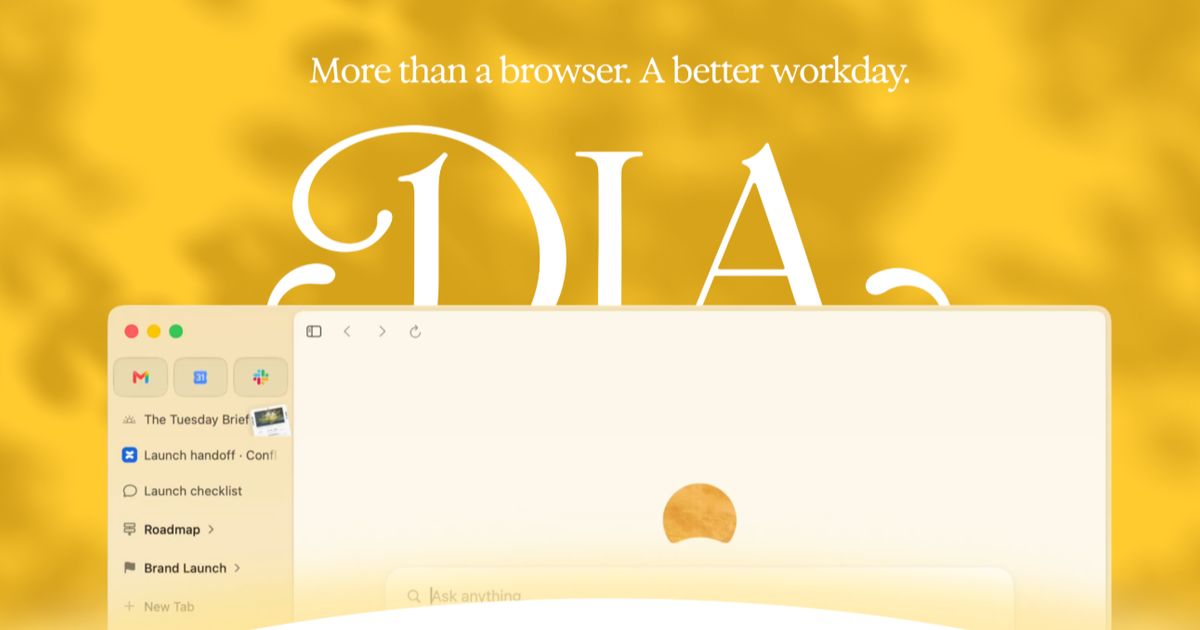
Dia is a free AI browser for macOS and Windows from The Browser Company that turns scattered tabs, tools, and meetings into an organized, focused workday.
About
Dia is an AI-assisted web browser built by The Browser Company of New York, the team behind the Arc browser. It is designed for people whose work is spread across dozens of tabs, chat threads, documents, and meetings, and who spend too much time hunting for context instead of using it. Dia's core idea is that the browser already holds most of your working context, so its AI can read across your tabs and connected tools to answer questions, summarize projects, and prepare your day.
At a high level, Dia combines a Chromium-based browser with an assistant that sits on top of everything you have open. It offers a Morning Brief with your calendar, inbox, and key links; it can pull information from tools like Slack, Notion, Microsoft Teams, and Google Workspace into shareable reports; and it includes work-oriented features such as profiles, split layouts, meeting preparation, and slide generation. A "Dia for Work" tier adds team administration controls.
Key Features
Pricing & Fees
- Pricing: Not publicly listed on the pages we reviewed; check the official site for current plans. The browser itself is offered as a free download.
- Platforms: Available for macOS and Windows.
- Privacy controls: Users choose whether Dia remembers preferences and which tools connect; data is not sold or used to build ad profiles, and Sync is end-to-end encrypted.
- Team edition: Dia for Work adds enterprise guardrails such as single sign-on (SSO) and admin tools.
- Built-in protection: Includes toggles for blocking trackers and ads, personalizing chats, memory, and content-data sharing.
Who It's For
Dia suits knowledge workers whose day is spread across many browser tabs and SaaS tools — for example, project managers pulling status from Notion and Slack, developers moving between GitHub pull requests and specs, and freelancers who need clean separation between client and personal contexts. It also fits anyone whose calendar is dominated by meetings, thanks to automatic meeting preparation and remembered split layouts. Teams with compliance needs can consider Dia for Work for SSO and administrative controls.
FAQ
What is Dia?Dia is an AI-assisted browser from The Browser Company of New York that reads across your tabs and connected work tools to provide answers, summaries, and prepared materials for your workday.
Is Dia free to use?The browser can be downloaded for free on macOS and Windows; pricing for the Dia for Work team tier is not publicly listed on the pages reviewed, so check the official site for details.
Which platforms and tools does Dia support?Dia runs on macOS and Windows and connects with tools including Slack, Notion, Microsoft Teams, Google Workspace, and GitHub.
How does Dia handle privacy?Users control whether Dia remembers preferences and which tools connect; the company states data is never sold or used to build ad profiles, and sync is end-to-end encrypted.
What does Dia for Work add?Dia for Work adds team-oriented controls such as single sign-on and admin tools for organizational security.
Related Tutorials
View all →
Related Tools
View all → OfoxAI One API for all LLMs. Access OpenAI, Claude, Gemini & 100+ models through a unified endpoint. OpenAI SDK compatible.
  MiniMax Agent: Smart Planning, Easy Travel - AI Travel Tool MiniMax is an AI chatbot that offers multimodal intelligent conversations to boost productivity and creativity.
  PaioClaw PaioClaw is a managed platform for running OpenClaw AI assistants with no server setup, offering 60-second deployment, one-click skills, and connections to apps like Slack, Gmail, and WhatsApp.
  Moimobi Moimobi is a desktop automation workspace that runs multi-account social media workflows across isolated AI browsers and Android cloud phones for teams.
  Town Town is a personal AI work assistant that connects to email, calendar, chat, and business apps to learn how you work and run recurring routines on your behalf.