
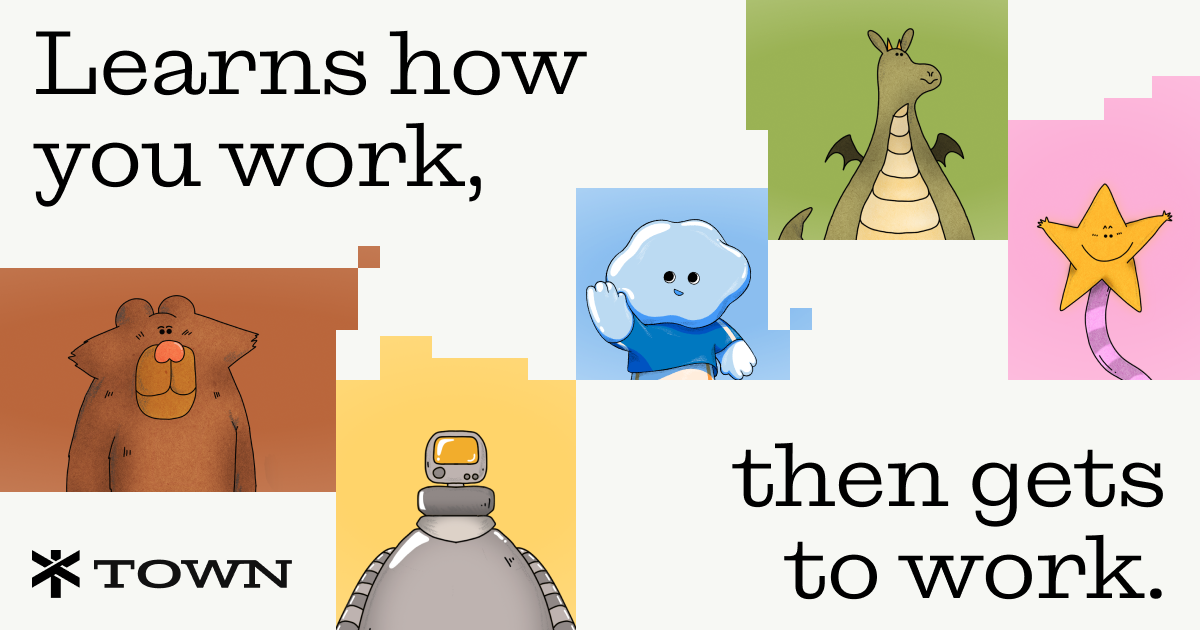
Town is a personal AI work assistant that connects to email, calendar, chat, and business apps to learn how you work and run recurring routines on your behalf.
About
Town is a personal AI assistant for work. Each user gets a "Townie" that connects to the tools their work already lives in — email inboxes, calendars, chat apps, documents, CRMs, and file storage — and learns the user's people, projects, and communication style over time. The product addresses a common problem: administrative work such as triaging email, scheduling, logging meeting notes, and updating project tools is repetitive and spread across many applications. Town centralizes that work under one assistant that can draft, summarize, and act across all of them, with outbound actions requiring user approval by default.
Town operates through "routines" — recurring, editable workflows the assistant runs on a schedule — as well as on-demand requests made by chat or text message. Town says connected data does not train a model by default and that the service is SOC2 Type 2 compliant. The company, which has announced $108 million in funding, offers apps for iPhone and Mac, plus integrations via MCP with a wide range of third-party tools.
Key Features
Pricing & Fees
- Pricing: Free forever plan; Starter at $15/month; Pro at $49/user/month billed annually; Power at $99/user/month billed annually; Power Plus at $199/user/month billed annually. Annual billing saves 20% versus monthly.
- Free tier: The Free plan includes a personal assistant across every channel, a weekly morning briefing, all integrations, and 30 chat messages per month, with a 7-day Pro trial on signup and no credit card required.
- Usage limits: Plans include monthly credits (1,250 on Starter up to 40,000 on Power Plus); usage beyond the allotment bills at a flat per-credit rate, and Pro and above support pay-as-you-go overage.
- Security: Town states that connected data is not used to train models by default and that it is SOC2 Type 2 compliant.
Who It's For
Town is aimed at professionals whose work is spread across many tools and who spend significant time on repetitive coordination. The company highlights use cases for business owners, recruiters, and sales teams: logging calls in a CRM, flagging stalled deals, summarizing long Slack threads, drafting email replies with calendar-aware scheduling, chasing overdue invoices, and organizing files. It also suits individual users such as investors or consultants who want a daily briefing, inbox triage, and meeting preparation handled for them. Teams can run assistants that collaborate with each other, and larger organizations can contact sales for Enterprise plans.
FAQ
What is Town?Town is a personal AI work assistant that connects to email, calendar, chat, documents, and business apps, learns the user's context, and runs recurring workflows with user approval for outbound actions.
Does Town have a free plan?Yes, Town offers a Free plan at $0 forever with 30 chat messages per month, a weekly morning briefing, and all integrations included, plus a 7-day Pro trial on signup.
How much does Town cost?Paid plans for individuals start at $15/month (Starter), with Pro at $49, Power at $99, and Power Plus at $199 per user per month billed annually; annual billing saves 20%.
What apps does Town integrate with?Town integrates with Gmail, Google Workspace, Outlook, Slack, Notion, Asana, Linear, GitHub, Salesforce, HubSpot, Zoom, Calendly, QuickBooks, Brex, Ramp, and others, and works with any MCP server.
Is Town private?Town states that nothing a user connects trains a model by default, that the service is SOC2 Type 2 compliant, and that outbound actions require explicit approval with per-tool controls and audit logs.
Related Tutorials
View all →
Related Tools
View all → OfoxAI One API for all LLMs. Access OpenAI, Claude, Gemini & 100+ models through a unified endpoint. OpenAI SDK compatible.
  MiniMax Agent: Smart Planning, Easy Travel - AI Travel Tool MiniMax is an AI chatbot that offers multimodal intelligent conversations to boost productivity and creativity.
  PaioClaw PaioClaw is a managed platform for running OpenClaw AI assistants with no server setup, offering 60-second deployment, one-click skills, and connections to apps like Slack, Gmail, and WhatsApp.
  EasyClaw EasyClaw is a native desktop AI agent app for Mac and Windows that wraps OpenClaw in a point-and-click interface, with a sandbox, zero-config setup, and one-click expert agents.
  CREAO CREAO is an AI agent platform that turns everyday conversations into scheduled, tool-connected agents that run business tasks 24/7 for small and medium teams.