
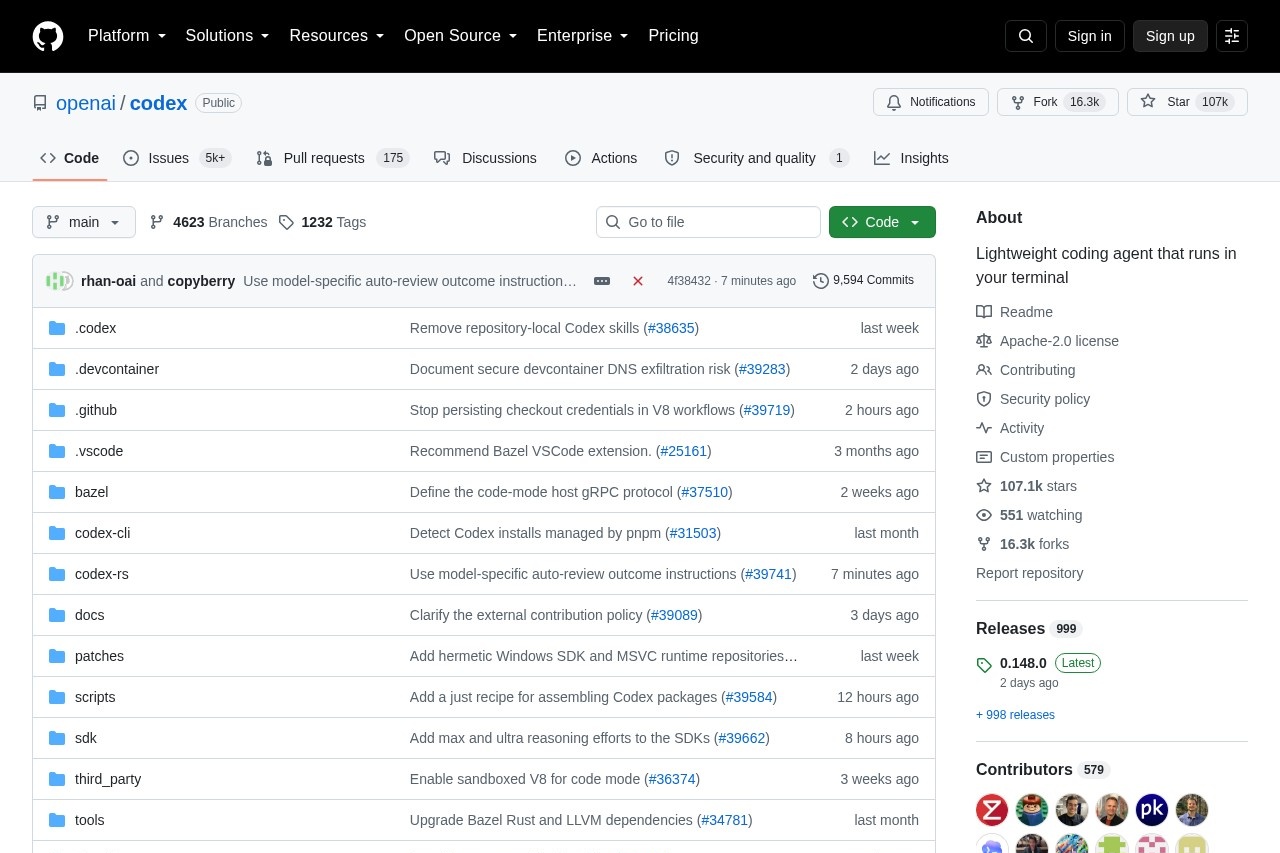
Codex is a lightweight coding agent that runs in your terminal, providing AI-powered coding assistance.
About
Codex is a lightweight coding agent that runs directly in your terminal. Developed by OpenAI, it offers intelligent programming assistance through a command-line interface, helping developers accomplish coding tasks more efficiently.
Unlike traditional AI coding tools that require a separate application or web interface, Codex lives where you already work: inside your terminal. This means you can ask questions, generate code, and resolve issues without ever leaving your command-line environment. The tool is designed to feel like a natural extension of your existing workflow, responding to requests expressed in everyday natural language and translating them into concrete programming help.
Key Features
Pricing & Fees
- Lightweight design: Simple installation, low resource usage, and no disruption to your development environment. Codex is built to stay out of your way, so you get AI assistance without the overhead of a heavy application running alongside your projects.
- Terminal integration: Seamlessly fits into your command-line workflow without switching tools. Because Codex operates directly in the terminal, you can keep your focus on a single environment—the same place where you run builds, manage files, and execute programs.
- Intelligent assistance: Leverages OpenAI's powerful language models for precise coding support. The same model technology behind OpenAI's AI systems drives Codex's understanding of both natural language and code, enabling relevant and accurate responses to your programming questions.
- Open source and free: Code is open source, free to use and modify. Developers can inspect how Codex works, adapt it to their own needs, and use it without licensing costs, making it accessible to individuals and teams alike.
Who It's For
Codex is suitable for all developers who use the terminal, from beginners to senior engineers. Each group can benefit in different ways:
- Beginners can use Codex as a learning companion, relying on its code explanation capabilities to understand unfamiliar concepts and see how working code is constructed.
- Experienced developers can use it to accelerate routine work, offloading code generation and completion so they can focus on higher-level design and problem solving.
- Learners and explorers can treat it as an interactive aid for studying code, asking questions about logic and structure as they read through projects.
It is an ideal assistant for those needing rapid prototyping, code learning, or improving daily coding efficiency. Whether you are sketching out a quick idea, deciphering a complex piece of existing code, or simply trying to get through your everyday programming tasks faster, Codex offers terminal-native AI support that keeps you productive without interrupting your workflow.
Related Tutorials
View all →
Related Tools
View all → CodeBuddy - AI-Powered IDE for Efficient Coding CodeBuddy is an AI-driven IDE that boosts coding efficiency with intelligent assistance.
  RTK - Rust Token Killer RTK reduces Claude Code token usage by 60-90%, measured across 2,900+ real commands. Removes 89% avg noise, extends sessions 3x, zero config. MIT licensed.
  Code-review-graph - Local Code Intelligence for MCP Persistent local code graph for token-efficient AI code review through MCP and CLI. 8.2x avg context reduction, 30 MCP tools, local-first by default.
  Caveman - Reduce Token Usage by 65% Caveman optimizes AI prompts to cut token usage by 65%, saving costs. Compatible with Claude Code, Cursor, Windsurf, Cline, and 30+ agents. GitHub 74k+ stars.
  CodeBuddy - AI IDE & Assistant CodeBuddy is an AI-driven IDE and assistant that simplifies coding, offering intelligent features to boost developer efficiency.