
AskingTips is a free browser-based studio for editing video, audio, and GIFs — compress, trim, convert, crop, and merge files up to 50 MB with no signup required.
About
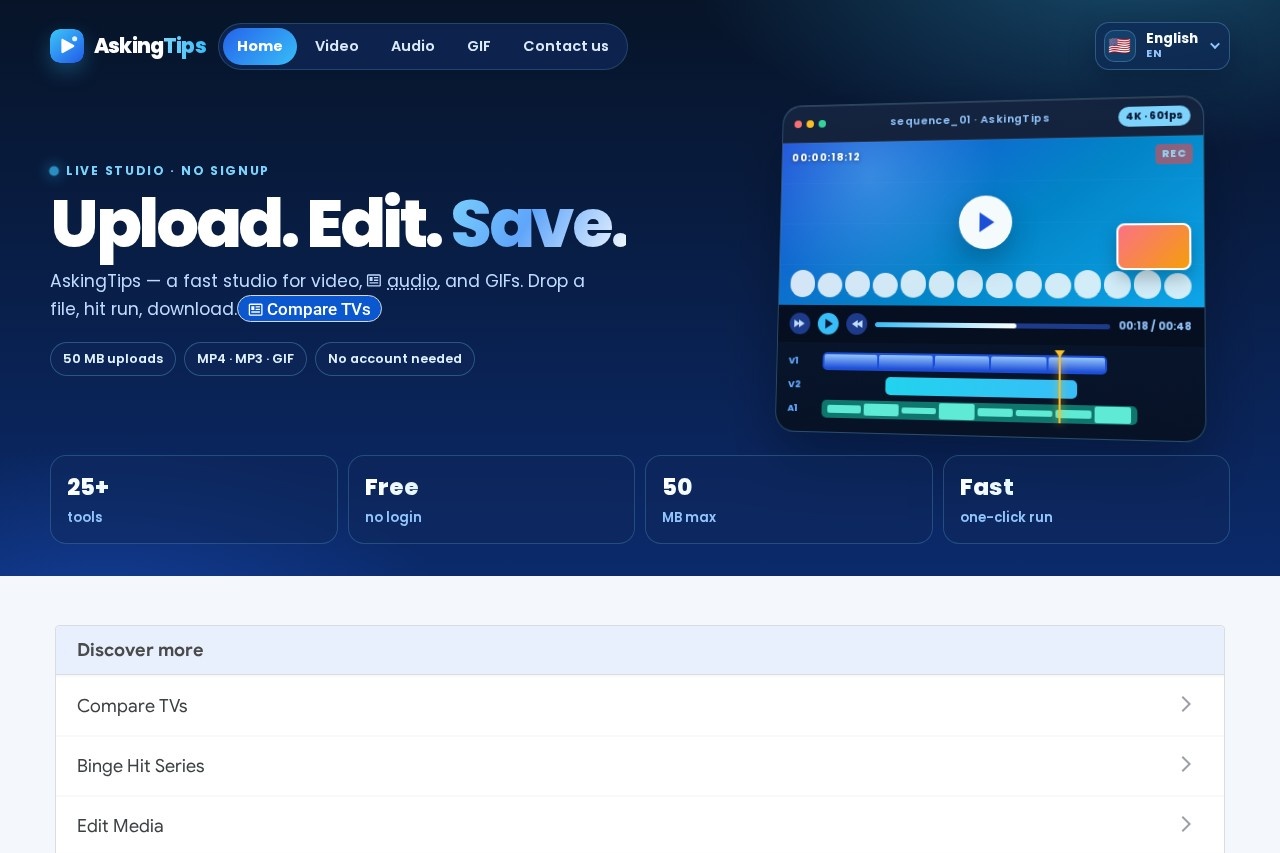
AskingTips is a free online editing studio for video, audio, and GIF files that runs entirely in a browser. It solves the common problem of needing one small edit — shrinking a video for WhatsApp, extracting an MP3 from a clip, cropping for TikTok — without installing desktop software or creating an account. The site describes itself with a simple workflow: upload, edit, save.
The service offers more than 25 single-purpose tools, each handling one task such as compressing, converting, trimming, merging, cropping, rotating, or muting video, plus audio utilities like cutting, merging, and volume adjustment, and GIF tools for creating, converting, and compressing animated images. Supported uploads include common formats like MP4, MOV, WEBM, MKV, MP3, WAV, M4A, and GIF, with a 50 MB limit per file. The interface is available in multiple languages, including English, Spanish, French, German, Portuguese, Hindi, Arabic, Chinese, Japanese, and Russian.
Key Features
Pricing & Fees
- Pricing: The site presents its tools as free with no account required; no paid plans appear on the pages reviewed.
- File size limit: Each upload can be up to 50 MB; longer clips, higher resolutions, and GIF exports take more processing time.
- Signup: No registration is needed — users open a tool, upload a file, run the edit, and download the result.
- Privacy: Files are processed for the requested edit and temporary storage is cleaned up automatically, according to the site's FAQ.
Who It's For
AskingTips suits social media creators who need quick format fixes for TikTok, Reels, Shorts, Slack, or Discord, and casual editors who want to trim, crop, or compress a clip without installing software. Podcasters and voice-note users can cut, merge, and adjust audio volume in the browser. It also works for everyday tasks such as extracting an MP3 from a video, converting a GIF to MP4, or shrinking a file to fit an email attachment — all under 50 MB per upload.
FAQ
Is AskingTips free to use?Yes. Every tool on askingtips.com can be opened, run, and downloaded from at no cost, with no account required.
Which file formats does AskingTips support?Common formats including MP4, MOV, WEBM, MKV, MP3, WAV, M4A, and GIF are supported; each tool page lists the exact accepted types.
Is there a file size limit?Yes, each upload can be up to 50 MB. Larger files and GIF exports take longer to process, and the site suggests 720p or shorter clips for faster results.
Does AskingTips keep uploaded files?No. Files are processed for the requested edit, and temporary storage is cleaned up automatically.
Can I make a split screen video?Yes. The Split screen video tool accepts two clips and produces side-by-side, stacked, or picture-in-picture output that can be downloaded as a video.
Related Tutorials
View all →
Related Tools
View all → Clideo Clideo is a browser-based platform for editing videos, images, and GIFs, offering tools for compression, subtitles, resizing, translation, and conversion with a free plan.
  MindVideo AI MindVideo AI is an AI-powered video generation tool that creates videos from text or images, offering a seamless and creative video production experience.
  AI Content Generator An AI-powered content generator that produces high-quality text for various purposes. It leverages AIGC to create engaging articles, posts, and more.
  MiniMax AI Video Generator MiniMax is an AI video generator that produces high-quality videos from text prompts, streamlining video creation.
  Best Free AI Photo Editor & Video Generator Online | YouCam YouCam offers free AI-powered photo editing and video generation tools for creative projects.