
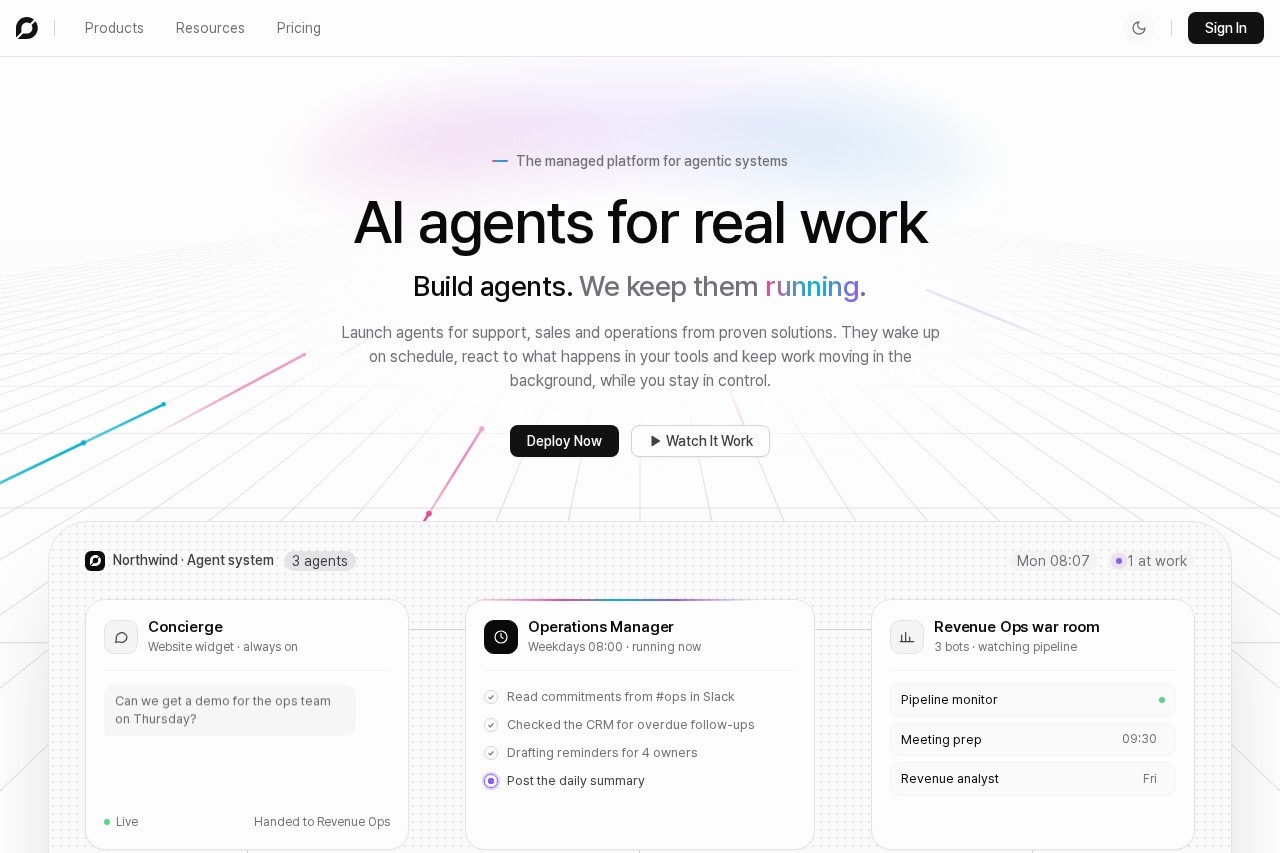
ChatBotKit is a managed platform for building, deploying, and operating AI agents that handle support, sales, and operations tasks across web and messaging channels.
About
ChatBotKit is a platform for building and running AI agents that complete real work for support, sales, and operations teams. It addresses a common problem: inbound requests, lead follow-up, and repetitive operational tasks accumulate faster than human teams can process them, and each new channel adds another inbox to staff.
Users describe a job in plain language, optionally start from a prebuilt blueprint such as an Operations Manager Agent or a WhatsApp Commerce Concierge, and connect the agent to tools like Slack, a CRM, email, and Zendesk. ChatBotKit then runs the agent on schedules or triggers, deploys it across channels including website widgets, Slack, Discord, WhatsApp, and Telegram, and provides observability, content filtering, and approval policies so teams stay in control. The company reports more than 50,000 businesses and builders using the platform. Developers can also work with SDKs for Node.js, React, and Next.js, plus a REST API and Model Context Protocol support, and can choose AI models from vendors including OpenAI, Anthropic, Google, and Meta.
Key Features
Pricing & Fees
- Pricing: Subscription plans start at $25/month (Basic, 5 bots, 1K conversations), $65/month (Pro, 25 bots, 10K conversations), and $365/month (Scale, 100 bots, 50K conversations); a free trial is offered on Pro.
- Computers add-on: Persistent Linux shell and desktop machines for agents are available on Pro Plus plans and above.
- Audit and logs: Audit trail retention ranges from 30 days on Basic to 90 days on Pro, with event log export on higher tiers.
- Whitelabel option: Businesses can deploy chatbots under their own brand through the whitelabel offering.
Who It's For
ChatBotKit suits support leads who want agents that resolve tickets proactively in Zendesk, sales and revenue operations teams that need 24/7 lead qualification and booking, and marketers who want scheduled campaign reports delivered to Slack. It also fits developers building multi-tenant chat applications and enterprises that need internal chat tools with search over company data. Small teams can start from a working blueprint rather than designing an agent from scratch.
FAQ
What is ChatBotKit?ChatBotKit is a managed platform for building, deploying, and operating AI agents that complete support, sales, and operations tasks using a company's data and tools.
How much does ChatBotKit cost?Paid subscriptions start at $25/month for Basic, $65/month for Pro, and $365/month for Scale, with a free trial available on the Pro plan.
Which channels and integrations does ChatBotKit support?Agents can be deployed to website widgets, Slack, Discord, WhatsApp, Telegram, and custom apps, with connections to tools such as CRM systems, email, Zendesk, and knowledge bases.
Do you need to write code to use ChatBotKit?No; agents can be built in a visual designer using plain-language descriptions, though developers can also use SDKs and a REST API for code-first work.
How does ChatBotKit handle security and privacy?The platform includes content filtering, personal data protection, compliance controls, audit trails, and human-approval policies for sensitive actions such as payments.
Related Tutorials
View all →
Related Tools
View all → DeepEval by Confident AI - LLM Evaluation Framework Open-source LLM evaluation framework with 50+ plug-and-play metrics for AI agents, RAG, chatbots, and more.
  Zapier Zapier is a no-code AI orchestration platform that connects more than 9,000 apps so teams can build automated workflows, AI agents, and chatbots without writing code.
  imini - AI Assistant iMini AI is a versatile AI assistant that helps with various tasks, from answering questions to generating content. It's designed to boost productivity and creativity.