
Cartoonize is a web-based photo editor that turns photos into cartoons, sketches, and artwork in one click, with AI tools, filters, and a stock library for casual and social creators.
About
Cartoonize (cartoonize.net) is an online photo editor built around a single core promise: converting a photo into a cartoon, sketch, or artwork with one click. It addresses the common frustration that desktop photo editing software is complicated and slow for people who just want a stylized profile picture, avatar, or artistic version of a photo.
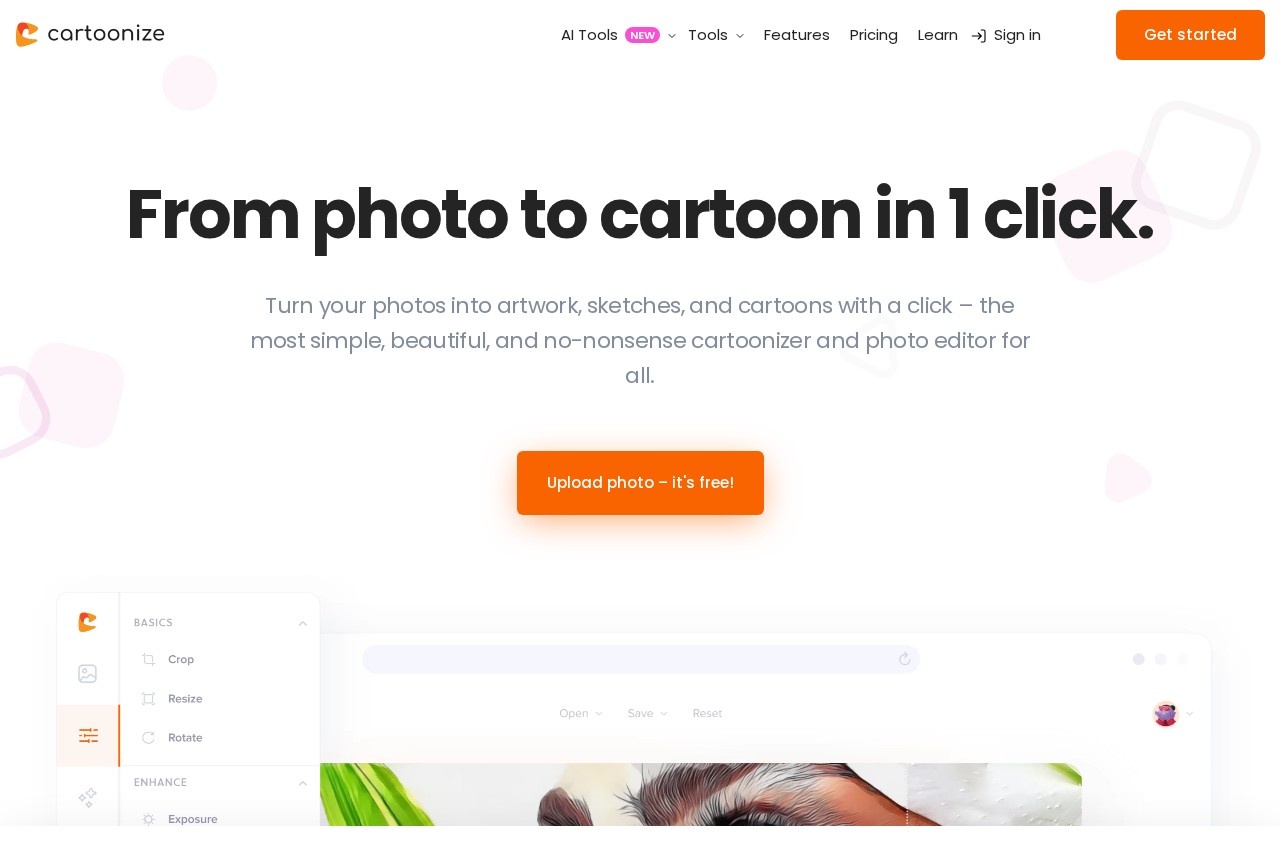
The workflow is simple: a user uploads a photo, applies a cartoonizer effect or one of many other filters, and refines the result with a built-in editor. Beyond cartoonization, Cartoonize offers AI-assisted utilities such as background removal, face restoration, image upscaling, inpainting, photo-to-anime conversion, and a prompt generator. The site also provides a library of stock photos, graphics, and icons, layer-based editing, and export options up to 400 DPI. A free Basic account requires no registration, and a Pro subscription unlocks premium effects, higher-resolution exports, and full graphic collections. The service runs in a browser and offers a companion mobile app for iOS and Android.
Key Features
Pricing & Fees
- Pricing: A free Basic account requires no registration; the Pro plan costs $9.99 per month or $83.88 per year (about $6.99 per month billed annually). Subscriptions can be cancelled or switched at any time, though annual subscriptions are not refunded.
- Free tier: The Basic account gives access to many essential effects and features without sign-up.
- Platform availability: Works online in a browser, and projects can be resumed from anywhere; a free mobile app is available for iOS and Android.
- Pro benefits: Pro adds all premium effects, all graphic collections, unlimited projects, and higher-resolution export options.
Who It's For
Cartoonize is aimed at casual users and social media creators who want stylized avatars, profile pictures, memes, or Twitch banners without learning professional design software. It also suits hobbyists restoring or enhancing family photos, content makers producing collages and storyboards, and small businesses needing quick background removal or image conversion for everyday visuals. The no-signup free tier makes it approachable for beginners, while the Pro plan serves heavier users who need the full effects library and high-resolution exports.
FAQ
What is Cartoonize?Cartoonize is a browser-based photo editor that turns photos into cartoons, sketches, and artwork in one click, supplemented by AI tools such as background removal, upscaling, and face restoration.
Is Cartoonize free to use?Yes, a free Basic account requires no registration and includes many essential effects and features; a paid Pro plan unlocks premium effects, all graphics collections, and higher-resolution exports.
How much does Cartoonize Pro cost?Cartoonize Pro costs $9.99 per month, or $83.88 per year when billed annually (about $6.99 per month). Plans can be cancelled or switched at any time, but annual subscriptions are not refunded.
Does Cartoonize work on mobile devices?Yes, Cartoonize offers a free mobile app for iOS and Android that supports cartoonization, background removal, upscaling, face restoration, and HD export; the web version also works online and offline.
What file formats and export options does Cartoonize support?Cartoonize can compress and convert images between JPG, PNG, and PDF formats, and the web editor can export images at print quality up to 400 DPI.
Related Tutorials
View all →
Related Tools
View all → VSCO VSCO is a photography platform for capturing, editing, and sharing photos and video, with presets, AI editing tools, a creative community, and business tools for working photographers.
  BeautyPlus BeautyPlus is a free AI photo and video editing platform from Pixocial offering retouching, filters, background removal, image enhancement, and a browser-based photo booth.
  Hypic Hypic is an AI photo editor from ByteDance that turns everyday selfies and photos into polished images with filters, retouching tools, templates, and one-tap AI effects. BeautyCam BeautyCam is a mobile AI photo and video editing app from Meitu that offers retouching, filters, camera simulations, and AI tools for selfie and portrait creation.
  SNOW SNOW is a camera and photo/video editing app from SNOW Corporation that lets users capture, enhance, and share everyday moments with creative effects and editing tools.