
BeautyCam is a mobile AI photo and video editing app from Meitu that offers retouching, filters, camera simulations, and AI tools for selfie and portrait creation.
About
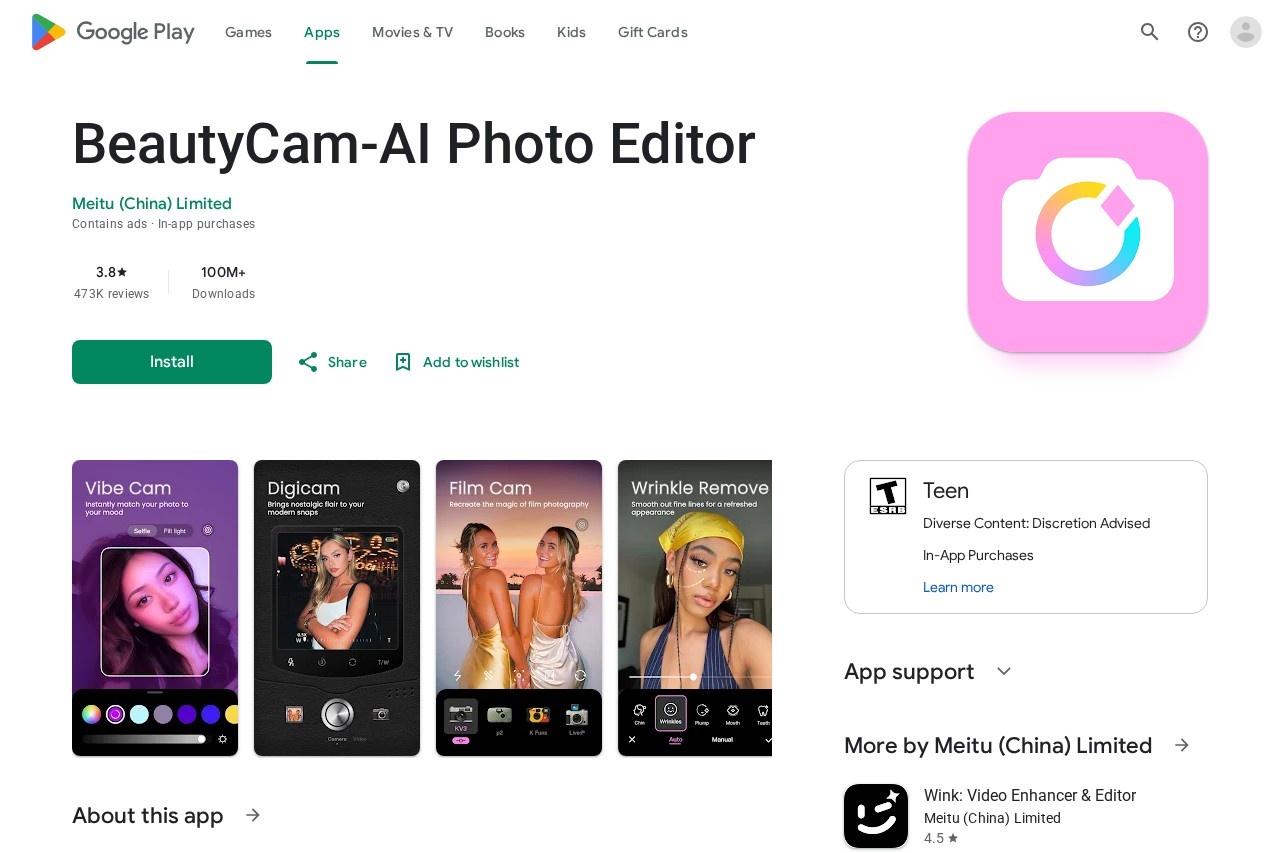
BeautyCam is an AI photo editor and camera app developed by Meitu (China) Limited and distributed on Google Play. It addresses a common problem for mobile users: phone photos often need retouching, better lighting, or stylistic treatment before they are worth sharing, and dedicated cameras or editing software are expensive and complicated. BeautyCam bundles camera capture, portrait retouching, and AI editing tools in one Android app.
The app works by applying AI-driven detection to faces and scenes, then offering automated adjustments such as skin smoothing, makeup, body-slimming, object removal, and photo restoration. It also simulates the look of specific hardware — DSLRs, vintage digital cameras, film cameras, and iPhone-style shots — through software filters. Alongside still-image editing, it includes video features such as a teleprompter and in-video portrait beautification. The listing shows more than 100 million downloads on Google Play, with a rating around 3.8–3.9 stars from roughly 454,000–473,000 reviews. The app is rated Teen, contains ads, and offers in-app purchases, including a VIP membership.
Key Features
Pricing & Fees
- Pricing: Not publicly listed on the pages we reviewed; check the official site for current plans. The app is free to install with ads and in-app purchases, including a paid VIP membership.
- Availability: Distributed for Android through Google Play, with more than 100 million downloads and a Teen content rating.
- Data practices: According to the Google Play data safety section, the app may share device or other IDs with third parties, collects personal info and app activity among other data types, encrypts data in transit, and supports deletion requests.
- User sentiment: Reviews are mixed; long-term users praise the editing tools while some complain about subscription cost, ads shown to VIP subscribers, and occasional crashes.
Who It's For
BeautyCam is aimed at everyday smartphone users who take selfies or portraits and want quick, automated editing without professional software. That includes social media creators preparing posts, people who enjoy experimenting with makeup, hairstyles, and outfit changes virtually, users restoring older or blurry photos, and anyone who likes the aesthetic of film or DSLR cameras without owning the hardware. Its video features also suit creators who record spoken content and want on-camera touch-ups.
FAQ
What is BeautyCam?BeautyCam is an AI photo and video editing app by Meitu (China) Limited, available on Google Play, offering retouching, filters, camera simulations, and AI editing tools.
Is BeautyCam free?The app is free to download and use, but it contains ads and offers in-app purchases, including a VIP membership; detailed pricing is not published on the pages reviewed.
What platforms does BeautyCam run on?BeautyCam is available for Android devices through the Google Play store; the listing reviewed does not cover other platforms.
Can BeautyCam remove objects or restore old photos?Yes, the app includes AI Removal for deleting unwanted objects and an HD Quality Restoration feature for sharpening blurry images.
How does BeautyCam handle user data?Per its Google Play data safety disclosure, it may share device IDs with third parties, collects personal info and app activity, encrypts data in transit, and lets users request data deletion; full details are in Meitu's privacy policy.
Related Tutorials
View all →
Related Tools
View all → Faceu Faceu is a mobile selfie camera app known for real-time AR stickers and beauty filters, popular with casual photographers and social media sharers.
  VSCO VSCO is a photography platform for capturing, editing, and sharing photos and video, with presets, AI editing tools, a creative community, and business tools for working photographers.
  Cartoonize Cartoonize is a web-based photo editor that turns photos into cartoons, sketches, and artwork in one click, with AI tools, filters, and a stock library for casual and social creators.
  Hairstyle AI Hairstyle AI is a virtual try-on tool that uses AI to generate photorealistic hairstyles from your selfies, helping men and women preview haircuts before visiting a salon.
  BeautyPlus BeautyPlus is a free AI photo and video editing platform from Pixocial offering retouching, filters, background removal, image enhancement, and a browser-based photo booth.