
An online OCR tool from Card Scanner that converts physical business cards into digital contacts in vCard, CSV, or Excel format, aimed at sales, marketing, and HR professionals.
About
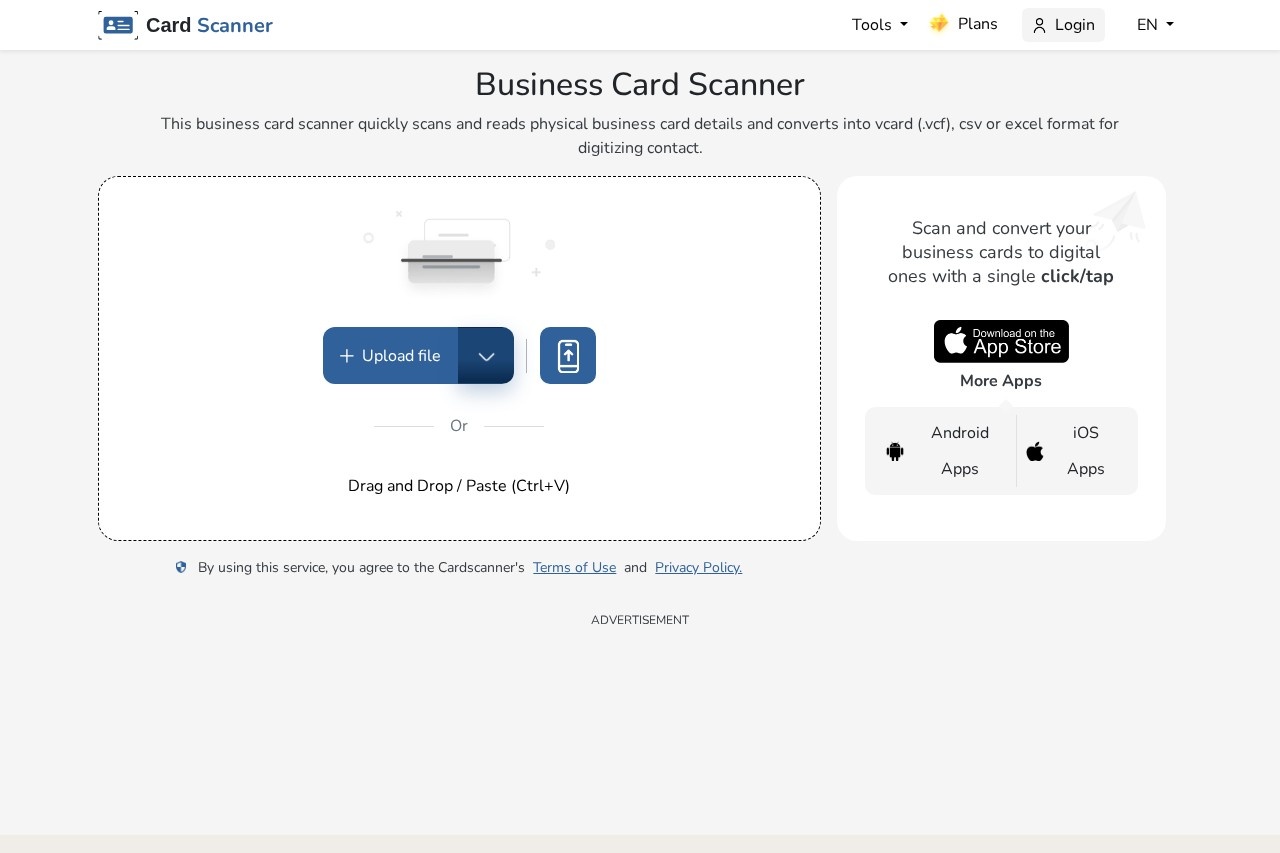
Business Card Scanner is a web-based tool from Card Scanner that turns photographed or scanned business cards into structured digital contacts. Instead of typing names, phone numbers, email addresses, job titles, companies, and physical addresses by hand, users upload card images and let the tool extract the details automatically.
The service relies on AI-based optical character recognition (OCR) to read card text, including cards with complex layouts or non-Latin scripts. After extraction, results can be exported as vCard (.vcf), CSV, or Excel files and imported into contact management systems. The tool runs entirely in a browser, supports batch uploads from local storage, URLs, or Dropbox, and is part of a broader Card Scanner suite that includes converters such as image-to-text, PDF-to-Excel, invoice OCR, passport OCR, and ID card OCR.
Key Features
Pricing & Fees
- Pricing: Freemium with paid plans; a Lite plan is listed at USD 7.99/month (billed USD 69.88 annually) with 500 scans per month, and a Pro plan at USD 14.99/month with 1,500 scans per month, both covering the full Card Scanner tool suite. Confirm current terms on the official site.
- Free browser-based access: The scanner can be used online without installing an app, and mobile apps for Android and iOS are also offered.
- API available: A separate API plan tier and API documentation are available for programmatic use.
- Plan limits: Paid tiers cap file size at 30 MB and remove ads; higher tiers add more scans, credits, and multiple export formats.
Who It's For
The tool is aimed at professionals who collect large numbers of business cards and want to avoid manual data entry. Sales and marketing teams can digitize leads gathered at meetings, trade shows, and expos. Entrepreneurs can keep a tidy database of investors, partners, and clients. Event planners can consolidate vendor and attendee contacts, HR staff can record candidate and partner details with fewer errors, and real estate agents can quickly capture client information while in the field.
FAQ
What is Business Card Scanner?It is an online OCR tool from Card Scanner that reads physical business cards and converts their contact details into vCard (.vcf), CSV, or Excel formats.
Is Business Card Scanner free to use?The tool can be used in a browser for free, with paid subscription plans (starting at a listed USD 7.99/month Lite tier) that add more scans, larger files, batch options, and an ad-free experience.
Do I need to install an app to use it?No, it runs in a web browser; optional Android and iOS apps are also available, along with an API for developers.
What file formats can I export scanned contacts to?Extracted contact data can be exported as vCard (.vcf), CSV, or Excel files for import into contact management systems.
Does the service keep my uploaded business cards?The vendor states that uploaded and converted files are not stored and are deleted from its servers immediately after conversion.
Related Tutorials
View all →
Related Tools
View all → Image to Text Converter A free online OCR tool that extracts editable text from images, scans, and screenshots in multiple languages, with paid plans for batch conversion and an API.
  LandingAI LandingAI provides Agentic Document Extraction (ADE), a set of vision-based APIs that convert complex enterprise documents into accurate, auditable structured data for automation pipelines.
  Imagetotext.me Imagetotext.me is a free online OCR tool that extracts editable text from images, screenshots, and handwritten notes, with paid plans for bulk and faster conversion.
  OLOCR OLOCR is a free online AI OCR tool that extracts text and tables from images, PDFs, and GIFs and exports them as Excel, Word, searchable PDF, or plain text in over 100 languages.
  AI OCR Extract text from images and convert to editable Word documents with AI-powered OCR.