
AI desktop software that upscales low-resolution video to HD, 4K, and 8K while reducing noise, restoring faces, and stabilizing footage for creators and archivists.
About
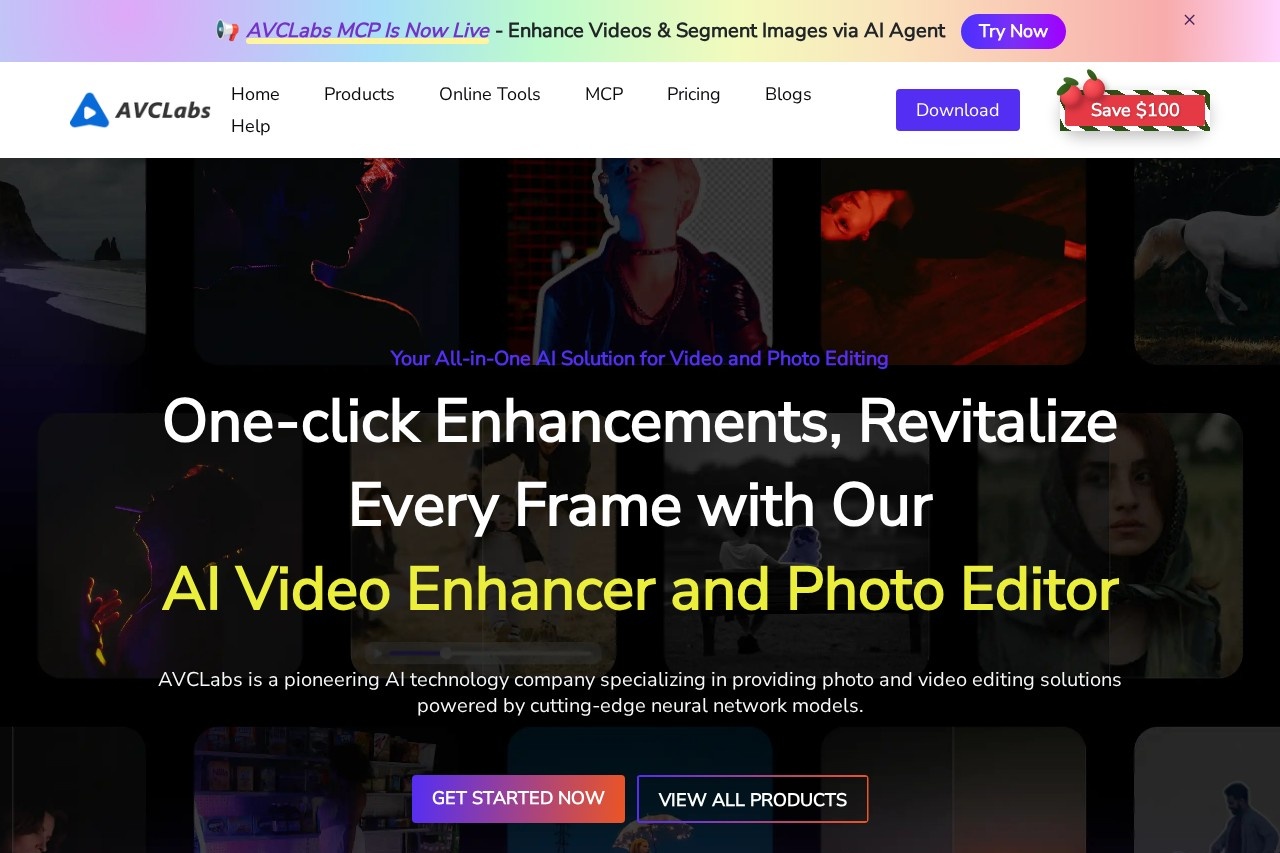
AVCLabs Video Enhancer AI is desktop software from AVCLabs, a company specializing in AI-driven photo and video editing tools. It addresses a common problem: old, low-resolution, or noisy footage that looks poor on modern high-definition displays. Instead of manual editing, the software applies deep-learning neural networks to improve video quality automatically.
Users import a clip, choose an enhancement option such as upscaling or face restoration, and let the AI process each frame. The software can upscale footage to HD, 4K, or 8K, reduce blur and noise, restore facial detail, stabilize shaky shots, blur selected objects, and remove watermarks. It runs on Windows and Mac, and AVCLabs also offers a cloud version (Video Enhancer Cloud) for machines without strong local hardware. A free download is available for evaluation before purchase.
Key Features
Pricing & Fees
- Pricing: Video Enhancer AI is listed at $39.95/month; a Video Enhancer AI + Photo Enhancer AI bundle is offered with savings up to $189.90.
- Free download: AVCLabs provides a free download for its desktop products so users can try them before buying.
- Platforms: The desktop software runs on Windows and Mac; a cloud-based version handles upscaling remotely.
- Related tools: AVCLabs also sells Video Blur AI ($39.95/month), Photo Enhancer AI ($19.95/month), PhotoPro AI, and Any Video Converter.
Who It's For
AVCLabs Video Enhancer AI suits video editors and content creators who need to raise the quality of low-resolution footage for publishing. It is also a practical choice for families archiving old home movies, since the face-restoration and noise-reduction features are aimed at dated recordings. E-commerce sellers can use it to sharpen product demonstration videos, and anyone handling sensitive footage can apply automatic blurring to faces or license plates before sharing.
FAQ
What is AVCLabs Video Enhancer AI?It is a Windows and Mac desktop application that uses deep-learning models to upscale low-resolution videos to HD, 4K, or 8K and improve clarity, faces, and stability.
How much does AVCLabs Video Enhancer AI cost?The pricing page lists Video Enhancer AI at $39.95/month, with a discounted bundle that combines it with Photo Enhancer AI. A free trial download is available.
Does it work on computers without a strong GPU?Yes — AVCLabs offers Video Enhancer Cloud, a cloud-based upscaling service listed at $9.95/month that processes video remotely, so heavy local hardware is not required.
Can it remove watermarks or blur faces?Yes, the software supports watermark and logo removal as well as blurring of selected objects; AVCLabs Video Blur AI is a dedicated product for automatic face and license-plate blurring.
Is it different from AVCLabs Photo Enhancer AI?Yes — Video Enhancer AI processes video files, while Photo Enhancer AI ($19.95/month) is a separate product for upscaling, denoising, and restoring still photos.
Related Tutorials
View all →

Related Tools
View all → TensorPix TensorPix is a web-based AI studio that enhances and upscales videos and images in the browser, aimed at creators, archivists, and marketers improving older or low-resolution footage.
 Video Upscaler Video Upscaler is an AI tool that enhances blurry video footage and exports sharper HD or 4K results online. AI may fill in plausible-looking details, so check the output for your use case.
 Topaz Video AI AI video enhancement software from Topaz Labs that upscales footage, interpolates frames, converts SDR to HDR, and restores detail for filmmakers and video professionals.
 Wondershare UniConverter 18 Wondershare UniConverter 18 is an all-in-one AI video toolkit for Windows and Mac that converts, compresses, enhances, and records 4K/8K video in over 1,000 formats.
 Wink: Video Enhancer & Editor Wink is an AI video and photo enhancement app by Meitu that upscales clips to 4K, restores old footage, unblurs photos, and retouches portraits on Android.