
Autoppt is an AI presentation generator that turns a typed topic or an uploaded document into a designed PowerPoint deck, with templates, online editing, and export.
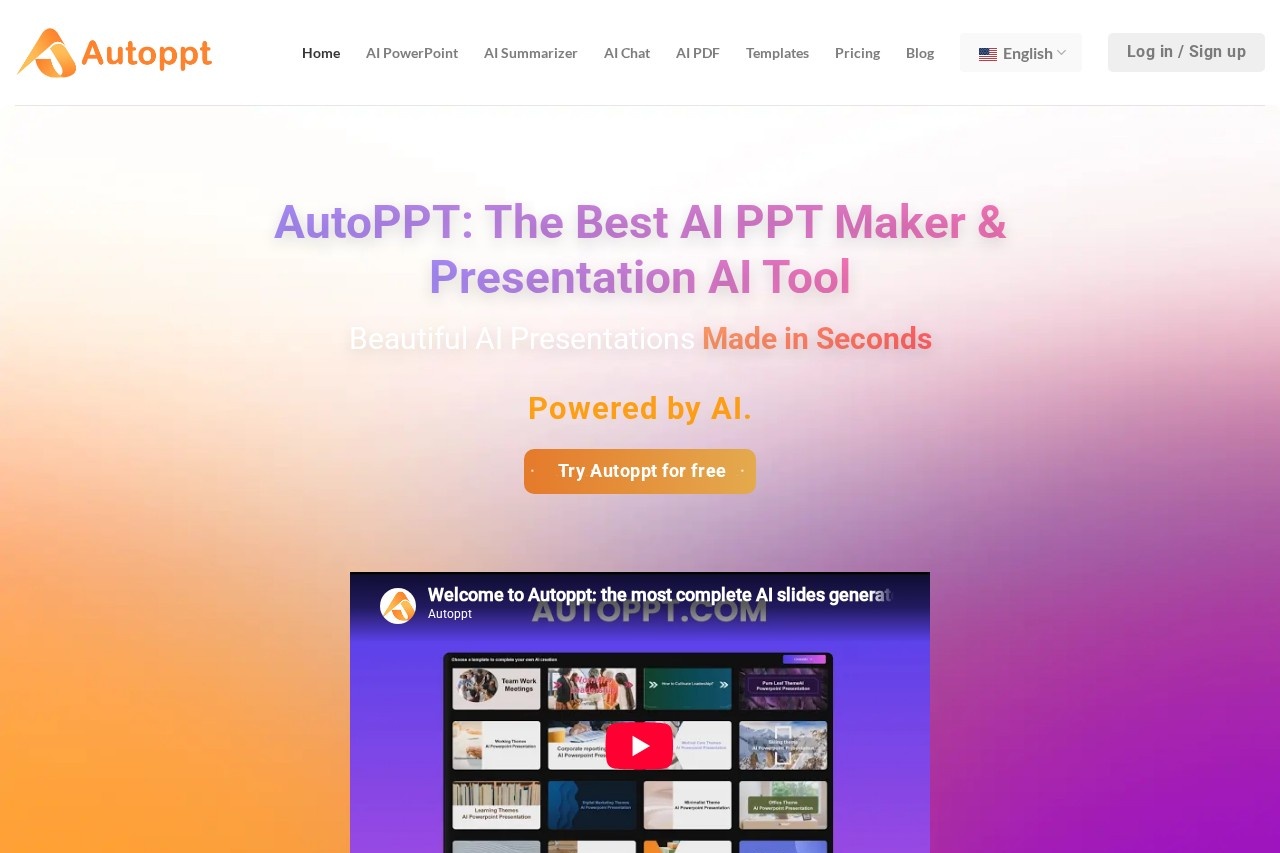
About
Autoppt is a web-based AI presentation generator that builds PowerPoint-style slide decks from a short text prompt or an uploaded document. It addresses a common bottleneck: turning an idea or an existing file into a finished, presentable deck usually takes hours of formatting and design work. Autoppt automates that step so the user spends time on content rather than layout.
The workflow is deliberately simple. A user types a topic or uploads a file (supported formats include PDF, Word, TXT, Excel, PPT, and JPG), picks one of the available themed templates, and the service generates a complete deck. Slides can then be edited in an online editor—fonts, colors, and tables—and exported as a PowerPoint file or shared through a link. Autoppt supports input and output in more than 100 languages, and a subscription tier adds extras such as PDF summarization, an AI chat feature, and AI mind mapping.
Key Features
Pricing & Fees
- Pricing: Not publicly listed on the pages we reviewed; check the official site for current plans.
- Free trial: Autoppt offers a free trial and access to a set of free online office tools; document upload and PDF-to-presentation generation are tied to the paid Pro plan.
- Payment options: The site accepts credit/debit cards, PayPal, and additional methods (including Google Pay and Amazon Pay) through the FastSpring payment platform; card processing is handled by a PCI Service Provider Level 1 certified provider.
- Subscriptions: No extra charges beyond the subscription fee, though plans renew automatically unless cancelled; subscriptions can be cancelled at any time by contacting support.
Who It's For
Autoppt suits anyone who builds slide decks regularly but lacks design skills or time. Typical users include business professionals preparing meeting decks and work summaries, students and teachers creating study reports and lesson material, and consultants or marketers who need to convert existing Word or PDF reports into presentable form. The multilingual support also makes it practical for teams working across languages, and the free trial lowers the barrier for first-time users who want to test the generator before subscribing.
FAQ
What is Autoppt?Autoppt is an online AI presentation generator that creates PowerPoint-style slides from a typed topic or from uploaded documents such as PDF and Word files.
Does Autoppt have a free plan or trial?Yes, Autoppt offers a free trial along with several free online office tools; advanced features like PDF upload and AI-driven PowerPoint generation require a paid subscription.
Which file formats can Autoppt convert into slides?It accepts PDF, Word, TXT, Excel, PPT, and JPG files and converts them into AI-generated presentations, with export back to PowerPoint format.
How much does Autoppt cost?Specific prices are not publicly listed on the pages reviewed; plan details are available on the official Autoppt pricing page.
Is payment on Autoppt secure?Card payments are processed through FastSpring, a PCI Service Provider Level 1 certified provider, and PayPal payments are handled by a licensed credit institution regulated in Luxembourg.
Related Tutorials
View all →

Related Tools
View all → SlidesGPT SlidesGPT is an AI presentation generator that turns text prompts, articles, and PDFs into PowerPoint, Google Slides, and PDF decks for students, teachers, consultants, and business teams.
 Free AI PPT Maker & Presentation Creator - AiPPT Create stunning presentations in minutes with AiPPT. Our AI-powered maker turns your content into professional PowerPoint & Google Slides decks. Try it free!
 SlidesAI Turn text into professional slides for PowerPoint and Google Slides.
 Plus AI Plus AI is an AI presentation maker that works directly inside PowerPoint and Google Slides, helping professionals create, edit, and reformat slides from prompts or files.
 AI PPT Maker PPT.AI-The World's Best AI PPT Maker.Transform your ideas into professional presentations in minutes,saving 95% of creation time.