
AutoPod is a plug-in pack for Adobe Premiere Pro that automates video podcast editing, including multi-camera cuts, social clip creation, and silence-based jump cuts.
About
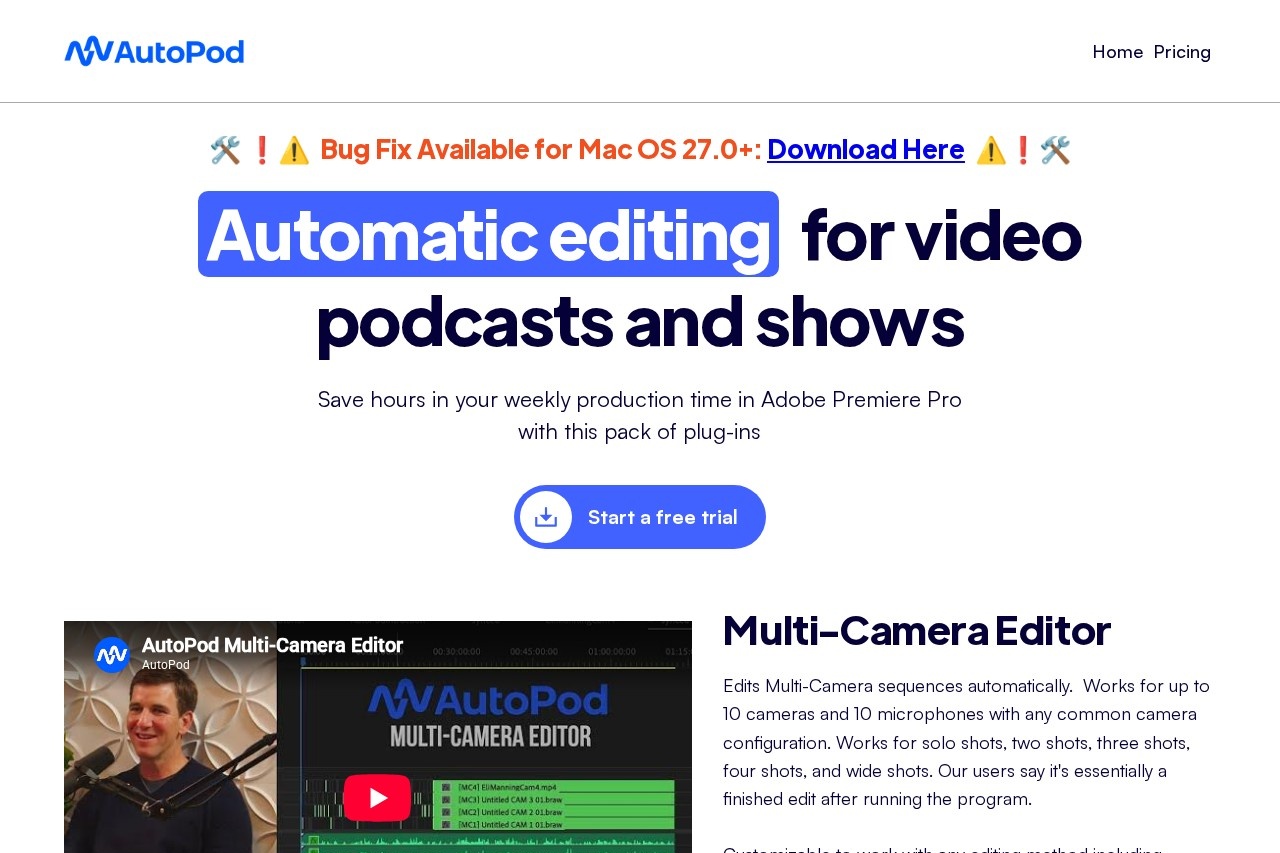
AutoPod is a collection of automation plug-ins for Adobe Premiere Pro built specifically for editing video podcasts and shows. It addresses a well-known pain point in podcast production: multi-camera programs recorded weekly generate hours of footage that normally require manual cutting, resizing, and clip preparation before publishing.
The suite works inside Premiere Pro (2023 or newer) as extensions rather than a standalone application. Its editing logic was trained on thousands of hours of podcast footage, so the Multi-Camera Editor makes cut decisions by analyzing who is speaking, the camera layout, and conventional editing patterns, similar to how a human editor would approach the timeline. The software is made by a team that describes itself as editors building tools for editors, and it focuses on automating repetitive tasks like camera switching, aspect-ratio conversions, and silence removal.
Key Features
Pricing & Fees
- Pricing: A single Individual plan costs $29 per month per license and includes all three plug-ins (Multi-Camera Editor, Social Clip Creator, and Jump Cut Editor).
- Free trial: Monthly subscriptions start with a 30-day free trial; annual billing includes one month free per year.
- Platform availability: Requires Adobe Premiere Pro 2023 or newer (a DaVinci Resolve version is also available); there are no versions for Final Cut Pro, Avid, or other NLEs, and none are planned.
- Licensing limit: Each license is tied to one computer, the machine where the key is first activated, though users can switch computers through the vendor's website.
- No enterprise tier: There is no enterprise pricing, but multiple keys can be purchased from the same email.
Who It's For
AutoPod is aimed at video podcast producers and show editors who publish regular multi-camera episodes and want to cut down weekly editing time. Typical users include YouTube talk-show teams, interview-format creators, and production houses handling recurring podcast clients. It suits workflows with multiple speakers and separate audio tracks, since the Multi-Camera Editor needs distinct audio per participant to make its cut decisions. Editors who produce short-form content for social platforms will also find the clip creator and jump cut tools useful for turning full episodes into vertical and square posts.
FAQ
What is AutoPod?AutoPod is a pack of automation plug-ins for Adobe Premiere Pro that edits multi-camera video podcasts, creates social media clips, and removes silence with jump cuts.
How much does AutoPod cost?The Individual plan is $29 per month per license and includes all three tools, with a 30-day free trial on monthly billing and one month free per year on annual billing.
Does AutoPod work with DaVinci Resolve or Final Cut Pro?AutoPod is available for Adobe Premiere Pro (2023 or newer) and DaVinci Resolve; the vendor states there are no plans to support Final Cut Pro, Avid, or other editing programs.
Can AutoPod edit a single-camera or single-speaker recording?No, the Multi-Camera Editor requires multiple cameras and separate audio tracks for each speaker to make its editing decisions.
Can one AutoPod license be used on multiple computers?No, each license works on a single computer, the machine where the key is first activated, and users can transfer it through the switch-computers page on the official site.
Related Tutorials
View all →
Related Tools
View all → Audo Studio Audo Studio provides AI-powered audio editing tools for YouTubers and podcasters to enhance sound quality effortlessly.
  Descript Descript is an AI audio and video editor that lets creators and teams record, transcribe, and edit content by editing text, then publish and repurpose it everywhere.
  FireCut FireCut is an AI video editing plugin that runs inside Adobe Premiere Pro and DaVinci Resolve, automating silence removal, captions, zoom cuts, chapters and podcast editing.
  Wisecut Wisecut is an AI video editing web app that turns long videos and livestreams into captioned short clips for TikTok, Reels and YouTube Shorts, with automated publishing.
  Choppity Choppity is an AI video editor that turns podcasts and long-form videos into 30+ short clips with captions, framing, and direct posting to TikTok, Reels, and Shorts.