
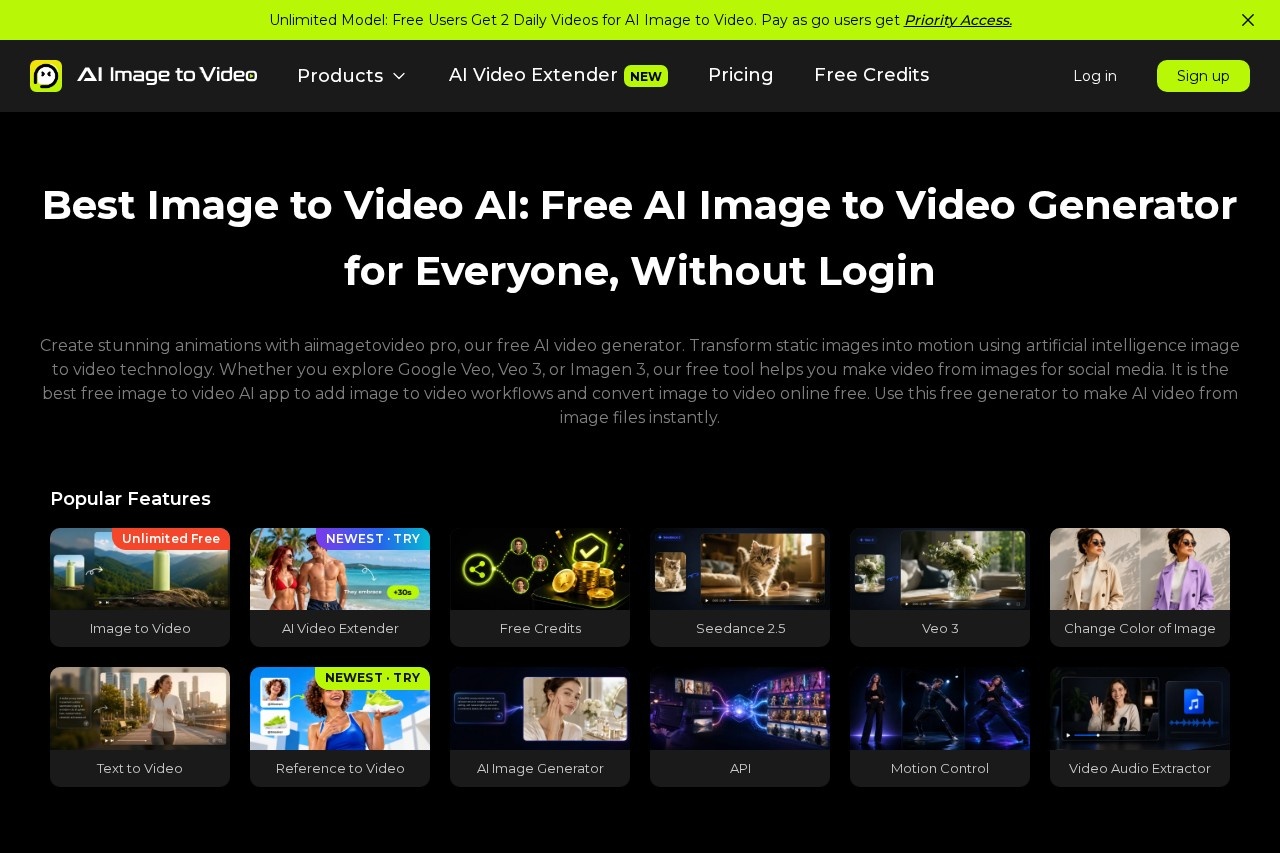
AI Image to Video is a multi-model online generator that turns photos and text prompts into short HD videos, with free daily generations and pay-as-you-go credits for creators and marketers.
About
AI Image to Video (aiimagetovideo.pro) is a web-based generator that animates still photographs into short video clips. Instead of learning a full video editing suite, a user uploads one or more images, optionally adds a text prompt describing the desired motion, and receives a rendered video clip within a few minutes. The platform is operated by Hong Kong Xiangqing Trading Co., Limited.
The service is a multi-model platform rather than a single AI: it exposes several third-party video generation models, including Google's Veo family (Veo 3 and Veo 2), Hailuo, Wan, and its own "Video Fast 1.0" model. Users can combine an input image with up to nine reference images, three short reference videos, and audio files to steer the output, then choose duration (starting at 3 seconds), resolution (480p or 768p in the free interface), and an aspect ratio such as 9:16, 16:9, or 1:1. A text-to-video mode is available for users who start without an image.
Key Features
Pricing & Fees
- Pricing: A free plan costs $0 and includes 2 free videos per day with watermarked outputs; paid generation runs on a pay-as-you-go credit system where credits never expire and each purchase is a one-time charge.
- Free credits: New accounts receive starting credits, and users can earn 3 additional free credits by inviting friends.
- No sign-up needed to try: The site advertises use without login, and the interface runs entirely in a browser without desktop software.
- Model-dependent limits: Duration, resolution, and audio support vary by the selected model, so results should be checked against each model's page.
Who It's For
AI Image to Video is aimed at short-form content creators who need to turn product shots, portraits, or concept art into clips for TikTok, Instagram Reels, and YouTube. Marketers can produce quick promotional animations, e-commerce sellers can animate product photography, and real estate agents can convert listing photos into property walkthrough-style videos. It also suits beginner video makers who want prompt-driven results without editing experience, plus designers prototyping motion concepts before committing to full production.
FAQ
Is AI Image to Video free to use?Yes, the free plan lets users generate 2 videos per day, though free outputs carry a watermark; additional generations require pay-as-you-go credits.
Do I need to install software or create an account?No, the tool runs in a web browser and the site states it can be used without logging in, although an account is needed to hold and earn credits.
Which AI models does the platform use?It offers multiple models, including Veo 3, Veo 2, Hailuo, Wan, Seedance, and its own Video Fast 1.0, with capabilities varying by model.
What file types and limits apply to uploads?Images can be PNG, JPG, JPEG, or WEBP up to 20 MB each, reference images up to 30 MB, and reference videos in MP4, MOV, or WEBM up to 50 MB with a 15-second total limit.
How is user data handled?The site publishes a Privacy Policy and Terms of Use, and support can be reached at the email address listed on the official site; specific data-retention details are not stated on the pages reviewed.
Related Tutorials
View all →

Related Tools
View all → Wan 2.5 AI Video Generator Instantly create 1080P cinematic videos from text or images with native audio sync in just 3 minutes.
 Free Grok Video Generator - AI Video Creation | No Sign Up Required Grok video generator creates stunning videos from text and images. Fast AI video creation with natural language control. 2 free credits daily, no credit card needed. Try Grok Video now!
 Happy Horse AI Video | AI Video Generator for Text to Video and Image to Video Happy Horse AI Video is an AI video generator for cinematic text-to-video and image-to-video. Create ads, social launches, product demos, and commercial-ready clips with stronger motion quality. Sora Sora is OpenAI's text-to-video generation model that creates short video clips from written prompts, images, or existing videos for creators and marketers.
 MagicLight MagicLight is an AI video generator that turns ideas, scripts, and stories into finished long-form videos up to 50 minutes, with characters, animation, and voice tools.