
Free online text-to-speech converter that turns written text into natural spoken audio in 28+ languages and lets users download the result as an MP3 file.
About
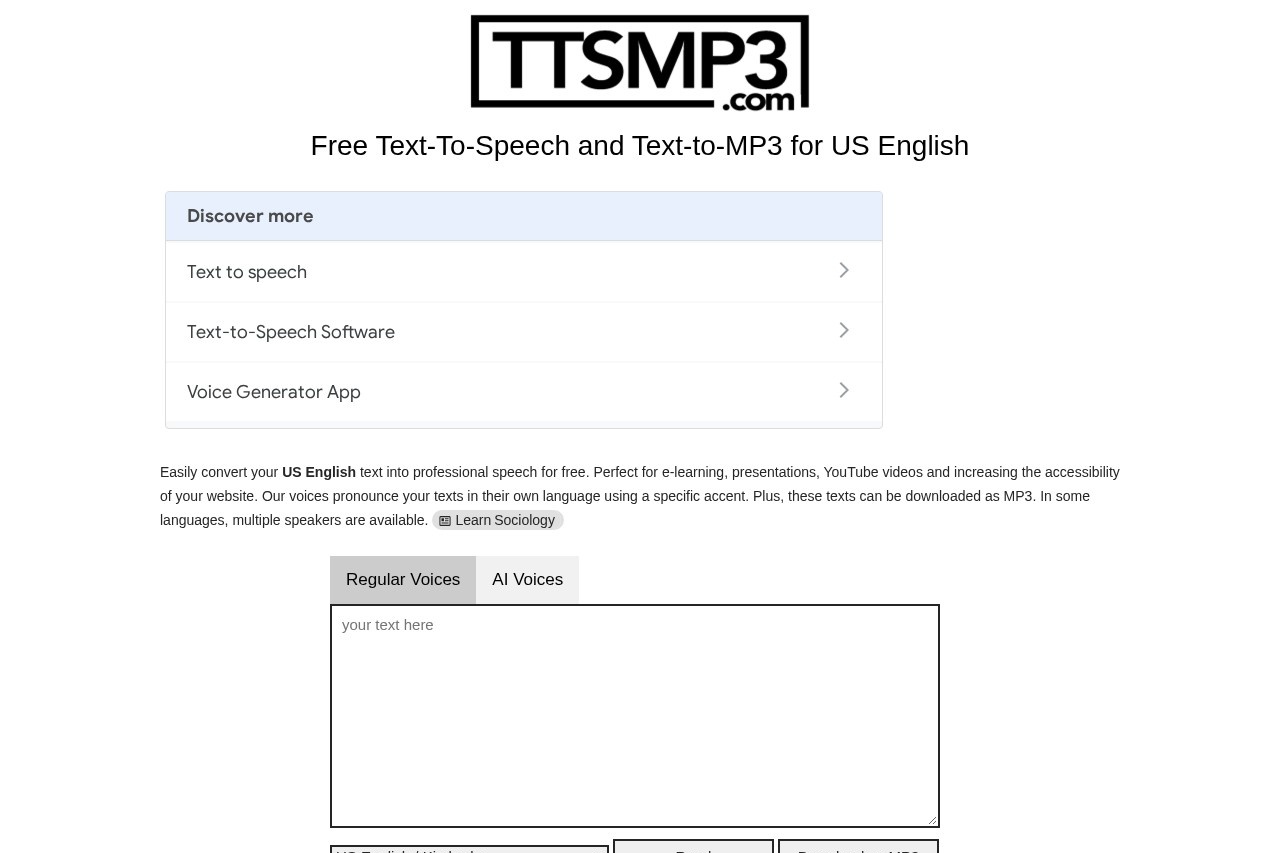
ttsMP3.com is a free online text-to-speech tool that converts written text into spoken audio and lets users download the result as an MP3 file. It addresses a common need among content creators, educators, and website owners who want narration without recording their own voice or hiring a voice actor.
The site works directly in a browser: a user types or pastes text (up to 3,000 characters per request on the free tier), picks a voice, and listens online or downloads the MP3. Regular voices on the platform are powered by Amazon Polly, while the AI voices are powered by OpenAI's text-to-speech technology. Dozens of named voices cover more than 28 languages and accents, from US English and British English to Arabic, Japanese, Polish, and Turkish. Commercial use of the generated MP3 files is allowed, and an API is available with the yearly plan.
Key Features
Pricing & Fees
- Pricing: Not publicly listed on the pages we reviewed; check the official site for current plans. The site mentions 24-hour premium access available after registration.
- Free tier: Daily free usage of about 375 words or 3,000 characters, with listening online and MP3 download included.
- Commercial use: Generated MP3 files may be used commercially, according to the site's own key facts.
- Text limit: Each request is capped at 3,000 characters, and long texts may take a moment to process.
Who It's For
ttsMP3.com suits e-learning authors who need narration for course modules, YouTube creators producing voiceovers, and presenters who want spoken versions of scripts. Website owners can use it to improve accessibility by providing audio alternatives to written content. It also fits educators building listening exercises and small teams that need quick, multilingual audio drafts without studio equipment, especially given the wide language coverage and permissive commercial-use terms.
FAQ
What is ttsMP3.com?It is a free online text-to-speech service that converts typed text into spoken audio in 28+ languages and lets users download the output as an MP3 file.
Is ttsMP3.com free to use?Yes, a free tier allows roughly 375 words or 3,000 characters per day; paid premium access is offered through registration for users who need more.
What technologies power the voices?Regular voices are powered by Amazon Polly and AI voices are powered by OpenAI text-to-speech, as stated on the official site.
Can the generated MP3 files be used commercially?Yes, the site states that commercial use of the generated MP3 files is allowed.
Is there an API?Yes, API access is available with the yearly plan, and API documentation is published on the official site.
Related Tutorials
View all →
Related Tools
View all → LOVO - AI Voice Generator and Text to Speech LOVO offers 500+ voices in 100+ languages, making it easy to generate realistic AI voiceovers for any project.
  NaturalReader NaturalReader is an AI text-to-speech platform that converts documents, webpages and scanned text into natural-sounding audio for personal, commercial and educational use.
  WellSaid Labs WellSaid Labs offers high-quality AI voice generation for engaging and realistic audio content.
  TTSMaker TTSMaker is a free online text-to-speech and AI voice generator that converts text into spoken audio across 100+ languages and 600+ AI voices, with MP3 and WAV downloads.
  ElevenLabs ElevenLabs is an AI audio platform for text-to-speech, voice cloning, dubbing, music, and conversational voice agents, serving creators, developers, and enterprises in 90+ languages.