
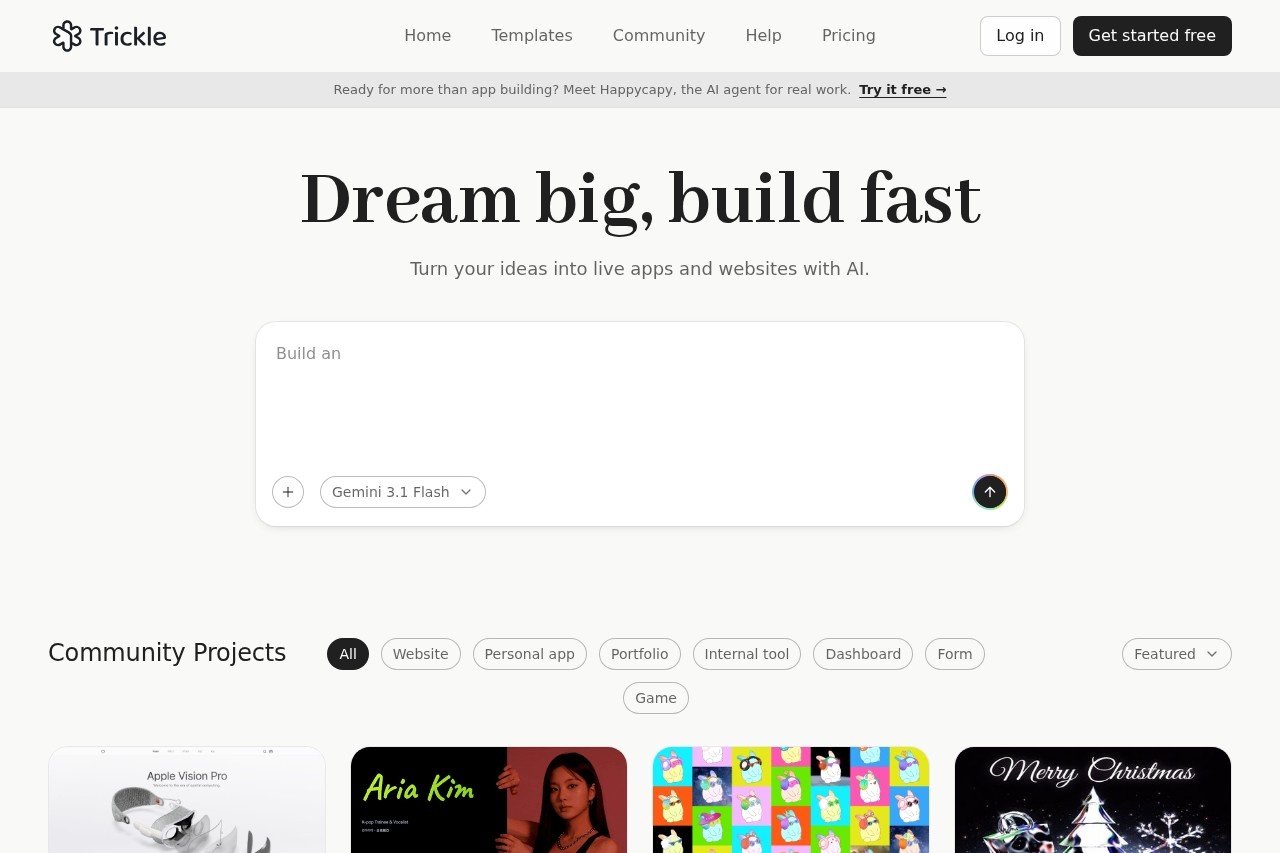
Trickle is an AI agentic canvas for building and launching production-ready websites and web apps from natural-language prompts, with built-in image and video generation, database, and hosting.
About
Trickle is a web-based platform that lets people turn ideas into working websites, apps, and forms by describing them in natural language. It addresses a common bottleneck: building a real, publishable product traditionally requires a development team, weeks of effort, and significant budget, while Trickle aims to compress that process to hours on a visual canvas the user controls.
Users write prompts, and Trickle generates web applications it can publish with one click. The platform describes itself as an AI agentic canvas for "vibe coding," combining built-in image and video generation, access to AI models, a database, hosting, and design tooling in a single workspace. It positions itself for founders, designers, marketers, and small teams who want to move from concept to launched product without hiring engineers or writing code themselves.
Key Features
Pricing & Fees
- Pricing: Trickle uses a freemium subscription model. Free costs $0 per month with 70 daily credits (up to 350/month), 100 database rows, hosting, and up to 3 projects. Pro costs $17 per month with 1,500 monthly credits, unlimited projects, private projects, 1,000 database rows, and one custom domain. Premium costs $42 per month with 3,750 monthly credits, 10,000 database rows, 10 trickle.host domains, and 3 custom domains. Annual billing includes two months free.
- Credit add-ons: Any plan can purchase additional credit packages of +750 credits for $10 or +1,500 credits for $20.
- Free tier available: A permanent free plan exists with daily credits, a built-in database, and included hosting, suitable for exploring the platform.
- Badge removal: Pro and above can remove the Trickle badge from published projects.
Who It's For
Trickle is aimed at anyone who wants to bring an idea to life without managing code or engineers. Founders can test concepts quickly, designers can build landing pages, marketers can launch campaign sites, and teams can create internal tools. Common use cases cited by the company include product launches, waitlists, quizzes, surveys, and multi-page web apps. It suits visual thinkers and fast movers who care about output quality but do not have a development team.
FAQ
What is Trickle?Trickle is an AI agentic canvas that turns natural-language descriptions into working, publishable websites, apps, and forms, with built-in image and video generation, database, and hosting.
Is there a free plan?Yes, the Free plan costs $0 per month and includes 70 daily credits (up to 350 per month), a built-in database with 100 rows, website hosting, and up to 3 projects.
How much does a paid plan cost?Pro costs $17 per month and Premium costs $42 per month, with two months free when billed annually; credit add-ons of 750 or 1,500 credits can be purchased for $10 or $20 respectively.
How are credits consumed?Free monthly credits are applied first, then plan credits, then purchased add-on credits; each prompt shows its credit usage in the chat feed, and "Fix error" actions do not consume extra credits.
Can payment methods be changed?Yes, users can update their payment method at any time through the billing settings in the workspace settings panel.
Related Tutorials
View all →
Related Tools
View all → Replit Replit is an AI-powered platform where founders, product managers, designers, and engineers describe apps or websites in plain language and build, launch, and scale them in one place.
  Apper Apper is an AI app and website builder that runs on your existing Claude or ChatGPT subscription, provisioning a secure backend with auth, permissions, billing, and hosting for every app.
  Base44 Base44 is a no-code AI platform that turns plain-language descriptions into working apps, websites, and AI agents with built-in backend, hosting, and integrations.
  Emergent Emergent is an AI-powered app development platform that lets users build and deploy production-ready websites and apps by describing their idea in conversation.
  MeDo MeDo is an AI app builder from Baidu that turns a plain-language request into a working web or mobile app with interface, backend, database, and a free app URL.