
Suno Downloader is a free web-based tool that saves AI-generated songs from Suno AI as high-quality MP3, WAV, or FLAC files, working in any browser without an account.
About
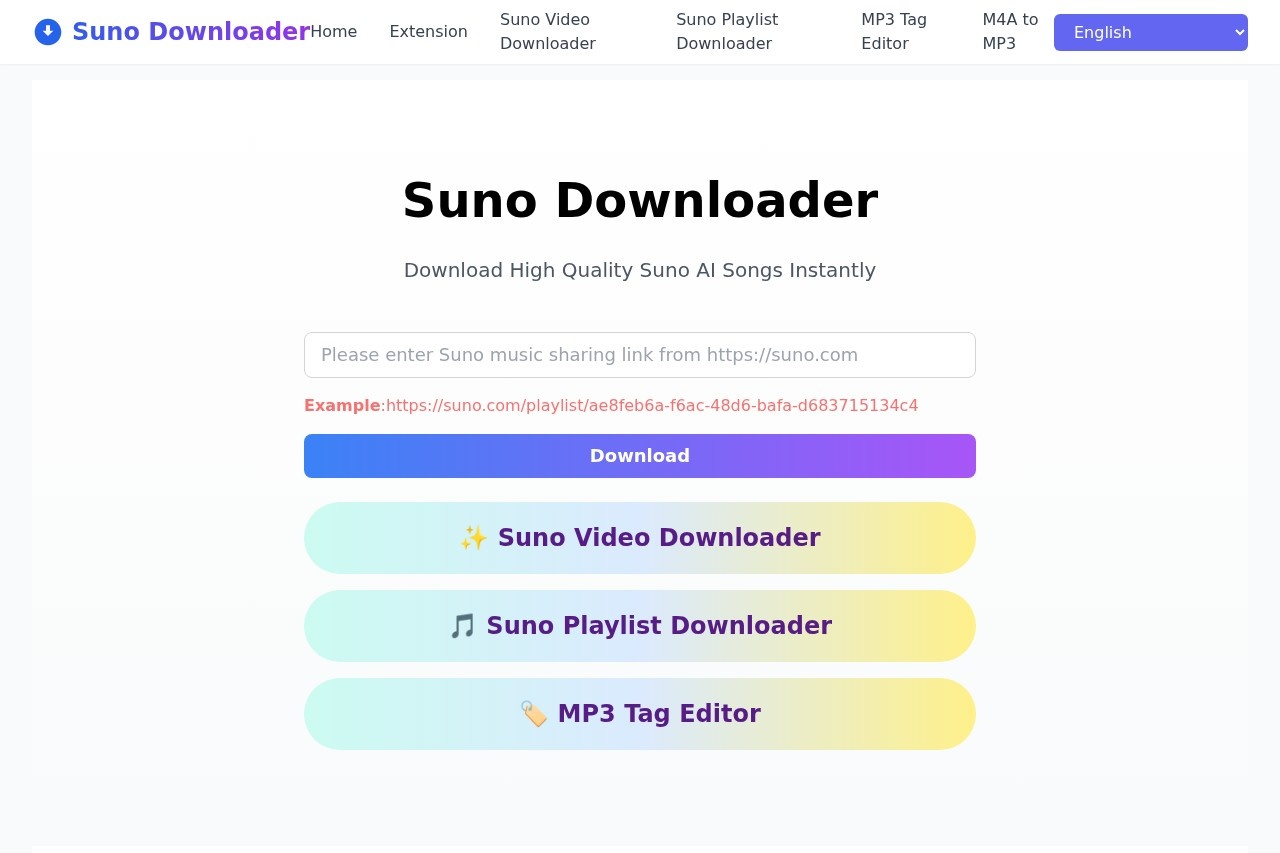
Suno Downloader is a free online tool for saving songs created with Suno AI, the music-generation platform that produces complete tracks from text prompts. Suno itself does not always make it convenient to export tracks, so Suno Downloader fills that gap by letting users paste a song's share link and receive an audio file in return. The service is run by the team behind sunodownload.net and is aimed at anyone who creates, collects, or works with AI-generated music.
The process works through any modern browser on Windows, macOS, Linux, iOS, or Android. A user copies the share URL of a song from suno.com, pastes it into the input box on the Suno Downloader site, and clicks download; the track's details appear within seconds and the file saves directly through the browser. No registration, account, or software installation is required. The site also offers related utilities, including a Suno video downloader, a playlist downloader, an MP3 tag editor, and an M4A-to-MP3 converter, and it is available in more than ten languages.
Key Features
Pricing & Fees
- Pricing: The site states that Suno Downloader is completely free to use; no paid tiers are mentioned.
- No account required: Users can begin downloading immediately without registering or signing in.
- Downloads of others' songs: The FAQ confirms that public Suno songs shared by other users can be downloaded via their share links.
- Troubleshooting: For failed downloads, the site advises checking the internet connection, refreshing the page, or contacting its support team.
- Language availability: The interface is offered in English, Chinese, Japanese, Korean, French, German, Russian, Arabic, Hindi, Portuguese, and Indonesian.
Who It's For
Suno Downloader is built for Suno AI users who want local copies of their own generated tracks, whether musicians archiving drafts, producers pulling stems or finished songs for further work, or hobbyists building personal libraries of AI music. It also suits content creators and educators who need offline audio files for editing, review, or classroom use, as well as anyone who wants to save publicly shared Suno songs from other creators. Because it works in a browser on both desktop and mobile, it fits casual listeners as easily as it fits production workflows.
FAQ
What is Suno Downloader?Suno Downloader is a free tool for downloading music generated by Suno AI, using a song's share link as input.
Is Suno Downloader free?Yes, the site states the tool is completely free to use, with no download limits mentioned.
Does Suno Downloader work on mobile devices?Yes, it works on any device with a browser, including iOS and Android phones as well as Windows, Mac, and Linux computers.
Which file formats does Suno Downloader support?The tool supports MP3, WAV, and FLAC, letting users pick between standard and higher-quality audio.
Do I need an account to use Suno Downloader?No, no account or registration is required; users can paste a Suno link and download right away.
Related Tutorials
View all →
Related Tools
View all → MiniMax AI Video Generator MiniMax is an AI video generator that produces high-quality videos from text prompts, streamlining video creation.
  AI Image Enhancer Enhance and upscale images with AI, improving resolution and quality while preserving details.
  Tunee - AI Music Generator Tunee is an AI-powered music generator that creates original songs and melodies from text prompts, perfect for creators and musicians.
  Suno Suno is an AI music generator that turns a text prompt, your own lyrics, or uploaded audio into complete original songs with vocals and production, editable in a browser studio.
  AI Song Maker AI Song Maker is a no-code AI music generator that creates full songs, lyrics, and instrumentals from text prompts. Produce royalty-free tracks in any genre.