
Ssemble is an AI clip maker that turns long YouTube videos into vertical Shorts, Reels, and TikTok clips, with auto captions, face tracking, scheduling, and auto-posting for creators.
About
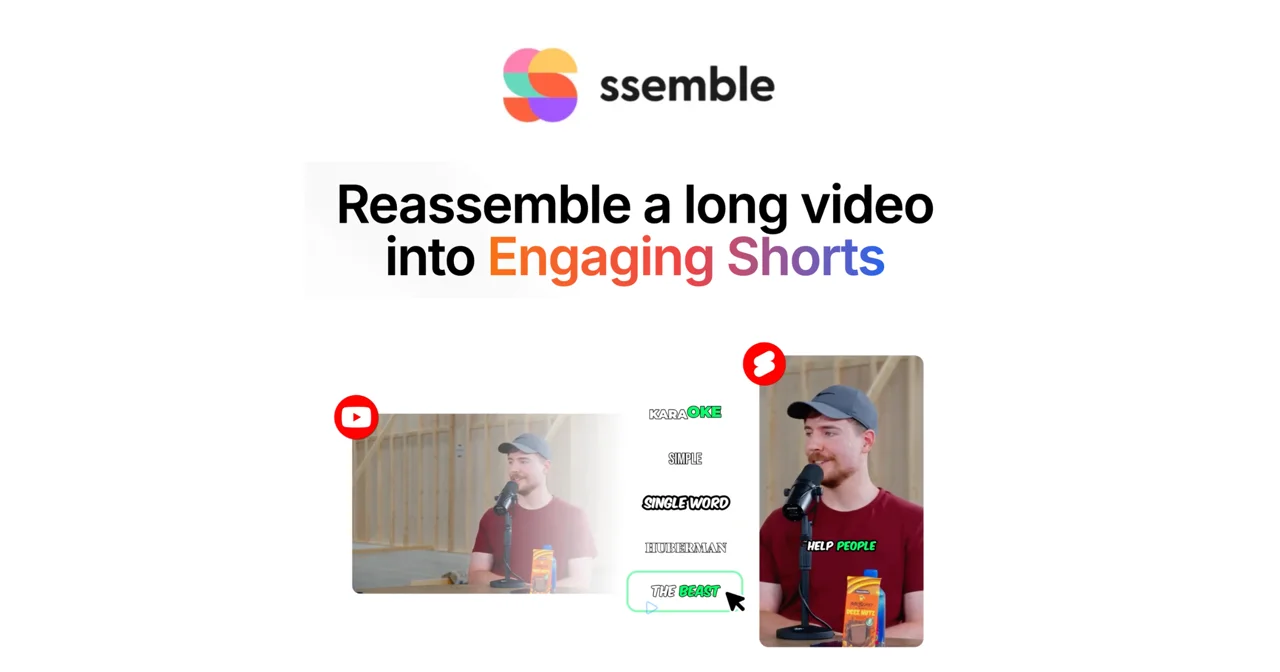
Ssemble is a web-based AI video platform that converts long-form videos into short vertical clips suitable for YouTube Shorts, Instagram Reels, and TikTok. It addresses a common bottleneck for creators: manually finding highlight moments in podcasts, interviews, and streams and then editing them into engaging short-form content. The AI handles most of the clipping, captioning, and publishing work so users without editing experience can still produce consistent output.
The workflow is three steps: paste a link from YouTube, Vimeo, Kick, or Twitch, or upload a file (MP4, MOV, or WEBM); the AI identifies notable moments, adds captions, and reframes faces into vertical format; then the user schedules or auto-posts the clips to TikTok, YouTube, and Instagram. The company reports that 2.4 million creators have used the service and rates itself 4.6 out of 5 on Google. A developer API is also available.
Key Features
Pricing & Fees
- Pricing: Yearly plans are Pro at $6 per month ($72 per year, 360 video credits), Expert at $12 per month ($144 per year, 840 credits), Business at $24 per month ($288 per year, 1,800 credits), and Custom at $40 per month ($480 per year, 2,600 credits). Monthly billing costs more (Pro is $15); yearly billing saves up to 60%. Subscriptions can be cancelled at any time.
- Credit system: One credit processes a 20-minute video segment, and users can select up to a 20-minute segment per input video.
- Social account limits: Pro includes 1 social account connection, Expert includes 3, and Business and Custom include unlimited connections.
- Multi-language audio: If a source YouTube video has multiple audio tracks, users can choose a preferred language track for their Short.
- Clip Rewards: The site advertises a rewards program paying $1 per 1,000 verified views.
Who It's For
Ssemble is built for YouTubers, podcasters, and live streamers on Twitch or Kick who want to repurpose long recordings into short-form clips without editing skills. It also suits social media managers and agencies that publish to multiple platforms on a schedule, since the calendar and auto-post features reduce manual publishing work. Beginners are an explicit target audience; the company states the AI performs roughly 90% of the work and no professional editing software knowledge is required. Monetization is supported through the Clip Rewards program and guidance on building a consistent posting strategy.
FAQ
What is Ssemble?Ssemble is an AI-powered video platform that turns long videos into short-form clips, adds captions and titles, and schedules or auto-posts the results to TikTok, YouTube, and Instagram.
How much does Ssemble cost?Plans start at $6 per month on yearly billing (Pro, $72 per year), with Expert at $12, Business at $24, and Custom at $40 per month. Monthly billing is higher, and subscriptions can be cancelled anytime.
Which video sources does Ssemble support?It accepts links from YouTube, Vimeo, Kick, and Twitch, as well as direct file uploads in MP4, MOV, and WEBM formats.
Do I need video editing experience to use Ssemble?No. The company states the AI handles about 90% of the work and users only make minor adjustments, with no professional editing software knowledge required.
What are the limits on input videos?Users can select up to a 20-minute segment from each input video for AI clipping; multiple short clips are then generated from that segment.
Related Tutorials
View all →
Related Tools
View all → Invideo AI Invideo AI is an AI-driven video creation tool that turns your ideas into professional videos quickly.
  AniShort AniShort is an AI tool that creates animated shorts from text or images. It simplifies animation production with intelligent automation and creative assistance.
  LibTV LibTV uses AI to transform video content, providing intelligent editing and enhancement features.
  YouTube Outlier Finder & Shorts Analyzer Discover viral videos from small channels and analyze YouTube Shorts with real-time scanning across 150+ regions.
  OpusClip Captions OpusClip Captions is an AI video tool that turns long videos into short captioned clips and publishes them to social platforms, built for creators.