
Spokenly is an AI voice assistant for macOS that enables hands-free control and voice commands, enhancing productivity and accessibility.
About
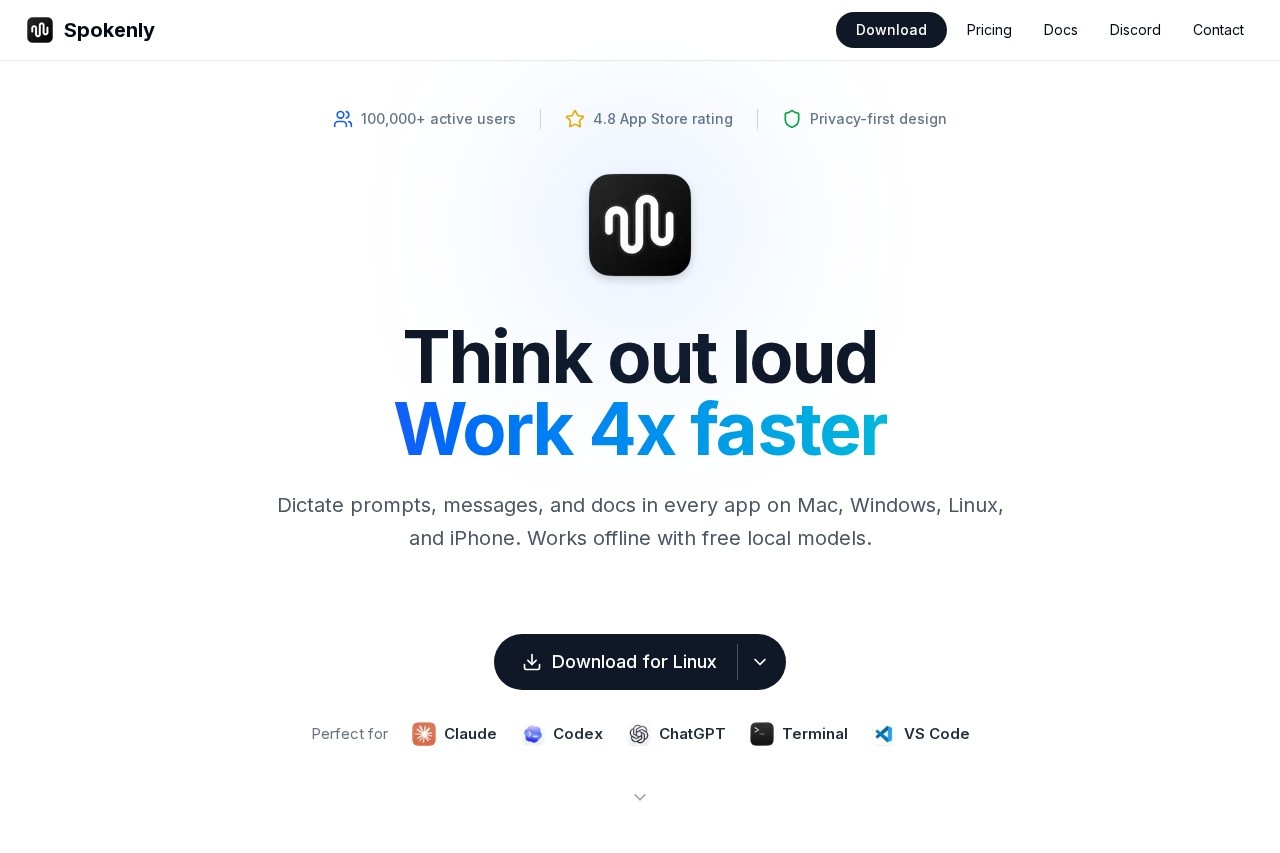
Spokenly is a smart dictation app built specifically for macOS, designed to meet the growing demand for both productivity and privacy. Powered by advanced on-device AI models, it converts your speech into accurate text in real time. There is no account registration required, and no need to worry about data leaks—Spokenly handles everything locally on your device, delivering a secure and effortless voice input experience.
Key Features
Pricing & Fees
- Pricing: Three plans — Free ($0 forever, unlimited on-device dictation), Local+ ($29 one-time purchase), and Pro ($8.33/month, billed $99.99 per year).
- Free tier: The Free plan includes unlimited use of local Whisper and Parakeet models, works completely offline, supports real-time transcription with your own API keys (OpenAI, Deepgram, Groq, etc.), and requires no account or credit card.
- Local+ one-time purchase: For $29 once, Local+ adds Notch and Capsule recording styles, settings sync across devices, and priority support; cloud models and hosted AI are not included.
- Pro subscription: Pro includes everything in Local+ plus high-accuracy managed cloud models (GPT-4o Transcribe, Deepgram Nova 3, Soniox) and hosted AI text cleanup with no API keys or setup; cancel anytime with a 14-day refund.
- Team and platform availability: Team seats are available in one subscription with a permanent 30% discount; apps run on macOS, Windows, Linux, and iOS.
Who It's For
Spokenly is perfect for content creators and writers who want to capture ideas the moment they strike; professionals and students who need to draft emails, reports, and essays more efficiently; developers who prefer dictating code comments and documentation; privacy-conscious users who refuse to rely on cloud services; and any Mac user looking to streamline everyday computer tasks with the power of voice.
Related Tutorials
View all →
Related Tools
View all → LiblibAI 2.0 An advanced AI platform offering powerful tools for image generation, editing, and creative workflows.
  Seedance 2.0 - AI Video Generator Create stunning AI-generated videos with Seedance 2.0. Turn text into dynamic visuals effortlessly.
  Hugging Face Hugging Face is an open community platform where machine learning practitioners host, discover, and collaborate on over two million models, datasets, and AI applications.
  Picture to Drawing With AI Transform photos into artistic drawings instantly with our free AI converter. No sign-up required. Multiple art styles available.
  ChatIMG - AI Image Generation ChatIMG leverages ChatGPT 4o and Google Gemini Nano to generate AI images, including Studio Ghibli style visuals.