
Spark Mail is a cross-platform email client with a Smart Inbox, AI writing and summarizing tools, and team collaboration features for individuals and businesses.
About
Spark Mail is a smart email client built to help people manage crowded inboxes by separating important messages from automated noise. It addresses the common problem of information overload by automatically sorting newsletters and notifications away from personal mail and surfacing priority messages first.
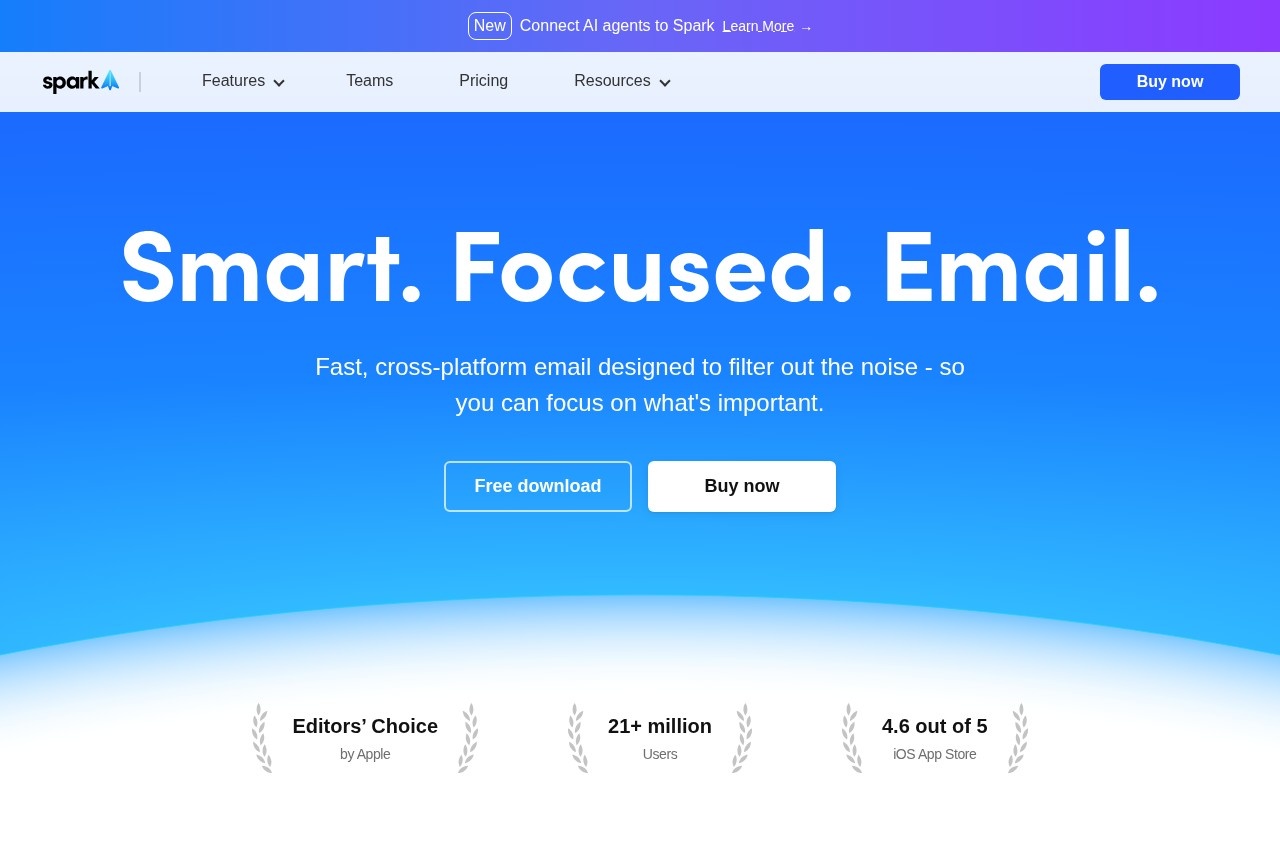
Developed by Spark Mail Limited, the app has more than 21 million users and holds an Editors' Choice distinction from Apple, with a 4.6 out of 5 rating on the iOS App Store. At its core, Spark combines a Smart Inbox with organizational tools such as snooze, scheduled sending, reminders, and set-aside, and layers AI features on top: an assistant that can find and summarize content, a writing assistant, email translation, and thread summaries. It works across devices and supports multiple account types, including Google, Microsoft Exchange, Outlook, iCloud, Yahoo, and generic IMAP, making it a single hub for personal and team email.
Key Features
Pricing & Fees
- Pricing: A Free plan includes Smart Inbox, unlimited email accounts, smart notifications, essential productivity features, and calendar. Plus costs $10 per user per month ($99 per year billed annually, shown as $8.25/month). Pro costs $20 per user per month ($199 per year, shown as $16.58/month). Enterprise pricing is by contacting sales.
- Free tier: The Free plan is permanently available at $0 for individuals managing multiple accounts.
- Platform availability: Spark is cross-platform with sync across devices, including Windows, macOS, iOS, and other platforms listed on the official site.
- Account support: Works with Google, Exchange, Outlook, iCloud, Yahoo, and IMAP accounts in a unified inbox.
Who It's For
Spark Mail suits busy professionals and freelancers who receive high volumes of email and want automated prioritization rather than manual triage. Small teams and client-facing businesses benefit from shared drafting, private comments, and delegation tools, while Pro and Enterprise plans target users who need unlimited AI meeting notes, read statuses, CRM integration with HubSpot, and advanced security controls. It is also a practical choice for anyone juggling several email accounts who wants one synchronized client with built-in AI assistance.
FAQ
What is Spark Mail?Spark Mail is a cross-platform email client from Spark Mail Limited that uses a Smart Inbox and AI tools to filter noise, prioritize important mail, and support team collaboration.
Is there a free version of Spark Mail?Yes, the Free plan costs $0 and includes the Smart Inbox, unlimited email accounts, smart notifications, a calendar, and essential productivity features; paid Plus and Pro plans add AI and team features.
Which email providers does Spark Mail support?Spark works with Google, Microsoft Exchange, Outlook, iCloud, Yahoo, and standard IMAP accounts, syncing them in a unified inbox across devices.
How does Spark Mail handle privacy and security?According to the vendor, user data is used only for product optimization, is never shared with third parties, and storage and encryption are handled through Google Cloud services.
What do the paid plans add over the free tier?Plus adds Spark +AI, the AI Assistant, 40 AI meeting notes, templates, and integrations, while Pro adds unlimited AI meeting notes, Autopilot, Auto-Drafts, read statuses, HubSpot integration, and advanced team collaboration.
Related Tutorials
View all →
Related Tools
View all → Noty.ai - Meeting AI Assistant Noty.ai is an AI meeting assistant that captures, transcribes, and provides insights from your meetings.
  Onyx AI - Open Source Enterprise Search & AI Assistant The open-source AI enterprise search platform that helps teams find information across all company data.
  Frigate NVR An AI-powered NVR with real-time object detection for smarter security.
  Clipto.AI Clipto.AI is a local-first desktop app that turns videos, audio, meetings and documents into one searchable AI memory, with transcription and natural language search.
  Read.ai - Meeting Assistant Read AI provides real-time meeting summaries, action items, and insights. It integrates with CRM and other tools to boost productivity with AI.