
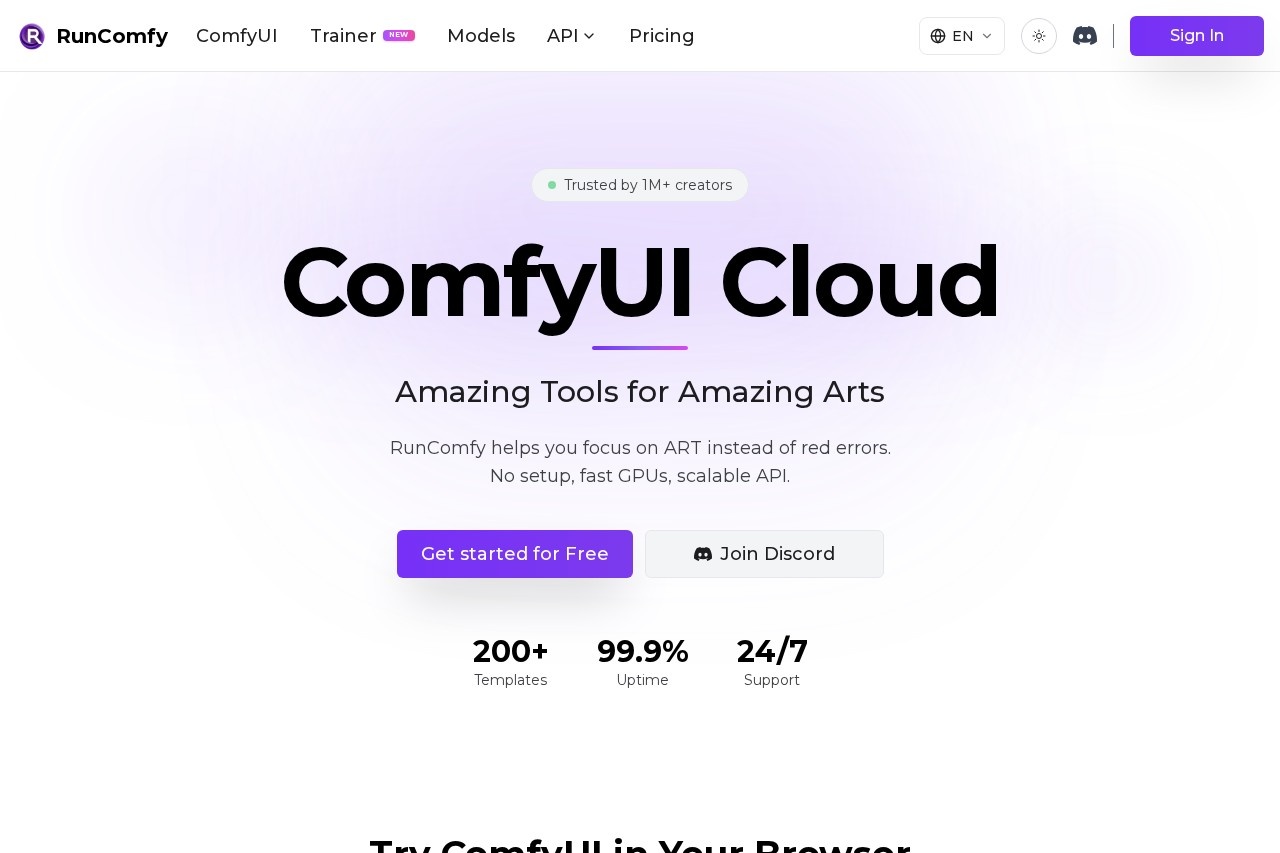
RunComfy is a cloud platform for running ComfyUI workflows on fast GPUs with no local setup, plus a serverless API for deploying and scaling image generation pipelines.
About
RunComfy is a cloud service for running ComfyUI, the node-based graphical interface for Stable Diffusion and other generative AI models, without installing anything locally. Setting up ComfyUI on a personal machine normally involves resolving dependencies, installing custom nodes, downloading large model files, and owning a capable GPU — tasks that can take hours before a single image is produced. RunComfy removes that barrier by providing a pre-configured ComfyUI environment that runs in the browser on rented GPU hardware.
Users start with a free account, launch a native ComfyUI session in the cloud, and either build workflows from scratch, pick from more than 200 ready-to-run templates, or upload an existing workflow.json file that an auto-setup agent configures automatically. Beyond interactive use, RunComfy lets any saved workflow be deployed as a serverless API endpoint that autoscales with demand. The platform describes itself as trusted by over one million creators and offers GPU machines ranging from 16GB to 141GB of VRAM.
Key Features
Pricing & Fees
- Pricing: Pay-as-you-go GPU rates start at $0.99/hour for 16GB VRAM machines (T4/A4000) and go up to $9.59/hour for an H200 with 141GB VRAM, billed by the second. A Pro subscription costs $19.99/month billed yearly ($29.99 monthly) and includes a 20%+ discount on GPU rates, 20 free CPU hours per month, a $10 monthly credit, unlimited saved workflows, and 200GB of storage.
- Free tier: Users can get started for free with no subscription required.
- Trainer pricing: Training runs on H100 cost $4.49/hour and on H200 $6.89/hour (pay-as-you-go), with GPUs auto-releasing when jobs finish to avoid idle charges.
- Storage limits: Pay-as-you-go accounts include 10GB of storage with inactive assets removed after 90 days; Pro accounts get 200GB with permanent retention and up to 10 saved workflow environments on the free tier.
Who It's For
RunComfy is aimed at digital artists and creators who want to use ComfyUI without owning a high-end GPU or wrestling with installations. It also suits VFX professionals — the platform hosts an eight-hour course taught by a senior compositor — and AI developers who need to move a ComfyUI pipeline from prototype to a production API that scales with traffic. Machine-learning practitioners training large models benefit from the dedicated Trainer service on 80GB and 141GB GPUs, while teams can share fully configured workflow environments through simple links instead of reproducing setups manually.
FAQ
What is RunComfy?RunComfy is a cloud platform that runs ComfyUI in the browser on rented GPUs with no local setup, and can deploy saved workflows as autoscaling serverless APIs.
Is there a free plan?Yes, users can get started for free with no subscription, and GPU usage is billed through a shared pay-as-you-go balance.
Which models and tools can be used with RunComfy?The platform supports an unmodified ComfyUI with ComfyUI-Manager for custom nodes, free model downloads from Civitai, Hugging Face, and Google Drive, and templates for models including Flux, Qwen Image, MOSS-Image, and Wan.
What GPUs are available?On-demand machines range from 16GB VRAM (T4/A4000) to 141GB VRAM (H200), with intermediate options at 24GB, 48GB, and 80GB, billed by the second.
Is work kept private?RunComfy states that workspaces are 100% private, and models and environments persist across sessions within the storage limits of the user's plan.
Related Tutorials
View all →
Related Tools
View all → Leonardo.Ai Leonardo.Ai is an AI image generation platform that helps designers, marketers, and artists create production-ready visual assets with consistent style control.
  Aliyun Qwen VL An open-source Agent Skill wrapping Alibaba Cloud Model Studio Qwen VL models for image Q&A, OCR-style extraction, and chart understanding.
  PixAI PixAI is a free online AI anime art generator where users create anime-style images and videos from text prompts using 1.8M+ community models and LoRAs.
  Stable Diffusion API Stable Diffusion API is a paid REST API for AI image generation with SD 1.5, SDXL, Flux, ControlNet, LoRA and 10,000+ community models, aimed at developers who want to generate images without managing GPUs.
  ModelsLab ModelsLab is a developer API platform that unifies 10,000+ open-source and closed-source AI models for image, video, audio, 3D, and LLM generation behind one API.