
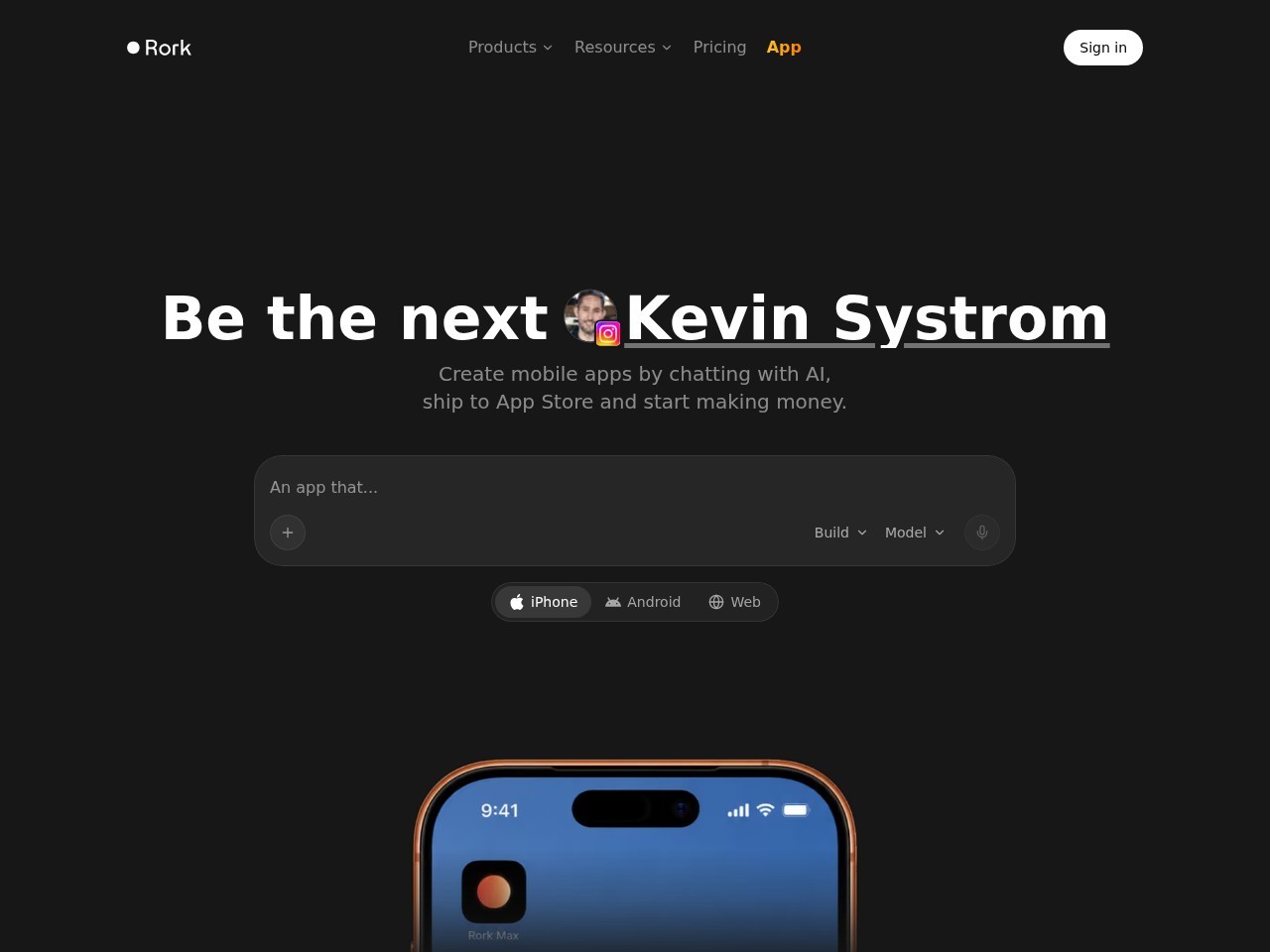
Rork is an AI app builder that lets people create and publish native iOS, Android, and web apps by chatting with AI, without writing code.
About
Rork is a cross-platform AI app builder for iOS, Android, and the web. It addresses a common barrier for aspiring app founders: most people with app ideas cannot write the native code required to build and ship software to the App Store or Google Play. Rork lets users create mobile apps through a conversational AI interface instead of manual programming, with the vendor stating that apps can be published to both stores in hours rather than after a lengthy development cycle.
The product works by having users describe what they want in chat, and the AI generates the app accordingly. Rork produces Swift apps for Apple devices and Kotlin apps for Android, alongside production web apps. The platform also includes a backend layer with realtime data, authentication, and storage, plus a multi-modal AI cloud service for app makers. Rork offers a companion iOS app called Rork Max App for building, installing, and publishing apps from a phone, and an advanced agent product called Rork Max. The company maintains public documentation, guides, a blog, and community channels on X, YouTube, Discord, and GitHub.
Key Features
Pricing & Fees
- Pricing: Not publicly listed on the pages we reviewed; check the official site for current plans.
- Platforms: Builds for iOS, Android, and the web from a single workflow.
- On-device building: The Rork Max App lets users build, install, and publish iOS apps directly from an iPhone.
- Supporting resources: Rork provides docs, step-by-step guides, a founders showcase, and a blog covering product news and builder stories.
Who It's For
Rork is aimed at non-technical founders and solo entrepreneurs who want to ship mobile apps without learning to code, including indie developers exploring the App Store as a business. It also suits designers and product people who prototype quickly, small business owners building tools or social apps, and hobbyists creating games. The vendor highlights a case study of a builder with no coding experience who turned a Rork-built app into an App Store business, illustrating the intended audience of first-time app founders.
FAQ
What is Rork?Rork is an AI app builder that lets users create native iOS, Android, and web apps by chatting with AI, without writing code, and publish them to the App Store and Google Play.
How much does Rork cost?Pricing is not publicly listed on the pages reviewed; the official site has a pricing page with current plans.
Which platforms does Rork build for?Rork builds Swift apps for Apple devices, Kotlin apps for Android, and production apps for the web.
Does Rork require programming knowledge?No, Rork is designed for building apps through conversation with AI, and the vendor showcases founders who shipped apps with zero coding experience.
Can Rork help get an app approved on the App Store?Rork includes an AI App Store Reviewer that checks builds for rejection risks before submission, plus a Screenshot Studio that creates App Store screenshots in one click.
Related Tutorials
View all →
Related Tools
View all → Replit Replit is an AI-powered platform where founders, product managers, designers, and engineers describe apps or websites in plain language and build, launch, and scale them in one place.
  Apper Apper is an AI app and website builder that runs on your existing Claude or ChatGPT subscription, provisioning a secure backend with auth, permissions, billing, and hosting for every app.
  Tesana Tesana is an AI game maker that lets anyone build, publish, and monetize browser-based games from text prompts, with no coding required. Made by Dreamsands, Inc. Enter Pro Enter Pro is an AI development platform from Converge.ai for building and deploying applications, websites, and AI agents without leaving a single workspace. Softr Softr is a no-code platform for building custom web apps, client portals, and internal tools without programming, with a free way to start.