
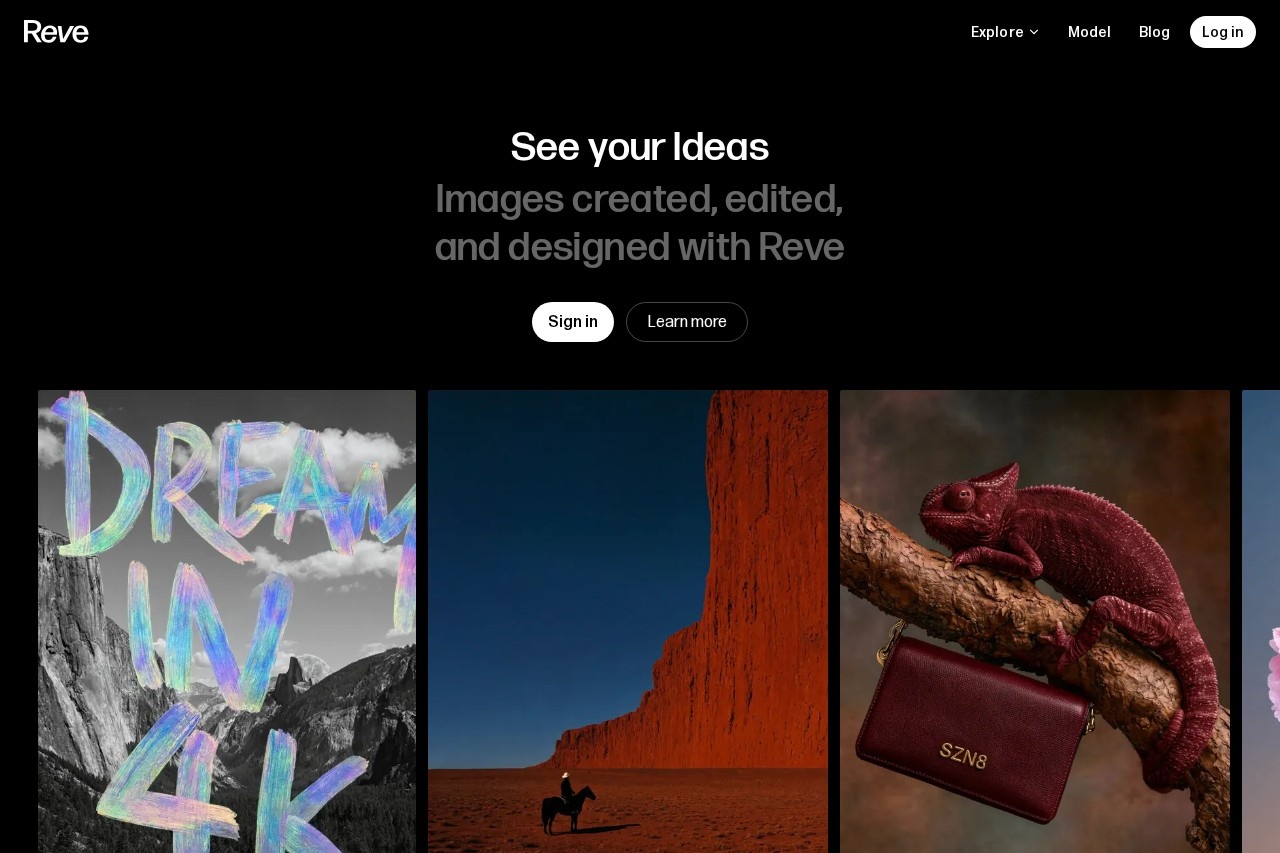
Reve is an AI image generator that lets users create, edit, and remix images by combining natural-language instructions with a drag-and-drop image editor.
About
Reve is an AI image creation and editing tool built around the idea of "reimagining reality." It addresses a common frustration in AI image work: generating a picture is easy, but making targeted changes to it usually means starting over. Reve lets users create images and then refine, edit, and remix them in one place, rather than juggling a separate generator and editor.
The product combines two approaches to editing. Users can describe changes in plain language, which the model applies to the image, and they can also work in a drag-and-drop editor for more direct, hands-on control. The tool is accessed through a web app at app.reve.com, where users sign in to create and manage their images. The site presents the offering as images "created, edited, and designed with Reve," and it references a distinct "Reve model" behind the generation.
Key Features
Pricing & Fees
- Pricing: Not publicly listed on the pages we reviewed; check the official site for current plans.
- Model: The site references a dedicated "Reve model" that powers image creation, with a "Learn more" link for additional details.
- Access: Available through the web app at app.reve.com, which requires signing in.
Who It's For
Reve is aimed at anyone who needs to produce and refine images without switching between multiple applications. That includes digital artists exploring variations of a concept, designers preparing visuals for campaigns, content creators making graphics for articles or social posts, and hobbyists experimenting with AI imagery. The natural-language editing makes it approachable for people without formal design training, while the drag-and-drop editor gives more experienced users precise control when automated edits are not enough.
FAQ
What is Reve?Reve is an AI tool for creating, editing, and remixing images, combining natural-language edits with a drag-and-drop image editor.
How does editing work in Reve?Users can describe changes in plain language and let the model apply them, or make adjustments directly in the built-in drag-and-drop editor.
How much does Reve cost?Pricing is not publicly listed on the pages we reviewed; check the official site for current plans.
Do I need to install anything to use Reve?No, Reve runs as a web app at app.reve.com, and users sign in to access the tool.
Can Reve modify existing images or only generate new ones?According to the site, Reve supports creating, editing, and remixing images, so it can work with images beyond initial generation.
Related Tutorials
View all →
Related Tools
View all → Z-Image AI Image Generator & Editor | Z-Img Make photoreal images in seconds with Z-Image AI on Z-Img. Edit or upscale free with Turbo, Base, and Edit models.
  Leonardo.Ai Leonardo.Ai is an AI image generation platform that helps designers, marketers, and artists create production-ready visual assets with consistent style control.
  OpenArt OpenArt is an all-in-one AI creative suite that generates and edits images, video, characters, and audio from text or reference media for creators and brands.
  Artbreeder Artbreeder is a web-based tool for creating and remixing images with AI, letting users blend and refine portraits, characters and landscapes through collaborative breeding.
  Civitai Civitai is an online community and sharing platform where creators publish, discover, and download AI image generation models, mainly for Stable Diffusion.