
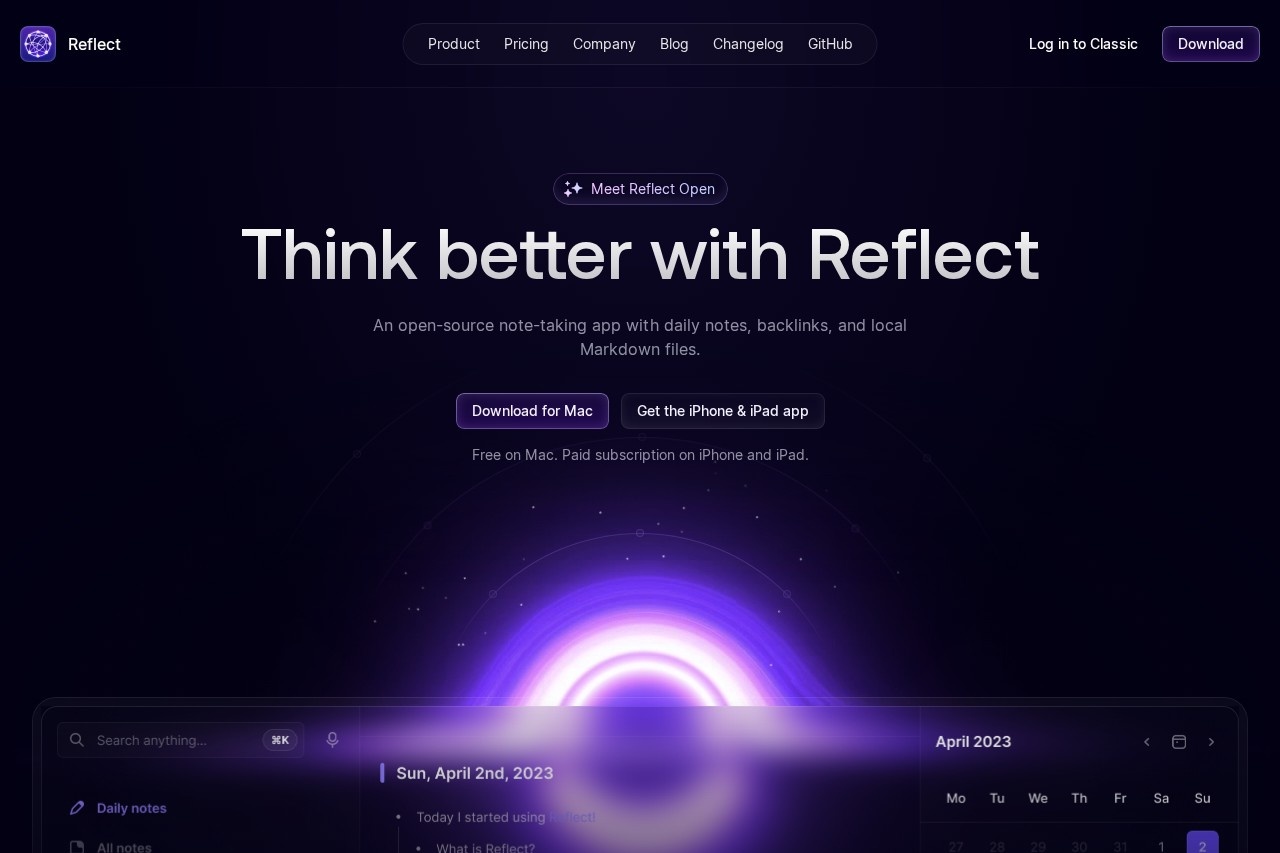
Reflect is an open-source note-taking app for Mac, iPhone, and iPad with backlinks, daily notes, local Markdown files, and an optional AI assistant for search, summaries, and writing help.
About
Reflect is a note-taking application built around daily notes, backlinks, and plain Markdown files stored locally on the user's device. It addresses a common problem with traditional note apps: information gets scattered and hard to retrieve. By linking notes together into a graph of ideas and keeping everything in open, portable Markdown, Reflect makes past notes easy to search and permanent by default.
The app is developed by a small independent team distributed around the world, and the core Mac application, called Reflect Open, is open source with its code available on GitHub. Users write in daily notes, connect ideas with backlinks, and sync across devices using either iCloud Drive or Git. An optional AI layer can answer questions grounded in the user's notes, summarize text, transcribe voice memos, and improve writing, using the user's own API key so requests go directly to their chosen AI provider.
Key Features
Pricing & Fees
- Pricing: Reflect Open is free on Mac with no subscription. The iPhone and iPad app requires a paid subscription, with local pricing shown on the App Store.
- AI costs are separate: The optional AI features require the user's own API key, and usage is billed directly by their AI provider rather than by Reflect.
- Open source: The Reflect Open codebase is publicly available on GitHub for inspection and contribution.
- Classic migration path: Reflect Classic remains maintained, and paid Classic subscribers receive one year of the iPhone and iPad app free; claiming the offer does not cancel the Classic subscription. Notes can be imported as a copy without altering the originals.
- Privacy controls: Notes marked private are excluded from AI note access, and all files live in a user-chosen local folder.
Who It's For
Reflect suits people who take a lot of notes and want them connected rather than isolated: writers doing research, knowledge workers logging meeting notes and ideas, students building a personal knowledge base, and developers who prefer plain Markdown files under their control. It also fits privacy-conscious users, since notes stay in local files and AI features are opt-in with the user's own API key. Anyone wanting to combine journaling, long-form writing, and web clipping in one searchable system across Apple devices is a natural fit.
FAQ
What is Reflect?Reflect is an open-source note-taking app for Mac, iPhone, and iPad that combines daily notes, backlinks, local Markdown files, and optional AI assistance.
Is Reflect free?Reflect Open is free on Mac with no subscription required; the iPhone and iPad app requires a paid subscription priced locally on the App Store. Optional AI features bill separately through the user's own AI provider.
How does Reflect sync notes across devices?Users choose between iCloud Drive and Git for syncing, and the app is available on Mac, iPhone, and iPad.
How does Reflect handle privacy and AI access to notes?Notes are stored as Markdown in a folder the user selects, notes marked private are excluded from AI access, and AI requests go directly from the user to their own provider via a personal API key.
What can the AI in Reflect actually do?It can answer questions with links back to source notes, summarize text and meeting notes into key takeaways and action items, transcribe voice memos, correct grammar and spelling, and run custom prompts the user saves.
Related Tutorials
View all →
Related Tools
View all → Saner.AI Saner.AI is an ADHD-friendly AI personal assistant that unifies notes, email, and calendar, letting users capture information, search it by chat, and plan tasks.
  Slite Slite is a self-maintaining AI knowledge base that keeps team documentation accurate, syncing with tools like Slack and GitHub so answers stay cited and current.
  Stackie.AI Stackie.AI is a personal life-logging app described as a tool for journaling, habit tracking, information management, and AI-assisted learning; its domain is currently for sale. Glasp Glasp is a free social web highlighter that lets readers highlight and organize online content, take notes, export quotes, and share their learning with others.
  Capacities Capacities is a personal note-taking and knowledge management app that organizes notes as connected objects rather than files and folders, for individuals who research, write, and think for a living.