
Pixlr is a browser-based AI photo editor and creative suite that lets users edit images, generate AI images, videos, and audio, remove backgrounds, and swap faces — no installation required.
About
Pixlr is a free online photo editing and design platform that combines AI-assisted image editing with generative tools for images, video, and audio. It addresses the need for quick, accessible visual editing without desktop software: everything runs in a web browser, so users can retouch photos, remove backgrounds, build collages, and create AI-generated media without installing anything.
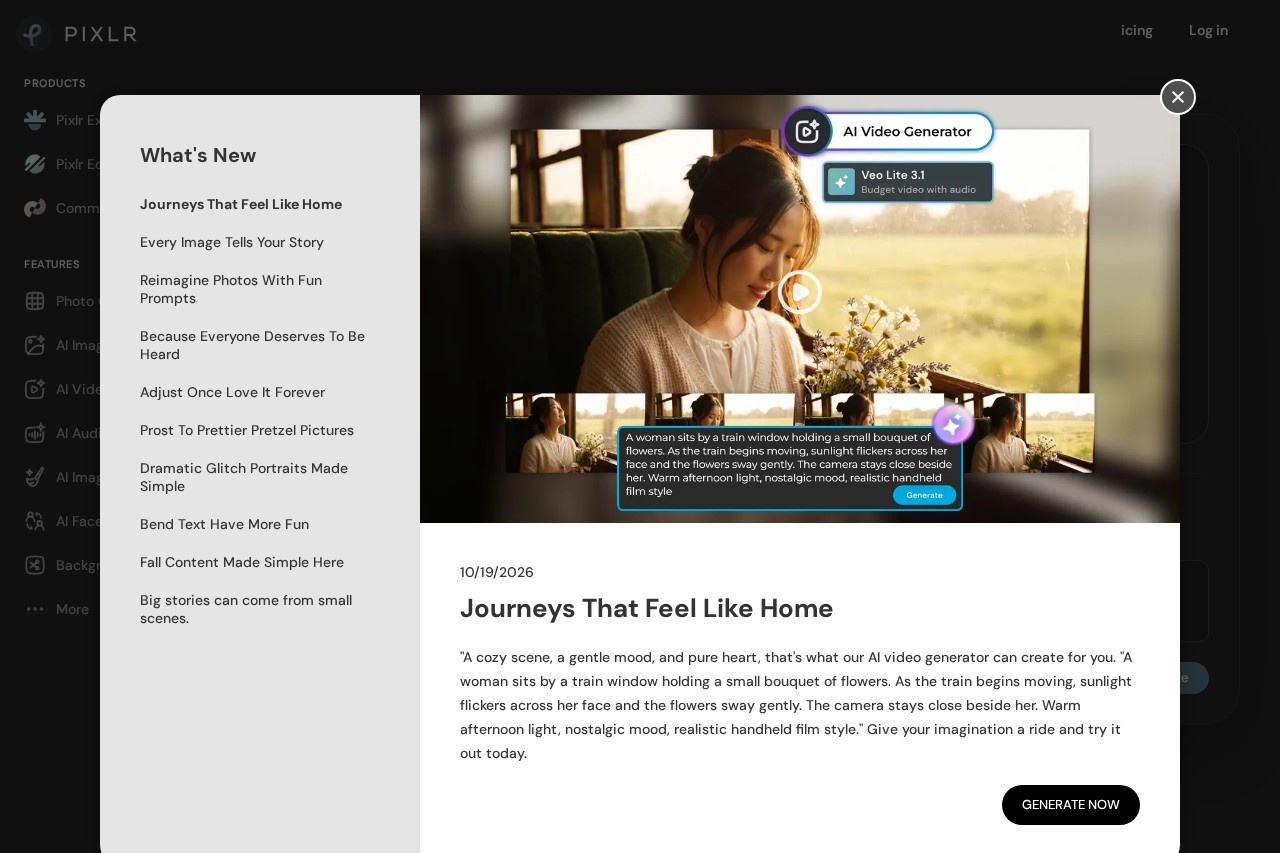
The suite includes two main editors, Pixlr Editor and Pixlr Express, alongside a large set of task-specific AI tools such as a background remover, generative fill, object remover, image upscaler, and face swap. Rather than building its own models exclusively, Pixlr integrates third-party AI models including Flux, Flux Pro, Kling AI, Recraft, Google Veo, Stable Diffusion, SDXL, and ElevenLabs, giving users access to many generation engines from a single interface. A subscription applies across web, desktop, and mobile, and the core editing tools are available at no cost with an ad-supported free tier.
Key Features
Pricing & Fees
- Pricing: Freemium with paid plans. Plus costs $2.49/month ($1.99/month billed yearly); Premium costs $9.99/month ($7.99/month yearly) with 1,000 monthly AI credits; Ultra starts at $24.99/month ($19.99/month yearly) with up to 10,000 monthly credits; Ultra MAX costs $49.99/month ($39.99/month yearly) with 10,000 credits. Add-on AI credit packs are also available.
- Free tier: The core photo editor and a set of AI tools are free to use in the browser, with ads and limited credits; paid plans add ad removal and higher credit allowances.
- Platform availability: Runs entirely in a web browser, and a subscription purchased once works across web, desktop, and mobile (Android and iOS apps).
- Model variety: Access to multiple third-party AI models — Flux, Kling, Recraft, Google Veo, Qwen, Stable Diffusion, Grok Imagine, PixVerse, ElevenLabs, and more — from one account.
- Notable limit: AI generation capacity is credit-based and concurrency-limited by tier (1 to 8 concurrent generations), and unlimited fast image generation on Ultra plans is subject to fair use.
Who It's For
Pixlr suits casual users, social media managers, and small business owners who need quick photo edits, background removal, product shots, or marketing graphics without desktop software or a Photoshop subscription. Graphic designers use it for fast AI generation combined with fine-tuning in the editor, while content creators benefit from the collage maker, sticker generator, and short video tools. It also works for anyone producing voiceovers, transcripts, or simple music tracks from text. Users needing heavy print-production workflows or local offline editing may still prefer desktop software, but for browser-based AI-assisted image work Pixlr covers a broad range of tasks.
FAQ
What is Pixlr?Pixlr is a free online AI photo editor and creative platform that runs in a browser, offering photo editing, AI image and video generation, audio tools, background removal, face swap, and collage making in one place.
Is Pixlr free to use?Yes, Pixlr offers a free tier with ads and limited AI credits; paid subscriptions (Plus, Premium, Ultra, Ultra MAX) remove ads and add larger credit allowances, from $1.99 to $49.99 per month depending on plan and billing cycle.
What platforms does Pixlr support?Pixlr runs in any modern web browser without installation, and a single subscription works across web, desktop, and mobile apps on Android and iOS.
Which AI models does Pixlr use?Pixlr integrates third-party models including Flux, Flux Pro, Kling AI, Recraft V4, Google Veo, Qwen, Stable Diffusion, SDXL, Seedance, Seedream, PixVerse, Wan AI, and ElevenLabs, among others.
Does Pixlr offer privacy for AI generations?The Premium plan and above include a private mode for AI generations; higher tiers also add a priority generation queue and extended high-resolution exports.
Related Tutorials
View all →
Related Tools
View all → Z-Image AI Image Generator & Editor | Z-Img Make photoreal images in seconds with Z-Image AI on Z-Img. Edit or upscale free with Turbo, Base, and Edit models.
  getimg.ai getimg.ai is a browser-based AI creative studio that generates and edits images, video, music, speech, and sound effects using multiple leading AI models in one workspace.
  Flux 2 AI | Free Online Advanced Flux.2 AI Image Generator & Editor Flux 2 is a free AI image model suite for text-to-image and image-to-image creation. Blend 10 refs, edit with plain text, render photoreal results fast - Pro, Flex, Dev.
  Easy-Peasy.AI Easy-Peasy.AI is an all-in-one generative AI platform that combines text, image, video, audio, transcription, and agent tools under a single subscription for creators and teams.
  LivePhoto.video - Create Stunning Live Photos LivePhoto.video lets you create stunning live photos from videos or GIFs. Use AI to enhance and convert your media into captivating Live Photos for iPhone.