
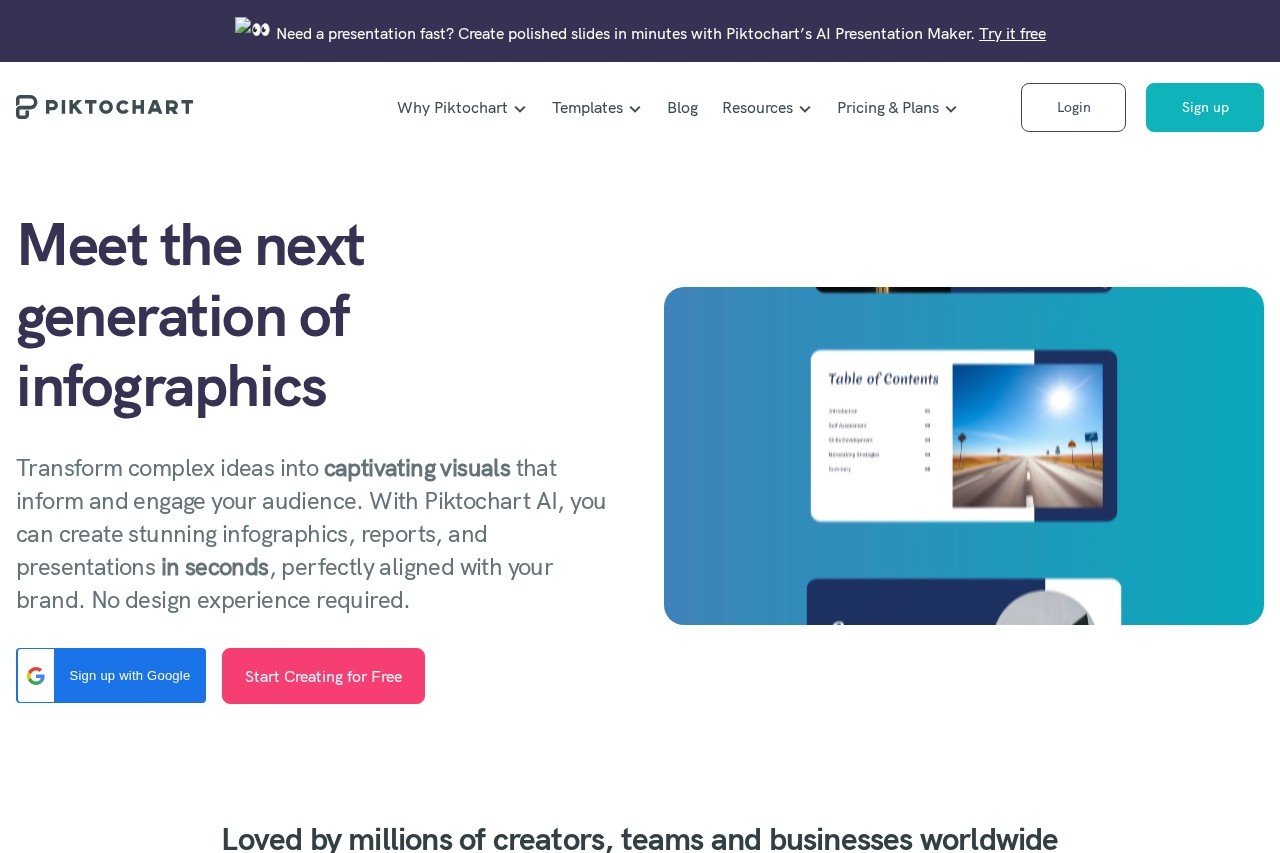
Piktochart is an AI-powered visual content platform for creating infographics, presentations, reports, posters, and videos, aimed at marketers, educators, HR teams, and nonprofits.
About
Piktochart is an AI-assisted visual communication platform that helps people turn data and ideas into polished infographics, presentations, reports, posters, flyers, social graphics, and videos without a design background. The company states that more than 34 million users have created over 220 million visuals on the platform. It is positioned for professionals who need presentable materials quickly but lack a graphic designer or production budget.
At its core, Piktochart combines a template-driven visual editor, a suite of dedicated AI generators (covering infographics, presentations, reports, posters, banners, newsletters, and more), and a video editor built around transcripts rather than timelines. Users start from a prompt, a document, or one of the library templates, then customize layouts, apply brand colors and fonts, and export the result. Workspace features allow teams to collaborate and manage brand assets in one place. Specialized template sets target sectors such as marketing, education, HR, healthcare, financial services, and nonprofits.
Key Features
Pricing & Fees
- Pricing: Free plan at $0; Pro at $10 per member/month billed annually ($15 monthly); Business at $17 per member/month billed annually ($20 monthly); Enterprise at custom pricing for 101+ members. Education pricing is $39 per member/year, and Nonprofit pricing is $60 per member/year.
- Free tier: Includes 2 PNG downloads, unlimited visual projects, 60 AI credits per month, free templates only, and 1GB of storage.
- AI credits: Pro includes 500 AI credits per month, Business includes 1,000, and Education/Nonprofit plans include 250.
- Enterprise features: SSO/SAML, a dedicated account manager, custom on-demand templates, and advanced security review are available on the Enterprise plan.
Who It's For
Piktochart is aimed at professionals who need to produce visual content regularly without a design team: marketers building infographics and social graphics, teachers and instructional designers creating course materials, HR and internal communications staff producing reports and newsletters, and nonprofit teams communicating on limited budgets. Small business owners and solo creators also use it for presentations, pitch decks, flyers, and resumes. The range of sector-specific templates and discounted education and nonprofit plans makes it particularly practical for schools, universities, charities, and budget-conscious organizations.
FAQ
What is Piktochart?Piktochart is an online platform that uses AI to help users create infographics, presentations, reports, posters, social graphics, ebooks, and videos, with no design experience required.
Is Piktochart free to use?Yes, there is a free plan that includes 2 PNG downloads, unlimited visual projects, 60 AI credits per month, free templates, and 1GB of storage; paid plans start at $10 per member/month billed annually.
Does Piktochart support team collaboration?Yes, paid plans are built for teams, offering shared workspaces, brand kits, and, on the Enterprise plan, SSO/SAML and workspace management controls.
What can you do with Piktochart's video tools?Piktochart offers a transcript-based video editor with auto-transcription in over 60 languages, subtitle export, filler-word removal, a screen recorder, and cropping tools for social media formats.
Are there discounts for education and nonprofit users?Yes, Piktochart offers an Education plan at $39 per member/year (with a valid educational email) and a Nonprofit plan at $60 per member/year for registered organizations.
Related Tutorials
View all →
Related Tools
View all → DesignKit DesignKit provides a suite of AI-powered design tools to enhance creativity and efficiency, making design accessible to everyone.
  Nano Banana 2 Nano Banana 2 is an AI image editor that generates and enhances visuals up to 4K, perfect for creators and professionals.
  Microsoft Designer Create stunning designs with AI-powered tools. Effortlessly craft graphics, presentations, and more.
  AI Logo Generator Create unique logos with AI. Generate professional designs, brand kits, and VI in minutes.
  Free AI PPT Maker & Presentation Creator - AiPPT Create stunning presentations in minutes with AiPPT. Our AI-powered maker turns your content into professional PowerPoint & Google Slides decks. Try it free!