
Pieces is an AI memory layer that captures your work across apps in an on-device timeline, letting you search past context and carry it into MCP-ready AI tools.
About
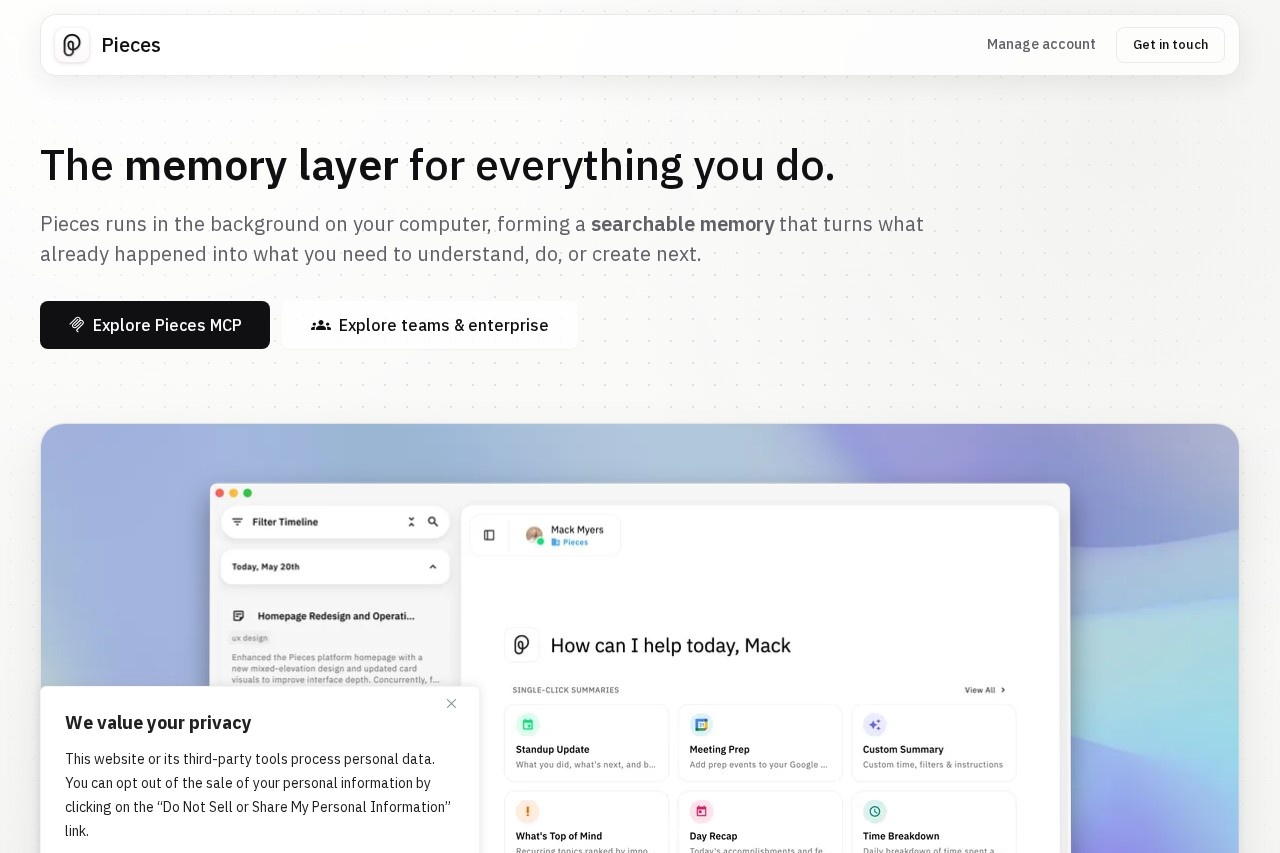
Pieces for Developers is an AI-powered memory layer that records what happens across a person's daily work — research, chats, emails, notes, and meetings — into a searchable, chronological timeline. The problem it addresses is context loss: people spend time retracing steps, hunting for a page they read days ago, or re-explaining background to an AI assistant that has no memory of prior work.
The desktop application runs in the background on macOS, Windows, or Linux and forms new memories from the apps a person already uses, capturing what is on screen and what is copied to the clipboard by default, with audio capture available only on an opt-in basis. Users can ask questions about their own history, scoped by time, source, or topic, and generate summaries such as standup updates or day recaps. Pieces also ships an MCP server that carries this remembered context into AI tools including Claude, Cursor, and VS Code. The product is developed by Mesh Intelligent Technologies, Inc.
Key Features
Pricing & Fees
- Pricing: Pro costs $18.99 per user per month billed monthly (25% savings with yearly billing); Enterprise costs $22.99 per user per month billed monthly, or $69.99 per user per quarter.
- Free trial: Every new user gets a 7-day free trial on any plan, which requires a card on file; all plans carry a 14-day money-back guarantee.
- Model flexibility: Pro subscribers can switch between Claude, Gemini, ChatGPT, and local models per question under a single plan.
- Platforms: Pieces Desktop is available on macOS, Windows, and Linux.
Who It's For
Pieces for Developers is aimed at people whose work spans many applications and who regularly need to recover past context. That includes software developers tracing debugging sessions across VS Code, JetBrains, or Xcode; researchers pulling together threads from dozens of browser tabs; writers and planners compiling notes, drafts, and documents; and teams that want individual context to become shared knowledge under enterprise governance. It suits anyone who uses AI assistants and wants those assistants to draw on a real memory of prior work.
FAQ
What is Pieces for Developers?Pieces is an AI memory layer that captures a user's work activity across applications into an on-device, searchable timeline and carries that context into MCP-ready AI tools.
Is Pieces free to use?No. New users select a plan when opening the app and start with a 7-day free trial; Pro is $18.99 per user per month and Enterprise is $22.99 per user per month on monthly billing.
Which apps and tools does Pieces work with?It captures from sources such as Gmail, Outlook, Chrome, Safari, Slack, Teams, Zoom, Notion, Google Docs, Figma, ChatGPT, Claude, Cursor, VS Code, JetBrains, and Xcode, and connects to MCP-ready assistants like Claude, Cursor, and Codex through its MCP server.
Where is my data stored, and can I control capture?Memories are saved on-device by default; users can pause Pieces, disable capture from specific apps or websites, and delete data by time, source, or capture method.
How do Pro and Enterprise differ?Pro serves an individual's personal memory across tools, while Enterprise adds organization-level controls such as approved AI providers, custom API keys, and org-wide capture and feature policies.
Related Tutorials
View all →
Related Tools
View all → Chat Memo - AI Note Taking Chat Memo is an AI-powered note-taking app that captures and organizes conversations, turning them into structured notes for easy reference.
  GoProfiles GoProfiles is an AI-powered employee directory and engagement platform that combines rich employee profiles, org charts, peer recognition, and rewards for distributed teams.
  AI Mate AI Mate leverages OpenAI GPT-5 to provide intelligent conversational assistance for various tasks.
  OpenRouter OpenRouter is a unified, OpenAI-compatible API that gives developers pay-as-you-go access to 500+ AI models for text, image, video, and audio from 80+ providers.
  LangChain LangChain provides a comprehensive suite of products to support developers throughout their entire development workflow.