
PDFgear is a free PDF editor and document toolkit for Windows, Mac, iOS, Android, and the browser, offering editing, conversion, OCR, signing, and AI-assisted PDF tools.
About
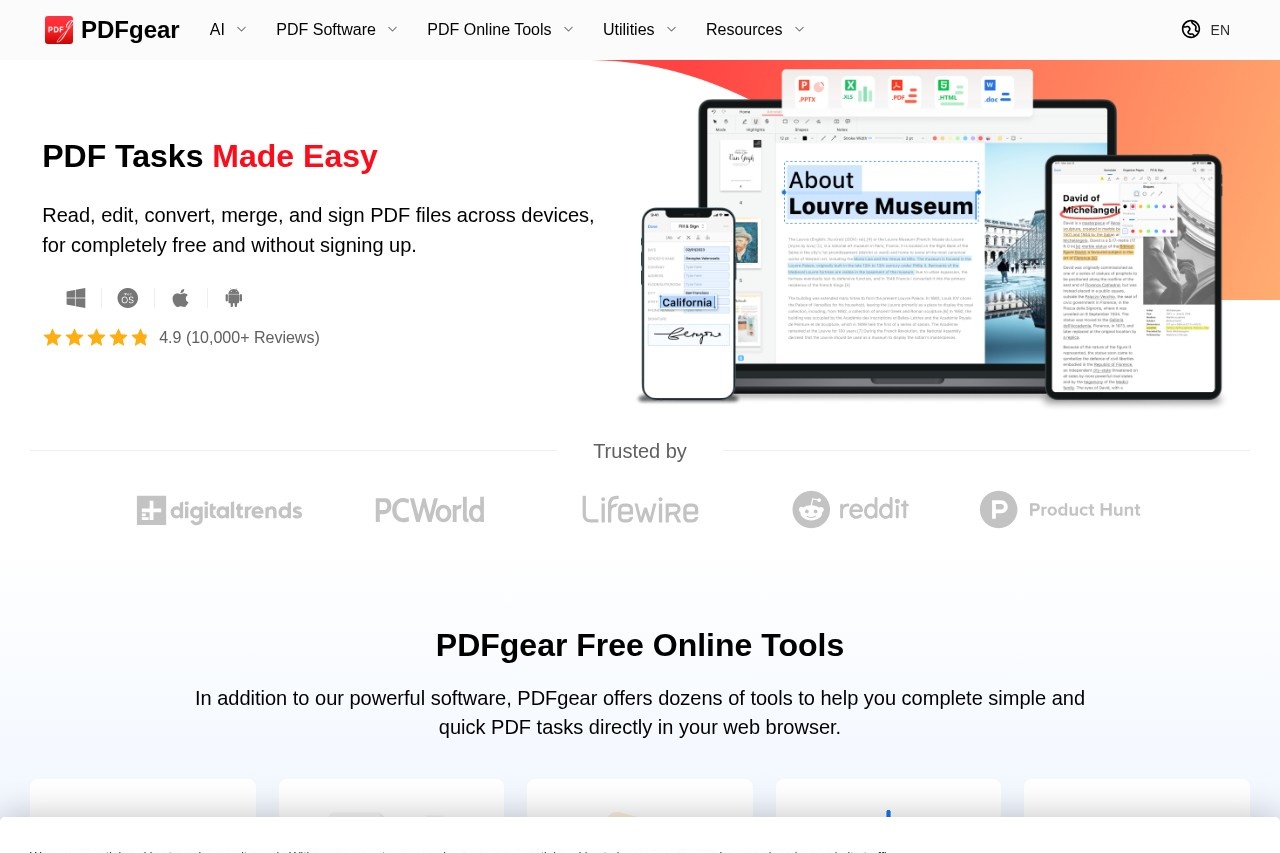
PDFgear is a free PDF editor and document management toolkit that lets users read, edit, convert, merge, and sign PDF files without creating an account. It addresses a common frustration: most capable PDF editors sit behind paid subscriptions, while free online alternatives often carry page limits, watermarks, or upload restrictions. PDFgear positions itself as a no-cost alternative that runs both offline as desktop software and online through browser-based tools.
The product consists of a desktop application for Windows and Mac, mobile apps for iPhone, iPad, and Android, and a set of web tools for quick tasks such as converting PDF to Word or compressing files. PDFgear also includes AI features, built on large language model technology, that allow users to chat with and summarize PDF documents. A companion platform called eSignGear handles document signing, letting users send files for signature, track progress, and collect legally binding e-signatures. The vendor reports a 4.9 rating based on more than 10,000 reviews.
Key Features
Pricing & Fees
- Pricing: PDFgear is presented as completely free on the official site, including its educational and business features, with no account required for core use; no paid tiers are listed on the pages reviewed.
- E-signature: The separate eSignGear platform supports sending documents for signature, tracking signing progress, and collecting legally binding e-signatures.
- Offline capability: The desktop versions work without an internet connection, which distinguishes PDFgear from many browser-only PDF tools.
- Learning resources: The vendor publishes written tutorials and a YouTube channel covering tasks such as flattening PDFs, converting PDF to Word, and chatting with a PDF.
Who It's For
PDFgear suits students who need to annotate readings and convert files without paying for a subscription, office workers who regularly merge, split, and compress documents, and small business owners who need contracts signed through eSignGear. Freelancers and consultants can use the OCR and conversion tools to handle scanned invoices and client files, while teachers and administrative staff can fill and edit forms. It is a practical fit for anyone whose PDF needs are routine rather than specialized, and who prefers a free offline option over a web-only service.
FAQ
Is PDFgear really free to use?Yes, the vendor states that PDFgear's editing, conversion, and management features are free, including the educational and business capabilities on Windows, and that no sign-up is required for the core software.
Which platforms does PDFgear support?PDFgear runs on Windows, Mac, iPhone, iPad, and Android as native apps, and it also offers browser-based online tools for quick PDF tasks.
Does PDFgear include OCR?Yes, PDFgear includes OCR that extracts text from scanned or image-based PDFs in more than 30 languages and can convert them into editable Word or TXT files.
What does the AI in PDFgear do?The integrated AI can summarize PDF documents and answer questions about their contents, which helps users find relevant information without reading entire files.
How does PDFgear handle e-signatures?Through its companion platform eSignGear, PDFgear lets users send documents for signature, track signing progress, and collect legally binding e-signatures; the official site also links to an explanation of how the free model is sustained and how security is handled.
Related Tutorials
View all →
Related Tools
View all → Immersive Translate Immersive Translate offers bilingual web page translation and PDF translation. Enhance your reading experience with seamless language support.
  ChatPPT_AI Generate high-quality PPT presentations through AI chat.
  Presenton - AI Presentation Maker Create stunning presentations with AI, supporting PPTX export and more.
  Desktop Commander - AI That Executes Desktop Commander reads your files, runs commands, and automates workflows - all in natural language.
  TreeMind TreeMind leverages AI to create dynamic mind maps, making idea visualization simple and effective.