
pdf.net is a browser-based all-in-one PDF editor for editing text, signing, annotating, merging, compressing, converting, and applying AI tools to PDF documents.
About
pdf.net is an online PDF editor that runs entirely in the browser and bundles the most common document tasks into a single workspace. It addresses a familiar frustration: people who need to edit a sentence, sign a contract, extract pages, or convert a file to Word usually end up juggling several applications, some of which require installation and paid licenses. pdf.net consolidates editing, signing, annotation, page organization, conversion, compression, security, and AI-assisted document work in one place.
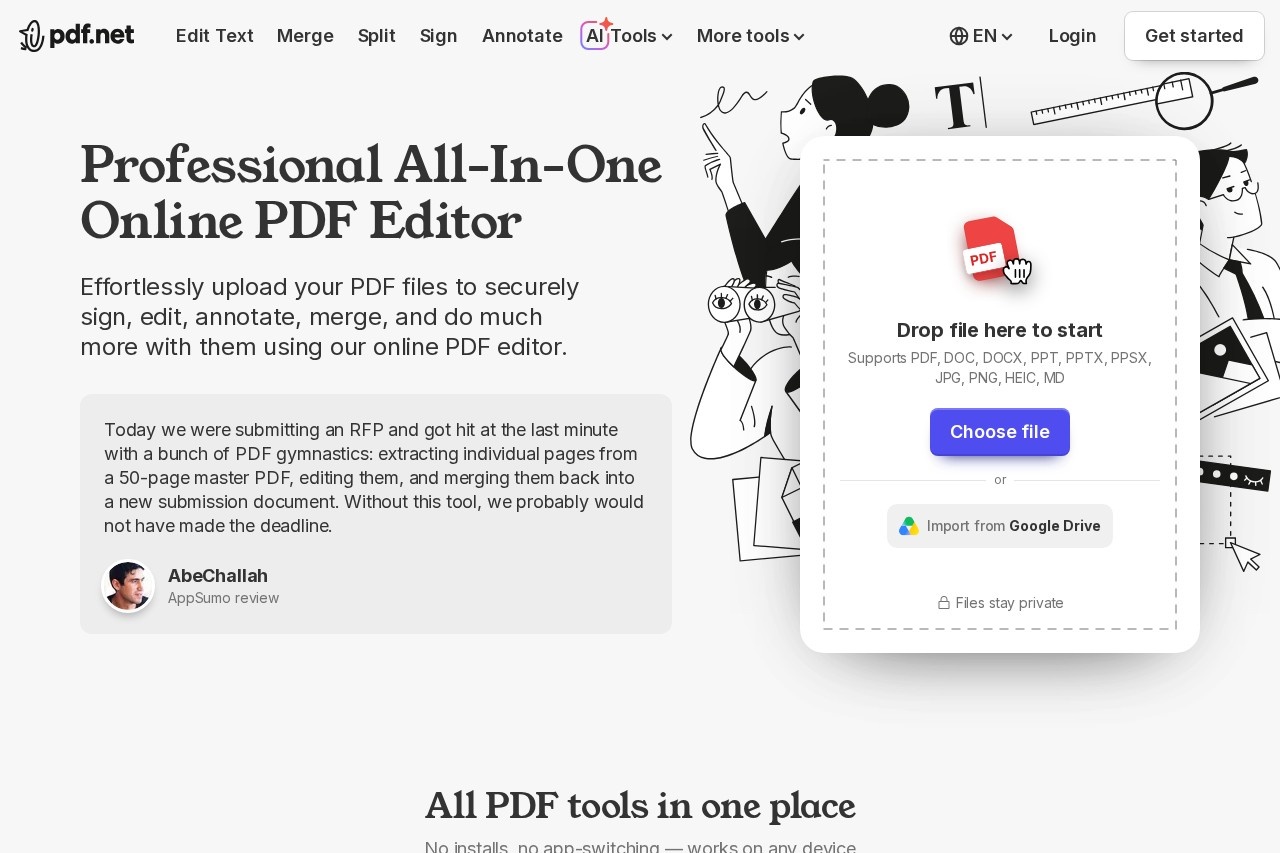
The workflow is deliberately short. A user uploads a file (or imports it from Google Drive), performs the needed edits — change text, add an image, sign, merge, split, redact, or convert — and downloads the updated file. The service accepts PDF, DOC, DOCX, XLS, XLSX, PPT, PPTX, PPSX, EPUB, JPG, PNG, HEIC, and Markdown uploads. Because everything is processed through pdf.net's servers, no software installation is required, and the same tools work on Windows, macOS, Android, and iOS. The team behind the product describes building it after repeatedly getting stuck on everyday PDF tasks.
Key Features
Pricing & Fees
- Pricing: Not publicly listed on the pages we reviewed; check the official site for current plans. One customer review on the site mentions completing signing tasks for free, which suggests some capability is available without payment.
- Platform availability: The editor works in any modern browser on Windows, macOS, Android, and iOS, with no installation or downloads required.
- Supported input formats: PDF, DOC, DOCX, XLS, XLSX, PPT, PPTX, PPSX, EPUB, JPG, PNG, HEIC, and Markdown.
- Sharing and collaboration: PDFs can be shared via a secure link or email, with control over who can view or edit.
- Developer integration: pdf.net exposes an MCP server so AI assistants can perform document actions directly.
Who It's For
pdf.net suits anyone who handles PDFs regularly without wanting dedicated desktop software: office staff merging and numbering contract drafts, small business owners signing and requesting signatures, accountants converting bank statements to Excel, students converting documents for submission, and legal or HR professionals filling government and employment forms. The forms library and AI Form Filler are especially relevant for users completing tax, immigration, healthcare, or real estate paperwork, while compression and redaction tools serve people preparing files for email or public release.
FAQ
What is pdf.net?pdf.net is a browser-based, all-in-one PDF editor that handles editing, signing, annotating, merging, splitting, compressing, converting, protecting, and AI-assisted document tasks without requiring any software installation.
Is pdf.net free to use?Specific pricing is not publicly listed on the pages we reviewed; the official site should be checked for current plans. Customer reviews quoted on the site indicate at least some tasks, such as document signing, can be completed for free.
What platforms does pdf.net support?It runs in the browser on Windows, macOS, Android, and iOS, and files can be imported directly from Google Drive.
Which file formats can pdf.net work with?Uploads are supported in PDF, DOC, DOCX, XLS, XLSX, PPT, PPTX, PPSX, EPUB, JPG, PNG, HEIC, and Markdown, with conversions available to and from many of these formats.
How does pdf.net handle file privacy?The site states that files stay private during processing; documents are processed on pdf.net's servers, and users can additionally protect PDFs with passwords or redact sensitive content before sharing.
Related Tutorials
View all →
Related Tools
View all → Immersive Translate Immersive Translate offers bilingual web page translation and PDF translation. Enhance your reading experience with seamless language support.
  ChatPPT_AI Generate high-quality PPT presentations through AI chat.
  Presenton - AI Presentation Maker Create stunning presentations with AI, supporting PPTX export and more.
  PaddleOCR: The Ultimate Document Solution A powerful OCR tool for accurate text extraction from documents and images.
  Desktop Commander - AI That Executes Desktop Commander reads your files, runs commands, and automates workflows - all in natural language.