
A free online AI background generator from Pacdora that removes product photo backgrounds and replaces them with realistic, studio-style scenes in minutes for sellers and designers.
About
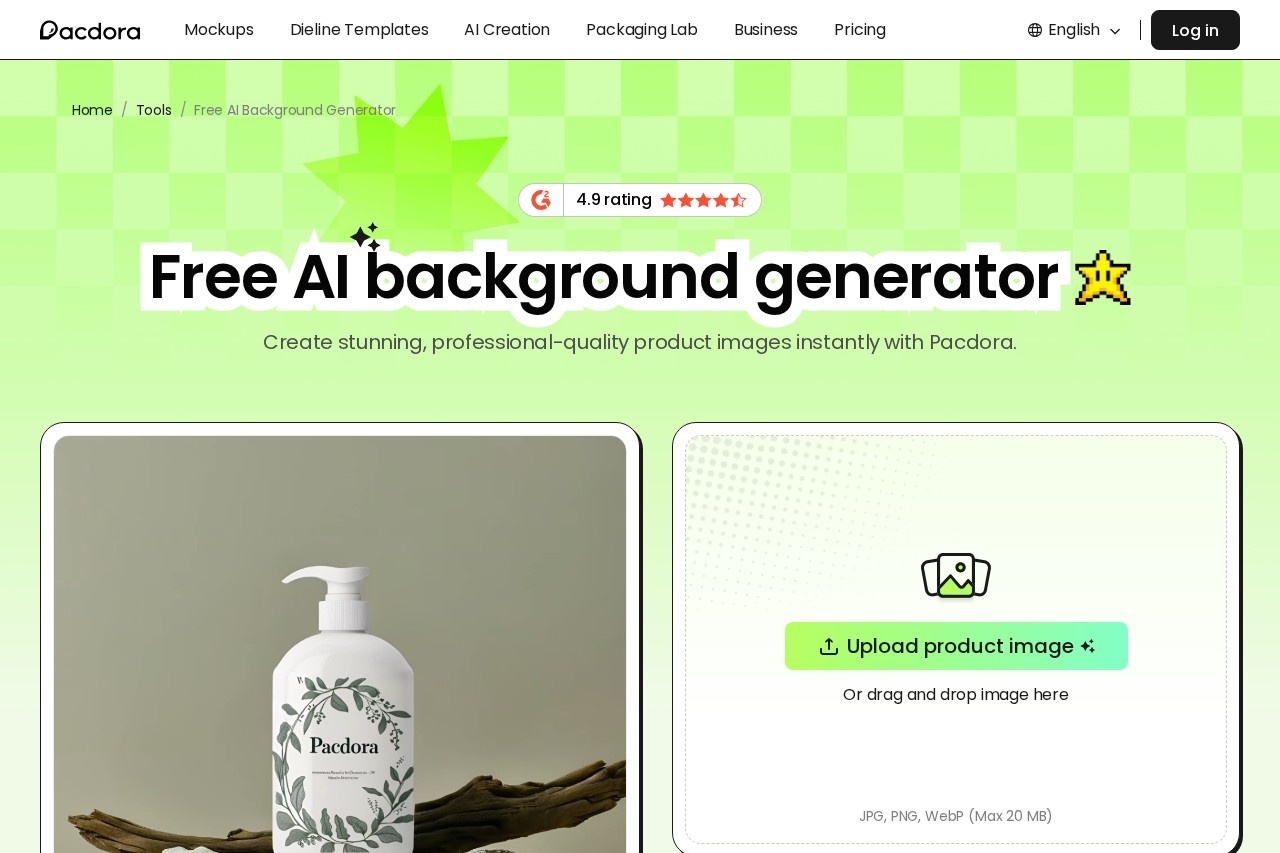
Pacdora AI Background Generator is a free online tool that replaces the background of a product photo with AI-generated scenes designed to look like professional studio shots. It addresses a common pain point for online sellers: producing varied, realistic product imagery normally requires physical photoshoots or manual editing, both of which cost time and money.
The tool is made by Pacdora, a company known for packaging design tools such as dieline generators and mockup creators. Users upload an image in PNG, JPG, or WebP format, and the system automatically removes the original background, suggests matching scenes, and blends the product into the chosen background using 3D rendering that adjusts angle, lighting, shadows, and scale. The whole process takes three steps and produces downloadable images, typically within minutes.
Key Features
Pricing & Fees
- Pricing: Not publicly listed on the pages we reviewed; check the official site for current plans. The background generator itself is presented as free to use.
- Free tier: Yes — the tool states users can remove and replace product backgrounds for free.
- Part of a larger toolkit: Pacdora also offers an AI background remover, mockup generator, barcode generator, dieline generator, and free 3D modeling software.
- Speed: The vendor states results are delivered in minutes rather than the days or cost associated with traditional photoshoots.
Who It's For
The tool is aimed at e-commerce sellers and small business owners who need varied product imagery for listings without paying for repeated studio shoots. Product photographers and packaging designers can use it to quickly preview how items look in different scenes, while marketing teams can test multiple visual styles before committing to a final campaign image. It also suits designers already working in Pacdora's packaging ecosystem who want to place their dielines and mockups into realistic backdrops.
FAQ
What is the Pacdora AI Background Generator?It is a free online design tool that removes the background from an uploaded product image and replaces it with AI-generated scenes, blending the product into the new setting for realistic results.
How do you generate a background for a product image?You upload a product photo, choose one of the custom-recommended backgrounds, and export the generated image — a three-step process that requires no manual editing.
Is the Pacdora AI Background Generator free to use?Yes, the vendor states that background removal and replacement can be done for free; any paid plan details are not listed on the pages reviewed.
Which image formats does the tool support?Uploads are accepted in PNG, JPG, and WebP formats.
Do you need design skills to use it?No, the tool requires no prompts or manual adjustments; the AI selects matching scenes automatically and handles lighting, shadows, and proportions.
Related Tutorials
View all →
Related Tools
View all → remove.bg remove.bg is an online AI tool that removes image backgrounds automatically in seconds, producing transparent PNGs or clean cutouts for designers, sellers, and marketers.
  LivePhoto.video - Create Stunning Live Photos LivePhoto.video lets you create stunning live photos from videos or GIFs. Use AI to enhance and convert your media into captivating Live Photos for iPhone.
  Mokker AI - Instant AI Background Replacement Replace image backgrounds instantly with Mokker AI, no Photoshop needed.
  Photoroom Photoroom is an AI photo editing and product photography platform that helps e-commerce sellers and creators remove backgrounds, generate product scenes, and produce listings at scale.
  Blur Background Blur Background is a browser-based tool for removing and blurring image backgrounds online. Create clean, privacy-friendly visuals quickly without installing desktop software.