
OpenClaw is a free, open-source personal AI assistant that runs on your own machine and handles email, calendar, and daily tasks through WhatsApp, Telegram, or any chat app.
About
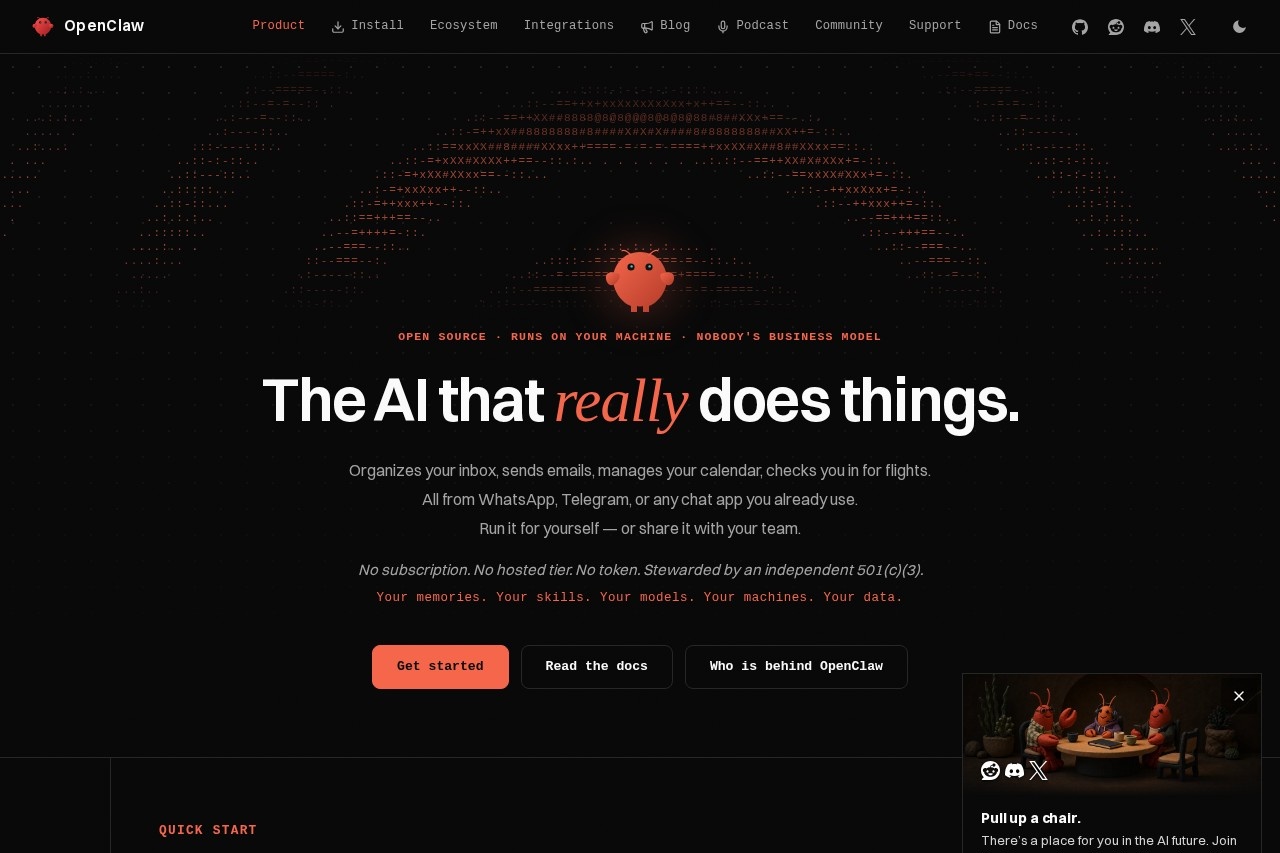
OpenClaw is an open-source personal AI assistant that runs on the user's own computer instead of a vendor's cloud. It is designed to perform practical tasks rather than only answer questions: organizing an inbox, sending emails, managing a calendar, and checking in for flights. Users interact with it through chat apps they already have, such as WhatsApp and Telegram.
The project was created by Peter Steinberger and grew from a weekend project into one of the most-starred repositories on GitHub, with a large community of contributors. It is stewarded by an independent 501(c)(3) organization and is available for macOS, Windows, and Linux. Installation options include desktop apps, a one-line shell script, an npm package, and a source checkout for developers, with documentation provided at docs.openclaw.ai.
Key Features
Pricing & Fees
- Pricing: Free and open source. The site states there is no subscription, no hosted tier, and no token; the project is supported by donors and sponsors.
- Platform availability: Desktop apps are offered for macOS (15+, Apple Silicon or Intel), Windows 10/11 (x64 or ARM64), and Linux (AppImage or Debian package), alongside command-line and source-based installs.
- Model flexibility: OpenClaw lets users choose their own models, and the site notes users can sign in with a ChatGPT account and use that subscription.
- Sandboxed Windows option: A Microsoft demonstration described running OpenClaw on Windows inside Execution Containers, which contained an accidental file-deletion attempt on the Desktop.
Who It's For
OpenClaw suits developers and technical users who want a self-hosted AI assistant they can inspect, extend, and run on their own hardware. It also appeals to privacy-conscious professionals who want email, calendar, and messaging tasks handled from a familiar chat app, and to small businesses that want to automate routine operations without a recurring subscription. Teams exploring an internal agent platform, and hobbyists building multi-agent setups across several machines, are additional audiences the project's showcase highlights.
FAQ
What is OpenClaw?OpenClaw is an open-source AI assistant that runs locally on a user's machine and carries out tasks such as email, calendar management, and flight check-in from chat apps like WhatsApp and Telegram.
Is OpenClaw free?Yes. The project is free and open source, with no subscription, hosted tier, or token, and it is stewarded by an independent 501(c)(3) organization.
Which platforms does OpenClaw support?It works on macOS, Windows, and Linux, with desktop apps, a one-line install script, an npm package, and a git-based source install for developers.
Can I use my own AI model or subscription?Yes. OpenClaw lets users bring their own models, and the site notes that signing in with a ChatGPT account lets them use that existing subscription.
Where does my data live?OpenClaw runs on the user's own machine, and the project describes the data, memories, skills, and models as belonging to the user rather than to a vendor.
Related Tutorials
View all →
Related Tools
View all → Dograh - Voice Assistant Workflow Builder Open Source Voice Assistant Workflow Builder.
  Cici AI Cici AI is an AI assistant that offers smart solutions. It helps users with daily tasks and questions.
  StepFun This tool is an AI assistant that offers smart solutions. It helps users with daily tasks and queries.
  OmniRoute - Free AI Gateway for Multi-Provider LLMs Free, open-source AI router with auto-fallback. 236 providers, one endpoint, 95 MCP tools, 17 routing strategies, A2A protocol, auto-combo engine, semantic cache, memory & skills. Deploy anywhere.
  OpenHands Open-source, model-agnostic platform for building and deploying cloud coding agents. Automate real engineering work securely with full transparency and control.