
NotebookLM is Google's AI research and note-taking assistant, built on Gemini models, that summarizes and transforms the user's own uploaded sources into study-ready formats.
About
NotebookLM is a free-to-access AI research and note-taking assistant from Google that helps people understand complex material by working directly from the sources they upload. Instead of answering from the open web, it grounds its responses in documents, notes, and files the user chooses, which reduces irrelevant output and makes the results easier to verify.
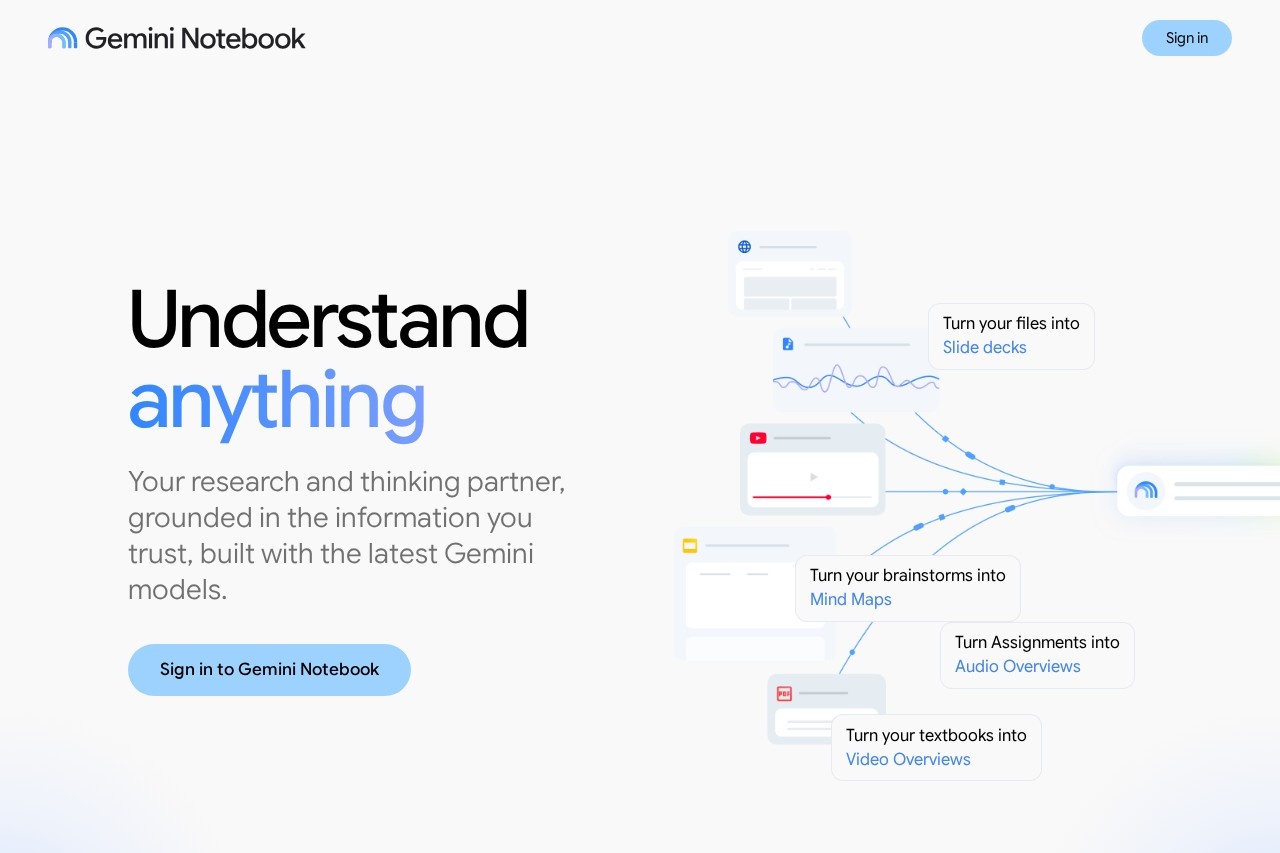
The product is built with Google's Gemini models and operates as a "research and thinking partner": users add their own material, then ask questions, request summaries, or convert the content into other formats such as slide decks, mind maps, and audio or video overviews. Because every answer traces back to the user's selected sources, NotebookLM suits anyone who needs trustworthy analysis of specific texts rather than general chatbot conversation. It is available through a web app at notebooklm.google.com, with sign-in via a Google account.
Key Features
Pricing & Fees
- Pricing: Not publicly listed on the pages we reviewed; check the official site for current plans.
- Sign-in requirement: The product is accessed by signing in with a Google account through the official site.
- Grounding approach: Responses are anchored to user-provided sources, distinguishing NotebookLM from general-purpose chatbots.
Who It's For
NotebookLM is aimed at students who need to digest textbooks and lecture notes, researchers reviewing papers and reference material, and writers or analysts organizing research for reports. Educators can use it to convert course material into study aids such as mind maps and audio summaries, while professionals can summarize internal documents and turn them into presentations. Anyone whose work depends on understanding a defined set of sources quickly is a natural fit for the tool.
FAQ
What is NotebookLM?NotebookLM is Google's AI-powered research and note-taking assistant that answers questions and creates summaries using the user's own uploaded sources, built on Google's Gemini models.
Is NotebookLM free to use?Pricing is not publicly listed on the pages we reviewed; the product requires signing in with a Google account, and current plan details should be checked on the official site.
What can NotebookLM create from my documents?Based on the official site, it can produce slide decks, mind maps, Audio Overviews, and Video Overviews from the files and notes a user uploads.
How is NotebookLM different from a regular chatbot?NotebookLM grounds its answers in the specific sources the user provides rather than drawing from the open web, which keeps responses tied to trusted, user-selected information.
Where can I access NotebookLM?NotebookLM is available at notebooklm.google.com through a web browser, with sign-in via a Google account, and the site also offers a downloadable app.
Related Tutorials
View all →
Related Tools
View all → Saner.AI Saner.AI is an ADHD-friendly AI personal assistant that unifies notes, email, and calendar, letting users capture information, search it by chat, and plan tasks.
 Slite Slite is a self-maintaining AI knowledge base that keeps team documentation accurate, syncing with tools like Slack and GitHub so answers stay cited and current.
 Stackie.AI Stackie.AI is a personal life-logging app described as a tool for journaling, habit tracking, information management, and AI-assisted learning; its domain is currently for sale. Glasp Glasp is a free social web highlighter that lets readers highlight and organize online content, take notes, export quotes, and share their learning with others.
 Capacities Capacities is a personal note-taking and knowledge management app that organizes notes as connected objects rather than files and folders, for individuals who research, write, and think for a living.