
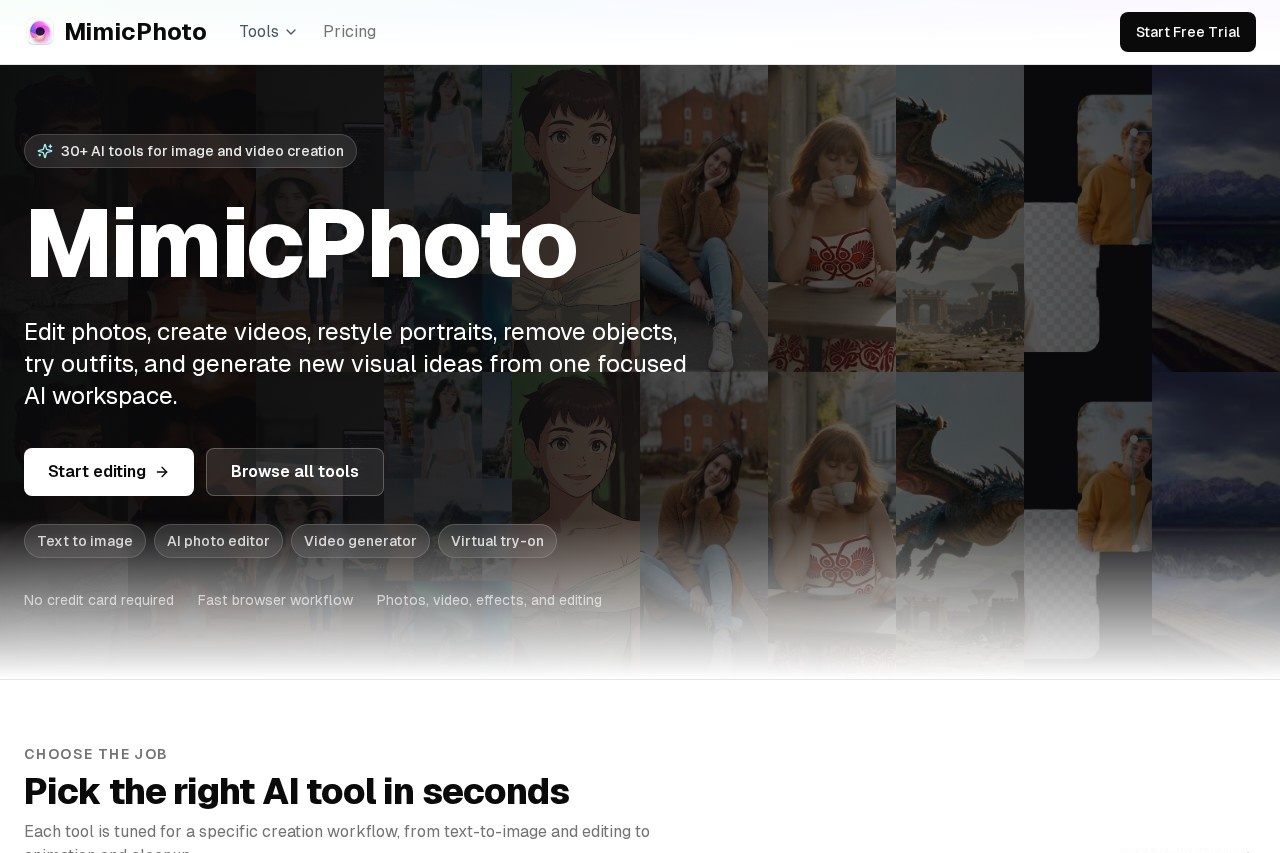
MimicPhoto is a browser-based AI workspace with 30+ tools for editing facial expressions, retouching photos, removing objects, generating images, and turning stills into video.
About
MimicPhoto is a web-based AI editing platform that bundles more than 30 image and video tools into a single workspace. It addresses a common bottleneck for creators: needing several separate apps for tasks like adjusting a facial expression, swapping backgrounds, removing an object, or animating a still photo.
The workflow is browser-based and credit-driven. Users upload an image or write a prompt, pick the specific tool that matches their task, and receive processed results in seconds. The toolset spans image work (expression editing, relighting, upscaling, unblurring, colorization, virtual try-on, object and background removal) and video work (photo-to-video, talking photos, motion control, video effects, and video upscaling). MimicPhoto states that uploaded images are processed in real time without permanent storage and that the service follows global data protection standards. The company can be reached at [email protected].
Key Features
Pricing & Fees
- Pricing: Two subscriptions are listed: a monthly plan at $16 per month and a yearly plan at $8.30 per month (billed $99 per year). Both include 1,000 AI credits per month, full tool access, priority support, early access to new features, and can be cancelled at any time.
- Credit system: 1 credit equals $0.008; users can top up 1,000 credits for $10. Several tools are free, including Face Expression Edit, Background Remove, and Colorization.
- Free trial: The site promotes starting without a credit card, and some tools are marked free.
- Platform: Runs entirely in the browser, so no desktop installation is required; payments are handled through Dodo Payments.
Who It's For
MimicPhoto is aimed at photographers, marketing teams, e-commerce sellers, and social media content creators who need quick edits without deep manual retouching skills. Typical uses include fixing expressions and lighting in portraits, cleaning up product shots, generating promotional images from prompts, restyling photos for campaigns, and turning stills into short animated clips for social channels. It suits people who prefer one subscription covering many small editing tasks rather than maintaining multiple single-purpose applications.
FAQ
What is MimicPhoto?MimicPhoto is an online AI workspace offering 30+ image and video editing tools, including facial expression editing, text-to-image generation, object removal, virtual try-on, and photo-to-video conversion.
How much does MimicPhoto cost?The monthly plan costs $16 and the yearly plan costs $99 per year (about $8.30 per month), each including 1,000 AI credits monthly; extra credits can be topped up at $10 per 1,000, and several tools are free.
Does MimicPhoto have a free option?Yes. Users can start without a credit card, and specific tools such as Face Expression Edit, Background Remove, and Colorization are listed as free.
What platforms does MimicPhoto run on?It is a browser-based service, so it works on any device with a modern web browser and requires no software installation.
Is my data private on MimicPhoto?The company states that images are processed in real time with enterprise-grade encryption, are not stored permanently, and that the service complies with global data protection standards.
Related Tutorials
View all →
Related Tools
View all → AI Tool An AI tool that provides comprehensive solutions for various tasks, enhancing productivity and creativity.
  Seedance 2.5 Seedance 2.5 AI is a powerful AI tool that generates high-quality content, images, and more. It offers advanced features for creative and professional use.
  Image FX - Free One-Click AI Photo Editor & Image Generator Image FX is a free AI-powered photo editor and image generator. Instantly enhance, transform, and create stunning visuals with one click. No login required.
  PicReword Picreword is an online AI image text editor for fixing typos, replacing headlines, and updating image copy without needing the original design files.
  Veo 3 API AI video generation API that turns text and images into high-quality videos with synchronized audio, sound effects, and dialogue — built for developers.