
Mermaid Chart is a collaborative diagramming platform that turns text prompts, documents, or code into flowcharts, sequence diagrams, and other visuals for technical teams.
About
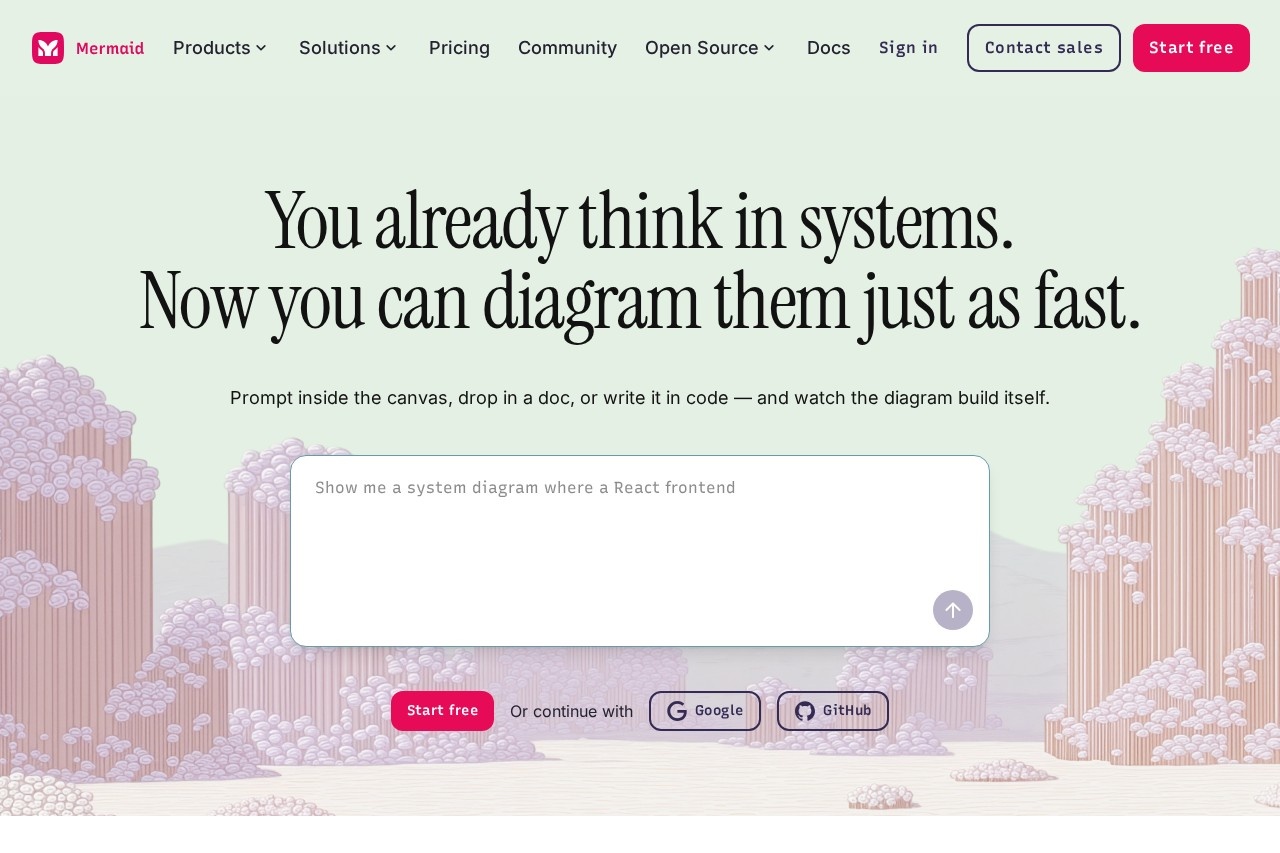
Mermaid Chart is a browser-based diagramming platform from Mermaid Chart Inc., the company behind the open-source Mermaid.js library. It addresses a common problem: engineers and analysts understand systems deeply but waste time dragging shapes in conventional diagram tools. Mermaid Chart lets users produce diagrams by writing plain-text syntax, prompting an AI assistant, or uploading a document, and the tool handles layout automatically.
The product is built on Mermaid.js, the MIT-licensed JavaScript rendering library created by Knut Sveidqvist, who went on to found the company. The commercial platform adds a visual editor, real-time co-editing, AI generation, team workspaces, and enterprise controls on top of the free library. Users can start from a blank canvas, a prompt, a pasted transcript, or existing code, and the resulting diagrams can be embedded in documentation, wikis, and IDEs. The company states the platform is used by more than 5 million people across over 200,000 companies.
Key Features
Pricing & Fees
- Pricing: A free Basic plan, Plus at $10 per user per month, Premium at $20 per user per month (both billed annually), and Enterprise at custom pricing; the free tier includes up to 6 diagrams with limited size and 15 AI credits.
- AI credits: Paid plans include annual AI credits — 300 on Plus and 2,000 on Premium — with unlimited AI use listed for Enterprise (subject to the vendor's terms).
- Free Live Editor: A separate free browser editor at mermaid.live lets anyone write and preview Mermaid syntax without an account, and no paid plan is required to use the open-source syntax itself.
- Presentations: Diagrams can be turned into slide decks within the product and shared via public links, without exporting to a separate presentation tool.
Who It's For
Mermaid Chart is aimed at people who think in systems: developers mapping features and workflows, system architects designing structures with C4 and ER diagrams, DevOps engineers diagramming CI/CD pipelines, and QA engineers visualizing test flows. It also serves project managers building Gantt charts and timelines, data and business analysts documenting processes, technical writers maintaining documentation, consultants aligning stakeholders, and educators preparing lessons. The text-based approach particularly suits teams that already keep diagrams in version control alongside code.
FAQ
What is Mermaid Chart?Mermaid Chart is a commercial collaborative diagramming platform built on the open-source Mermaid.js library, combining text-based diagram syntax, a visual editor, and AI generation for flowcharts, sequence diagrams, ER diagrams, and more.
Is there a free plan?Yes, the Basic plan is free and includes up to 6 diagrams with limited diagram size, 15 AI credits, and one team and project creation; the underlying Mermaid syntax also remains free and open source.
How much does a paid plan cost?Plus costs $10 per user per month and Premium costs $20 per user per month, both billed annually, while Enterprise uses custom pricing obtained by contacting sales.
Which tools does Mermaid Chart integrate with?It offers plugins and apps for VS Code, JetBrains IDEs, GitHub Copilot, Confluence, Jira, Google Docs, Microsoft Word and PowerPoint, and an MCP server for working with AI assistants such as Claude and Cursor.
How does Mermaid Chart handle security and privacy?The vendor lists secure access controls, encryption, SOC 2 compliance, and SSO, with Enterprise plans adding custom contracts, IP management, and a dedicated customer success manager.
Related Tutorials
View all →
Related Tools
View all → ChartGen AI chart generator that turns data into visual slides. Automatically creates charts and graphs, integrating them into professional presentations.
  Eraser Eraser is an AI diagramming tool for engineers and architects that turns text prompts, code, and files into production-ready technical diagrams and documentation.
  OpenRouter OpenRouter is a unified, OpenAI-compatible API that gives developers pay-as-you-go access to 500+ AI models for text, image, video, and audio from 80+ providers.
  LangChain LangChain provides a comprehensive suite of products to support developers throughout their entire development workflow.
  Excel AI Excel AI provides 18 AI-powered Excel tools to simplify data analysis and formula creation. Boost your spreadsheet productivity.