
Malloy Studio is an AI motion graphics generator that turns text prompts into editable animated titles, charts, callouts, and overlays for video editors and creators.
About
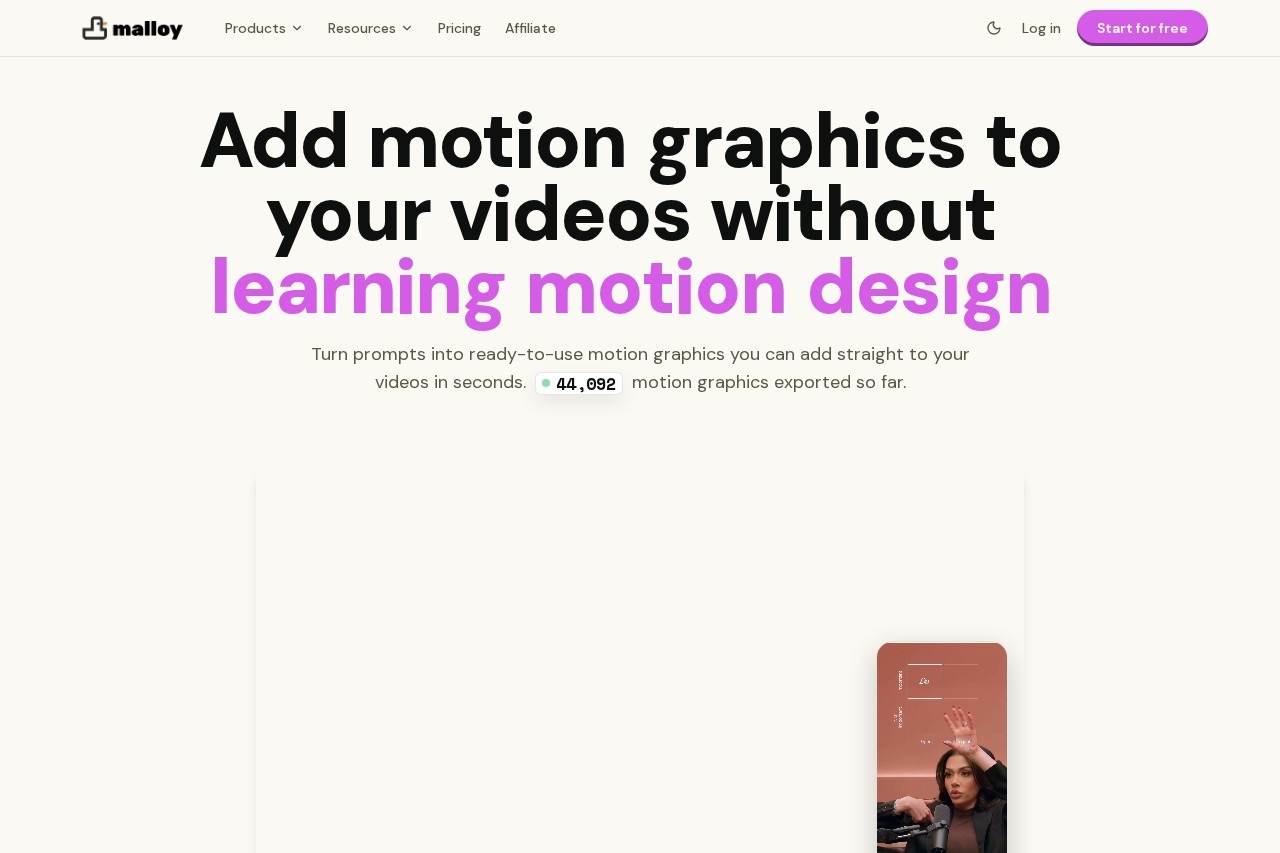
Malloy Studio is an AI motion graphics generator that turns text prompts into ready-to-use animated elements — titles, text reveals, charts, lower thirds, callouts, and social overlays — without requiring users to learn After Effects. It addresses a common bottleneck in video production: creating polished motion graphics traditionally takes hours of manual animation work or costly outsourcing.
Users type a description of the graphic they need, and the tool generates an editable template that can be customized through built-in control panels covering text, colors, layout, and timing. Finished graphics export as transparent video files that layer directly over footage in standard editing software. The product is aimed at creators, editors, marketers, educators, and agencies, and the company reports more than 1,000 creative teams using it. New accounts start with five free template exports.
Key Features
Pricing & Fees
- Pricing: The Malloy Studio plan costs $29/month, or $19/month ($228 annually), and includes 100 AI motion credits per month, 100 video exports per month, a 1,000-character prompt limit, 100 MB asset storage, and 7 days of session history. Higher tiers named Malloy Advanced and Malloy Production are also listed.
- Free start: New users get 5 free template exports before paying.
- Free trial: A 3-month free offer is shown on the Studio plan page.
- Annual discount: Annual billing saves 30% compared to monthly pricing.
Who It's For
Malloy Studio is built for video editors, social media creators, YouTube producers, marketing agencies, and freelance designers who need titles, charts, lower thirds, and callouts quickly. It suits creators producing short-form content for TikTok, Reels, and YouTube, as well as lean startups that cannot justify hiring a motion graphics artist for every video. Editors already fluent in After Effects can use it for routine graphics and reserve After Effects for complex, bespoke animation work.
FAQ
What is Malloy Studio?Malloy Studio is an AI motion graphics generator that converts text prompts into editable animated titles, charts, callouts, and overlays that export as transparent video files for use in standard video editors.
Does Malloy Studio have a free plan or trial?New accounts start with 5 free template exports, and the site also advertises a 3-month free offer on the Malloy Studio plan; the paid plan is $29/month or $19/month billed annually.
Which video editors does Malloy Studio work with?Exports as transparent WebM or MOV files work with Premiere Pro, DaVinci Resolve, Final Cut Pro, CapCut, and any editor that supports transparent overlays, with no plugins to install.
Do users still control the design after AI generation?Yes, every generated graphic is an editable template with control panels for text, values, colors, layout, and timing, so the final look can be adjusted without rebuilding from scratch.
How does Malloy Studio differ from After Effects?Malloy Studio handles straightforward graphics like titles, callouts, and stats quickly without keyframes, while After Effects remains better suited for complex, fully custom animation; many teams use both.
Related Tutorials
View all →
Related Tools
View all → MindVideo AI MindVideo AI is an AI-powered video generation tool that creates videos from text or images, offering a seamless and creative video production experience.
  AI Content Generator An AI-powered content generator that produces high-quality text for various purposes. It leverages AIGC to create engaging articles, posts, and more.
  Best Free AI Photo Editor & Video Generator Online | YouCam YouCam offers free AI-powered photo editing and video generation tools for creative projects.
  KooX AI Transform any image into a video with realistic motion and cinematic effects using our free AI generator.
  Media.io AI Studio All-in-one AI studio for image, video, and audio editing. Enhance your media with powerful AI tools.