
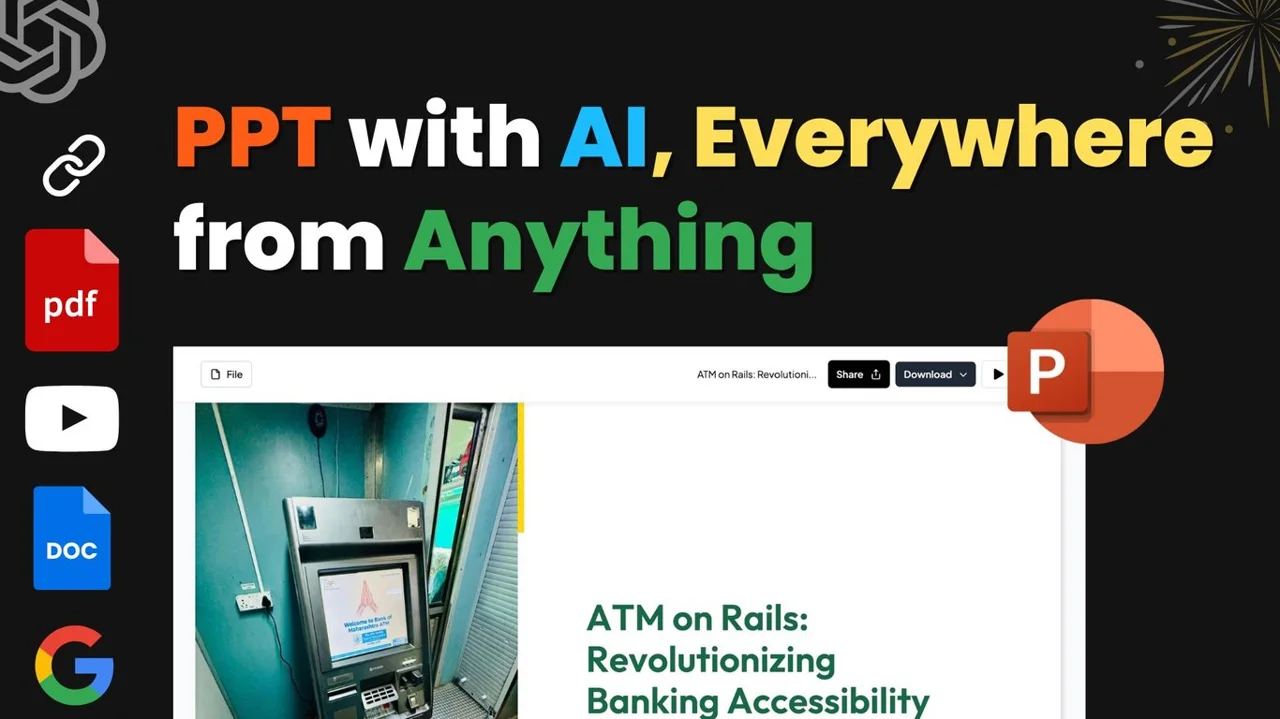
MagicSlides is an AI presentation maker that turns topics, text, PDFs, YouTube links and other content into ready-to-edit PowerPoint and Google Slides decks in seconds.
About
MagicSlides is an AI presentation generator that converts a prompt, topic, or uploaded content into a complete slide deck rather than a single slide. It addresses the most time-consuming part of presentation work: structuring ideas, writing slide copy, and applying consistent design from the cover page to the final slide.
The workflow is three steps. A user inputs an idea by typing a topic, pasting text, or uploading a file such as a PDF, DOCX, image, audio, or Excel spreadsheet, or by pasting a YouTube or webpage URL. MagicSlides then generates a structured deck, which can be downloaded or edited in PowerPoint, Google Slides, or in the MagicSlides editor itself. The service reports over 10 million presentations created and says it is used by more than 2.6 million professionals, with output supported in 136+ languages. It is aimed at students, educators, founders, consultants, and business teams that need presentable decks quickly.
Key Features
Pricing & Fees
- Pricing: Paid plans start at $6.67/month billed annually (Essential, 10 presentations per month), Pro at $12.42/month billed annually, and Premium at $23.25/month billed annually; annual billing is advertised as saving 17% versus monthly rates.
- Free option: The site invites users to try it free and create a first presentation before subscribing.
- Done-for-you service: A one-time $99 offer (listed down from $500) has a MagicSlides designer build a full presentation within 48–72 hours, including all Premium features.
- Export formats: Depending on the plan, decks export to PDF, PowerPoint (PPTX), Google Slides, and on Premium also PNG, JPG, and HTML.
- Integrations: Google Slides add-on, Figma plugin, ChatGPT integration, Chrome extension, Telegram bot, Zapier, MCP, and Android and iOS apps.
Who It's For
MagicSlides fits students preparing seminar decks, teachers turning lesson notes into classroom slides, and founders who need pitch decks from an existing memo. Consultants can summarize long PDF reports into client-ready decks, and sales or marketing teams can convert webinars and product material into recap presentations. Project managers can produce timeline or pros/cons slides for decision meetings, and multilingual teams or schools can generate the same deck in more than one language for different audiences.
FAQ
What is MagicSlides?MagicSlides is an AI presentation maker that turns topics, text, documents, media files, and links into complete, editable PowerPoint and Google Slides decks, in 136+ languages.
Is MagicSlides free to use?A free trial lets users create a first presentation; paid subscriptions start at $6.67/month billed annually for the Essential plan, with Pro and Premium tiers offering higher limits and additional features.
Does MagicSlides work with PowerPoint and Google Slides?Yes, generated decks can be downloaded and edited in PowerPoint and Google Slides, and MagicSlides also offers a dedicated Google Slides add-on plus export in PPTX and PDF formats.
Can slides be customized after AI generation?Yes, decks can be edited directly in the MagicSlides editor or after export to PowerPoint or Google Slides.
What are the plan limits?Essential allows 10 presentations per month with up to 10 slides each; Pro raises this to 50 presentations per month with up to 15 slides each; Premium supports 50 presentations per month with 50+ slides per deck.
Related Tutorials
View all →
Related Tools
View all → Plus AI Plus AI is an AI presentation maker that works directly inside PowerPoint and Google Slides, helping professionals create, edit, and reformat slides from prompts or files.
  STORYD STORYD is an AI presentation generator that turns a few sentences about a topic into structured, professionally designed business storytelling decks in about 60 seconds.
  Pitch Pitch is a collaborative AI presentation platform where teams generate, edit, and deliver fully editable, on-brand slides together from a single workspace.
  Wonderslide Wonderslide is an AI presentation maker that turns a text prompt or your uploaded files into designed slides in minutes, with chat-based editing and PPTX or PDF export.
  Free AI PPT Maker & Presentation Creator - AiPPT Create stunning presentations in minutes with AiPPT. Our AI-powered maker turns your content into professional PowerPoint & Google Slides decks. Try it free!