
luw.ai is a browser-based AI design platform for architects, interior designers, and real estate teams that turns photos, sketches, and floor plans into photorealistic 4K renders.
About
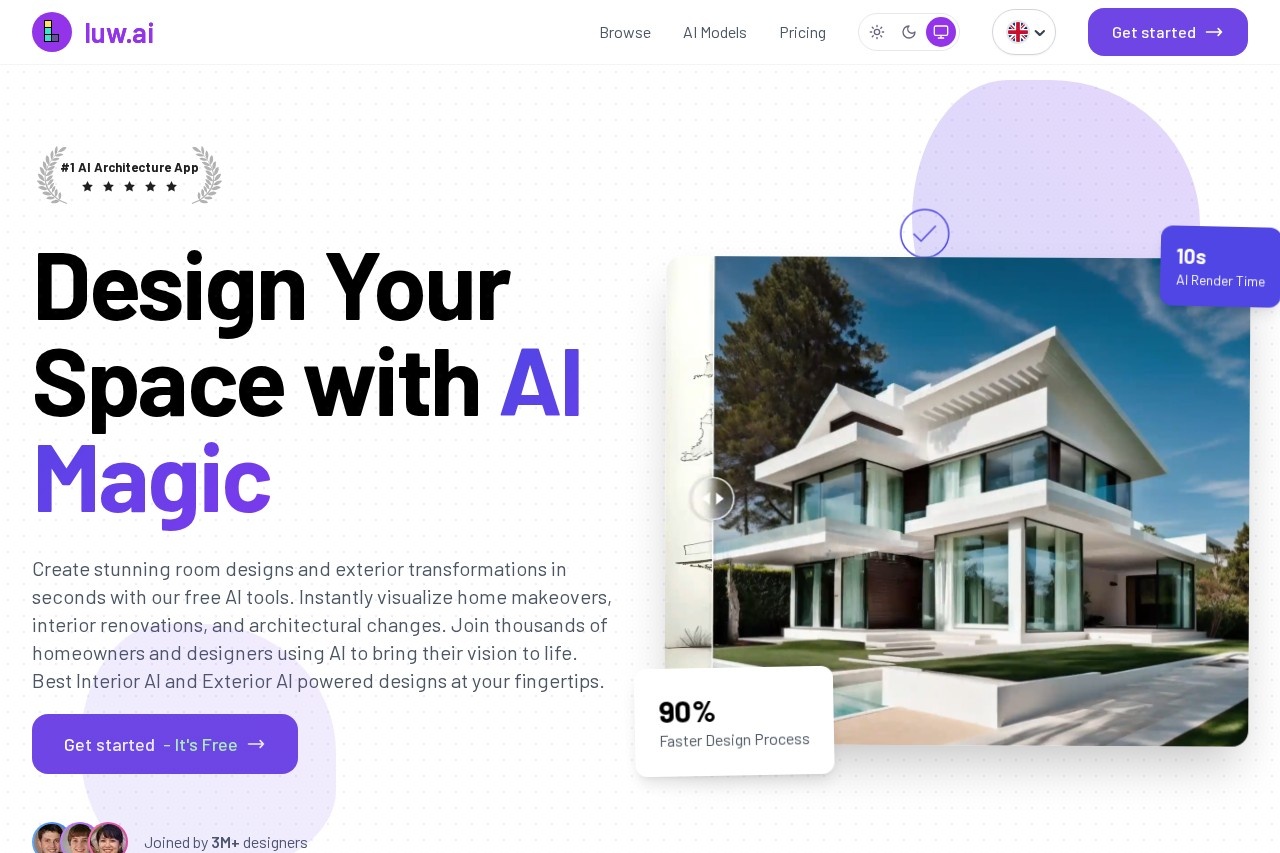
luw.ai is an AI design platform built specifically for architecture and interior design work, rather than general-purpose image generation. It addresses a common bottleneck in design workflows: producing photorealistic visuals of rooms, building exteriors, and floor plans normally takes hours of manual rendering, while luw.ai produces them from a photo, sketch, or 3D screenshot in roughly ten seconds.
The platform runs entirely in a browser, with no installation or dedicated GPU required. Users upload a photo or draft, pick a style or write a text prompt, and the service returns a rendered image; additional tools handle floor plan generation, 3D model creation, object removal, and video flythroughs. luw.ai is operated by Luvi Technologies, Inc., a company based in Middletown, Delaware, and the site states that over three million designers have signed up. The platform also works alongside mainstream CAD and rendering software such as SketchUp, Revit, AutoCAD, Rhino, and Blender.
Key Features
Pricing & Fees
- Pricing: Free plan at $0 with 2 daily credits, watermarked 512×512 output; Pro at $19/month (200 renders, 4K, no watermark); Max at $39/month (500 renders); Ultra at $79/month (1,200 renders plus API access); team plans from $299 to $999 per month with 50–250 seats; one-off token packs from $9 to $500.
- Free tier: Available with daily credits, no credit card required, and a stated 30-second signup; Video AI and enhancement tools are excluded from the free plan.
- Platform: Runs in the browser on the web and includes an iOS app for the Floor Planner tool; the interface is offered in 26 languages.
- Team collaboration: Projects can be shared with view-only, view-and-download, or full edit permissions, and team usage is tracked per member.
Who It's For
luw.ai targets architects and architectural firms that need fast concept visualization, interior designers restyling client rooms, and real estate agents producing virtual staging and marketing renders for listings. It also suits homeowners planning renovations who want to preview makeovers before committing to a contractor, as well as design students exploring styles. Agencies and real estate teams can use the higher-tier plans for volume rendering, shared team workspaces, API integration, and white-labeled output under their own brand.
FAQ
What is luw.ai?luw.ai is an AI platform for architecture and interior design that converts photos, sketches, floor plans, and 3D screenshots into photorealistic renders, and it includes a browser 3D building editor plus AI design assistants.
Does luw.ai have a free plan?Yes, the free plan gives 2 credits per day at 512×512 resolution with a watermark; unused daily credits do not carry over, and paid plans start at $19 per month.
Which tools and software does luw.ai work with?It runs in a web browser with no plugin, and exports from SketchUp, Revit, AutoCAD, Rhino, ArchiCAD, 3ds Max, Blender, and similar tools can be uploaded for rendering; API and MCP integrations are available for developers.
What are the limits of the free tier?Free output carries a watermark, is capped at 512×512 resolution, uses basic models, and excludes Video AI and enhancement tools; 4K watermark-free output requires a paid plan.
Can teams collaborate on luw.ai?Yes, project owners can invite colleagues and clients with view-only, view-and-download, or full edit access, and team plans include per-member usage tracking and priority support.
Related Tutorials
View all →
Related Tools
View all → Home Design AI An all-in-one AI home design platform that generates interior, exterior, kitchen, and garden concepts, floor plans, and 3D models for homeowners and design professionals.
  Coohom Coohom is a cloud-based 3D interior design platform for creating 2D and 3D floor plans, decorating rooms, and rendering photorealistic interiors directly in a web browser.
  Planner 5D Planner 5D is an AI-assisted home design tool that converts 2D floor plan images into editable 3D models, used by homeowners, remodelers, and interior designers.
  AiHouse AiHouse is an AI-powered 3D interior design and manufacturing platform that helps designers, retailers, and cabinet makers create photorealistic renders, quotes, and production files from one workflow.
  Maket Maket is an AI home design studio that generates residential floor plans, edits layouts by chat, and renders spaces in 3D for homeowners and architects.