
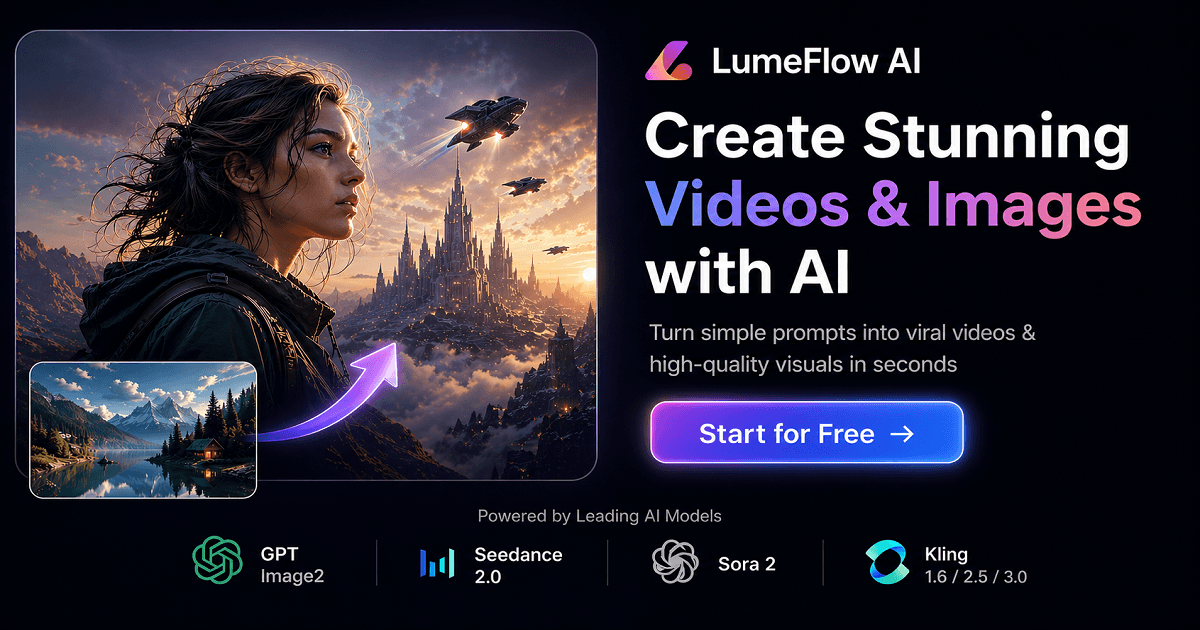
LumeFlow AI is an all-in-one platform for generating AI videos and images from text or image prompts, giving creators access to many leading generation models in one place.
About
LumeFlow AI is a web-based platform that combines AI video generation and AI image generation in a single interface. Instead of subscribing to multiple model providers separately, creators can write a text prompt or upload an image and choose from a large roster of third-party and in-house models — including LumeFlow 3.0, Seedance, Kling, Hailuo, PixVerse, Vidu, Wan, Sora 2, and Google Veo 3.1 for video, and GPT Image, Nano Banana, Seedream, and Kling Omni for images — to produce the output.
The workflow is deliberately simple: a user selects a mode (text-to-video, image-to-video, text-to-image, or image-to-image), picks a model, enters a prompt of up to 5,000 characters, and generates. Beyond basic generation, the platform offers AI video editing with prompts, video extension, lip sync, motion mimicry, an AI Story mode, and an AI Enhance tool, so a short clip can be extended or modified without traditional editing software. LumeFlow AI states that no video editing skills are required, and a free starting tier is available. The site is offered in multiple languages, including English, Japanese, and Traditional Chinese.
Key Features
Pricing & Fees
- Pricing: Not publicly listed on the pages we reviewed; check the official site for current plans. The pricing page references LumeFlow coins as the platform's internal credit system and states paid products carry a 30-day money-back guarantee.
- Free tier: A "Start for Free" option is advertised on the site, and the FAQ asks directly about a free version of the video maker.
- Platform availability: Runs as a web application with no desktop install required, and supports many interface languages.
- Support and community: Live chat and email support are offered, alongside a Discord community, plus YouTube, Instagram, and X accounts for updates.
Who It's For
LumeFlow AI is aimed at creators and marketers who need short-form video or images without production budgets or editing skills. Typical users include TikTok and YouTube Shorts creators, social media advertisers producing UGC-style or product ad videos, e-commerce sellers generating product photos and clips, and hobbyists experimenting with cinematic AI scenes. The breadth of models also suits users who want to compare outputs from different generators side by side rather than commit to a single vendor.
FAQ
What is LumeFlow AI?LumeFlow AI is an all-in-one web platform for creating AI-generated videos and images, offering text-to-video, image-to-video, text-to-image, and image-to-image modes powered by a wide selection of third-party and in-house models.
Is there a free version of LumeFlow AI?Yes, the site advertises a free starting option, though the details of the free tier and paid plans are not fully specified on the pages reviewed.
Do I need video editing skills to use LumeFlow AI?No, the platform is designed so users describe what they want in prompts and the AI handles rendering; editing tasks are also done through prompts rather than timeline-based editing.
Can I edit or remix existing videos with LumeFlow AI?Yes, the platform includes an AI video editor that works from prompts, plus video extension, lip sync, motion mimicry, and enhancement tools for modifying existing footage.
Is buying from LumeFlow AI safe and refundable?The company states it uses encryption and fraud protection for payments and offers a 30-day money-back guarantee on its products, subject to its refund policy.
Related Tutorials
View all →
Related Tools
View all → Wan 2.5 AI Video Generator Instantly create 1080P cinematic videos from text or images with native audio sync in just 3 minutes.
  Free Grok Video Generator - AI Video Creation | No Sign Up Required Grok video generator creates stunning videos from text and images. Fast AI video creation with natural language control. 2 free credits daily, no credit card needed. Try Grok Video now!
  Happy Horse AI Video | AI Video Generator for Text to Video and Image to Video Happy Horse AI Video is an AI video generator for cinematic text-to-video and image-to-video. Create ads, social launches, product demos, and commercial-ready clips with stronger motion quality. Sora Sora is OpenAI's text-to-video generation model that creates short video clips from written prompts, images, or existing videos for creators and marketers. Flow AI Flow AI is a web-based AI video generator that turns text prompts and images into cinematic video clips, aimed at creators, marketers, and filmmakers.