
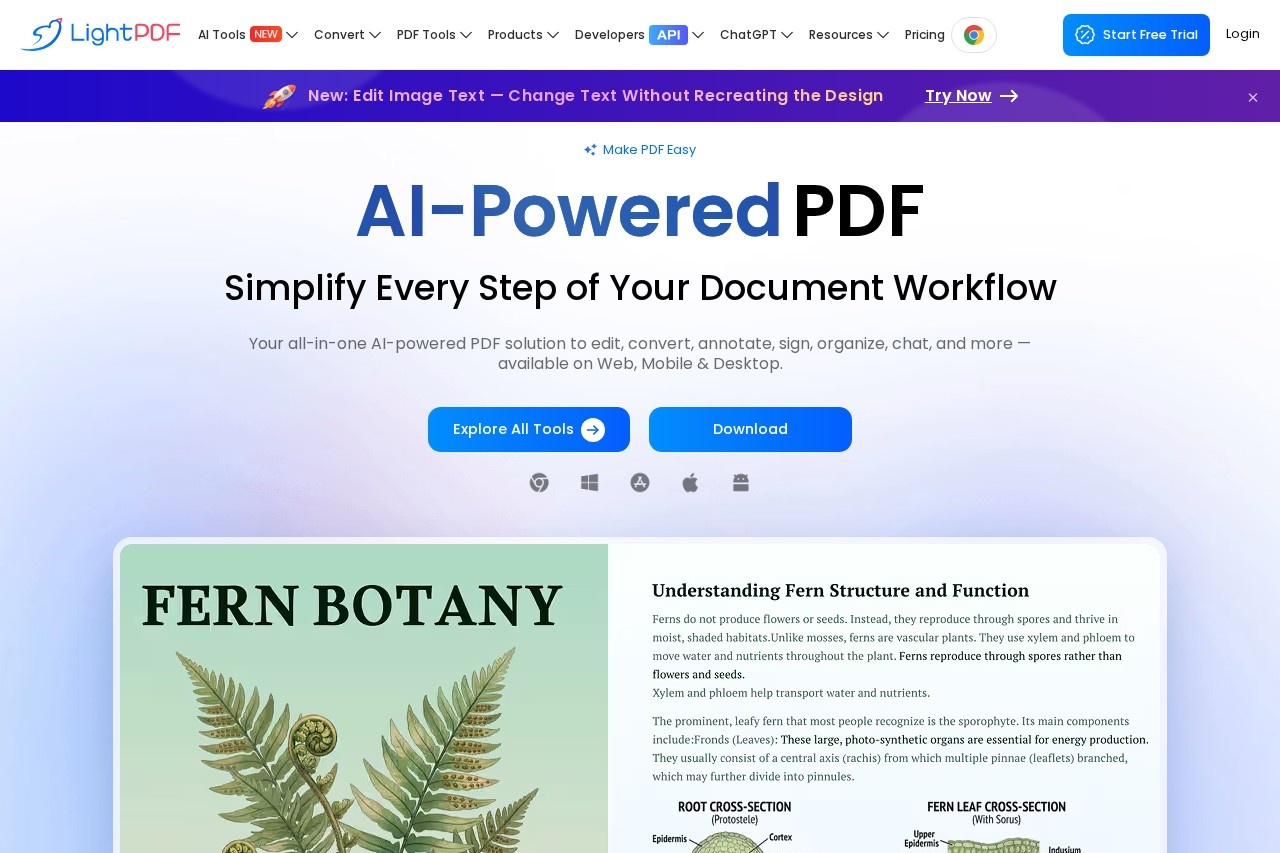
LightPDF is an AI-powered online and desktop PDF toolkit that lets users view, edit, convert, sign, annotate, translate, and chat with PDF documents across web, mobile, and desktop.
About
LightPDF is a cloud-based PDF platform that bundles editing, conversion, signing, annotation, organizing, and AI-assisted document tools into a single service. It addresses the common problem of juggling several separate utilities to handle routine PDF work such as merging files, converting formats, filling out forms, or extracting content.
The service runs in a web browser and is also offered as installable apps for Windows, Mac, iPhone/iPad, and Android, with a single account carrying paid benefits across all platforms. Beyond conventional PDF utilities, LightPDF includes AI features such as chatting with documents, translating entire files while preserving layout in more than 20 languages, generating presentations and mind maps from documents, and extracting structured data from invoices, receipts, and bank statements. A developer section and API offerings indicate the vendor also serves integration use cases. The company's About page frames its mission around making PDF tasks simple.
Key Features
Pricing & Fees
- Pricing: A free plan costs $0; the monthly plan is $5.99 per month; the yearly plan is $15.99 per year; a lifetime plan is a one-time $39.99. One payment covers five platforms, with a 30-day money-back guarantee and 24/7 customer service.
- Free tier limits: The free plan is web-only, caps file size at 10MB, allows one ChatPDF file per day and three AI Agent questions per day, and provides cloud storage for five files retained for one year.
- AI credits: Paid plans include 1,000 credits per month; the lifetime plan includes 40,000 lifetime credits, and extra credits can be purchased.
- Platforms: Available on Web, Windows, Mac, iPhone/iPad, and Android, with paid plans unlocking unlimited file size, batch processing, and watermark-free downloads.
Who It's For
LightPDF suits office workers and administrators who regularly convert, merge, and sign PDFs; students and researchers who use AI chat and summarization to read long papers; and finance or accounting staff who need to turn invoices, receipts, and bank statements into structured spreadsheets. It also fits small teams producing presentations or mind maps from existing documents, and developers who want to embed PDF conversion or chat capabilities via its APIs. The combination of a generous free tier and cross-platform apps makes it practical for individuals who move between desktop and mobile devices.
FAQ
What is LightPDF?LightPDF is a cloud-based PDF service that lets users view, edit, convert, sign, annotate, merge, manage, and share PDFs, with additional AI tools for chatting with, translating, and summarizing documents.
Is LightPDF free to use?Yes, there is a free plan with web-only access, a 10MB file size limit, and daily allowances for AI chat; paid plans start at $5.99 per month or $15.99 per year, with a $39.99 lifetime option.
Which platforms does LightPDF support?LightPDF works in web browsers and offers native apps for Windows, Mac, iPhone/iPad, and Android, and a single paid account works across all of them.
How does LightPDF's AI credit system work?AI features consume credits, for example 5 credits per AI chat use and 5 credits per translated page; paid plans include 1,000 credits per month, and additional credits can be purchased.
Does LightPDF offer an API for developers?Yes, the site lists developer products including conversion and chat-document APIs with separate API pricing.
Related Tutorials
View all →
Related Tools
View all → AI Tool - AI-Powered Solutions This AI tool provides intelligent solutions to streamline workflows, enhance productivity, and deliver accurate results across various tasks.
  Immersive Translate Immersive Translate offers bilingual web page translation and PDF translation. Enhance your reading experience with seamless language support.
  Mermaid Viewer - Online Diagram Editor with Live Preview MermaidViewer is an online diagram editor with live preview. Create and edit Mermaid diagrams effortlessly, enhanced by AI.
  ChatPPT_AI Generate high-quality PPT presentations through AI chat.
  Presenton - AI Presentation Maker Create stunning presentations with AI, supporting PPTX export and more.