
LanguageTool is a multilingual grammar, spelling, punctuation, and style checker that works in over 30 languages and offers paraphrasing for writers worldwide.
About
LanguageTool is an AI-based writing assistant that checks grammar, spelling, punctuation, casing, and style in more than 30 languages and dialects. It solves a common problem for anyone writing on a computer: catching typos, grammatical mistakes, and awkward phrasing before a text is sent, published, or submitted.
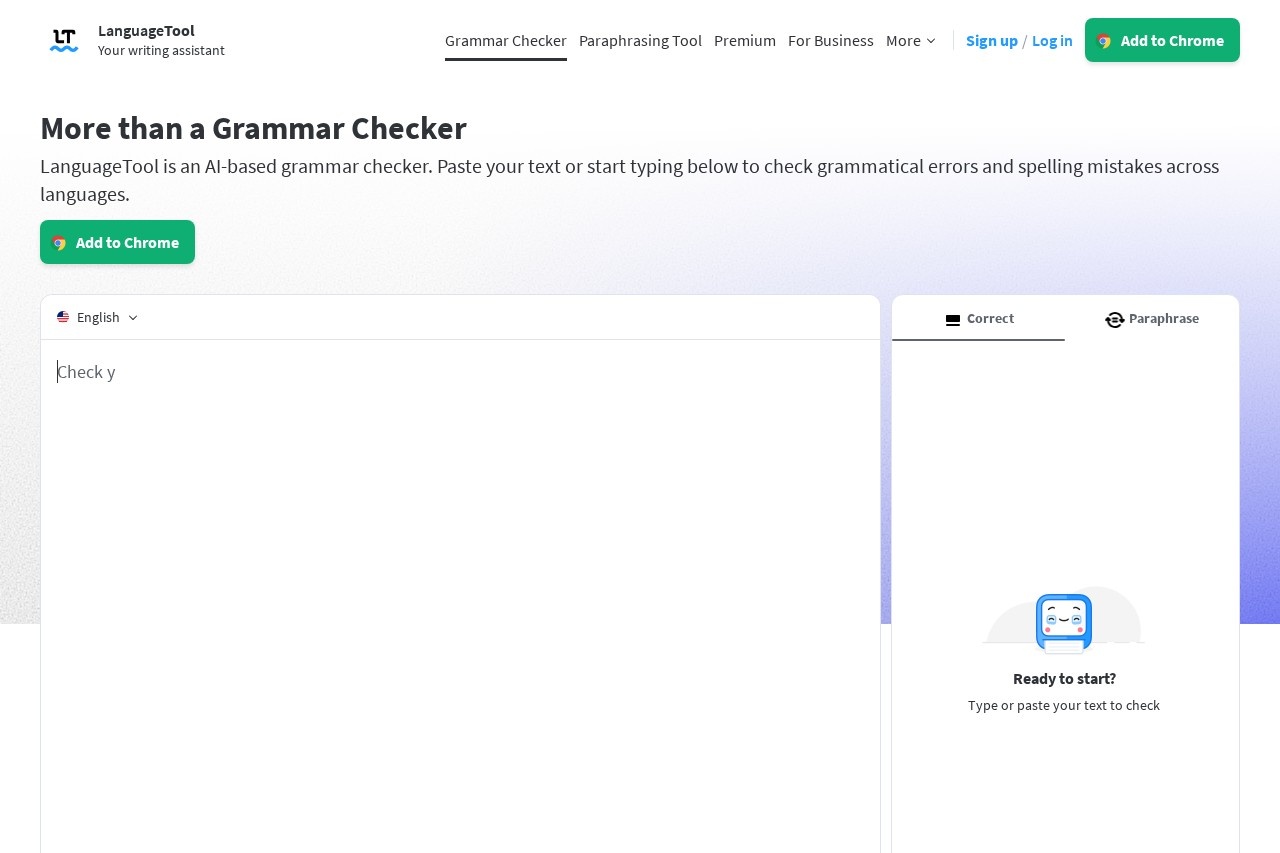
Users can paste text into the web-based editor or install add-ons and desktop apps so that corrections appear while they type. The service detects the language automatically and offers suggestions inline, underlining spelling errors in red and flagging grammar, punctuation, and style issues. A paraphrasing tool rewrites sentences on demand, and a paid Premium tier adds unlimited paraphrasing along with more detailed checks. LanguageTool also provides business offerings described as GDPR-compliant, and its site lists more than 2,000 organizations among its users, including the European Union, Spiegel Magazine, Deutsche Presse-Agentur, Bertelsmann Stiftung, and JetBrains.
Key Features
Pricing & Fees
- Pricing: Not publicly listed on the pages we reviewed; check the official site for current plans.
- Free tier available: A free grammar checker and a free account for the web editor are offered; Premium adds features such as unlimited paraphrasing.
- Editor extras: The web editor includes a personal dictionary, writing statistics, secure text storage, a "Picky Mode" with advanced punctuation, style, and typography suggestions, and dark/light themes.
- Business offering: LanguageTool for Business provides GDPR-conform solutions aimed at error-free communication and a consistent brand voice.
Who It's For
LanguageTool suits students writing essays and dissertations, professionals drafting emails and reports, non-native speakers checking text in a second language, and editors polishing copy before publication. Teams and organizations can use the business plans to keep communication consistent across a brand, and a proofreading API extends the checker to developers building their own applications. Because it works in over 30 languages, it is a practical choice for multilingual writers and international teams.
FAQ
What is LanguageTool?LanguageTool is an AI-based writing assistant that checks grammar, spelling, punctuation, casing, and style in more than 30 languages and dialects, and it also offers a paraphrasing tool.
Is LanguageTool free to use?Yes, a free grammar checker and a free editor account are available; a Premium plan adds features such as unlimited paraphrasing, though exact prices are not publicly listed on the pages we reviewed.
Which platforms and apps does LanguageTool support?It offers browser add-ons for Chrome, Edge, Firefox, Opera, Safari, and Yandex; email integrations for Gmail, Outlook, Apple Mail, and Thunderbird; office plugins for Google Docs, Word, Apple Pages, and LibreOffice; and desktop apps for Windows and macOS.
Does the browser add-on store my text?No, according to the official site, the browser add-on does not store text in order to respect user privacy.
What does the statistics feature do?The statistics feature tracks productivity and gives an overview of languages used, errors made, and suggestions applied, so users can see how their writing changes over time.
Related Tutorials
View all →
Related Tools
View all → QuillBot QuillBot is an AI writing assistant that paraphrases text, checks grammar, and summarizes content for students, writers, and professionals.
  Grammarly Grammarly is an AI writing assistant that checks grammar, rewrites sentences, adjusts tone, and generates text inside the apps and websites people already use.
  Writefull Writefull is an AI writing and proofreading tool built for academic writing, helping students and researchers check language, paraphrase, and edit papers.
  Scribbr Scribbr is an academic writing platform for students, offering proofreading and editing, a plagiarism checker, a free citation generator, an AI detector, and a large knowledge base.
  Paraphraser.io Paraphraser.io is a free online plagiarism checker that scans text for exact and paraphrased matches, plus a suite of AI writing tools for students, teachers, and content creators.