介绍
Please provide the markdown source text that needs to be translated. The content you sent only contains the "[Chinese]" marker and does not include the actual English source text, so I am unable to perform the translation. Once I receive the source text, I will strictly follow the requirements and output the Simplified Chinese translation (preserving ## headings, - lists, bold, links, URLs, and code blocks).
Key Advantages
- Pricing: Offers three subscription tiers — Pro at $8.33/month ($99.99 billed annually, 1,200 credits per month), Plus at $16.67/month ($199.99 billed annually, 2,400 credits per month), and Enterprise at $25.00/month ($299.99 billed annually, 4,800 credits per month). A one-time option is also available: $2.99 to process a batch of up to 10 images.
- Free tier: Get started for free with no registration required; files are deleted immediately after conversion is complete.
- Plan limits: Pro has a maximum single-file size of 5 MB, while Plus and Enterprise allow up to 10 MB. All paid plans include batch processing, priority during peak hours, no CAPTCHA, no ads, and priority support.
- API and team access: API access is available on Plus (30 submissions per minute, 2 concurrent jobs) and Enterprise (120 submissions per minute, 4 concurrent jobs); the web app and API share the plan's credits, and API results are retained for 24 hours.
- Team billing: Enterprise includes 3 seats (owner plus 2 members) with a shared monthly credit balance; additional seats cost $50.00/year each, billed on the same cycle as the subscription.
Who Is It For
- Professionals: Office workers who frequently encounter tables in image form can use it to quickly obtain ready-to-use spreadsheets.
- Students: When organizing study materials and coming across tables in images, they can use it to convert them into formats that are easy to edit and organize.
- Users who frequently process image data: Anyone who regularly handles data in image form and needs a reliable way to convert it into a usable spreadsheet format.
Core Highlights
- No Complex Software Required: With JPG2Excel, users can quickly convert image-based tables without installing complicated software.
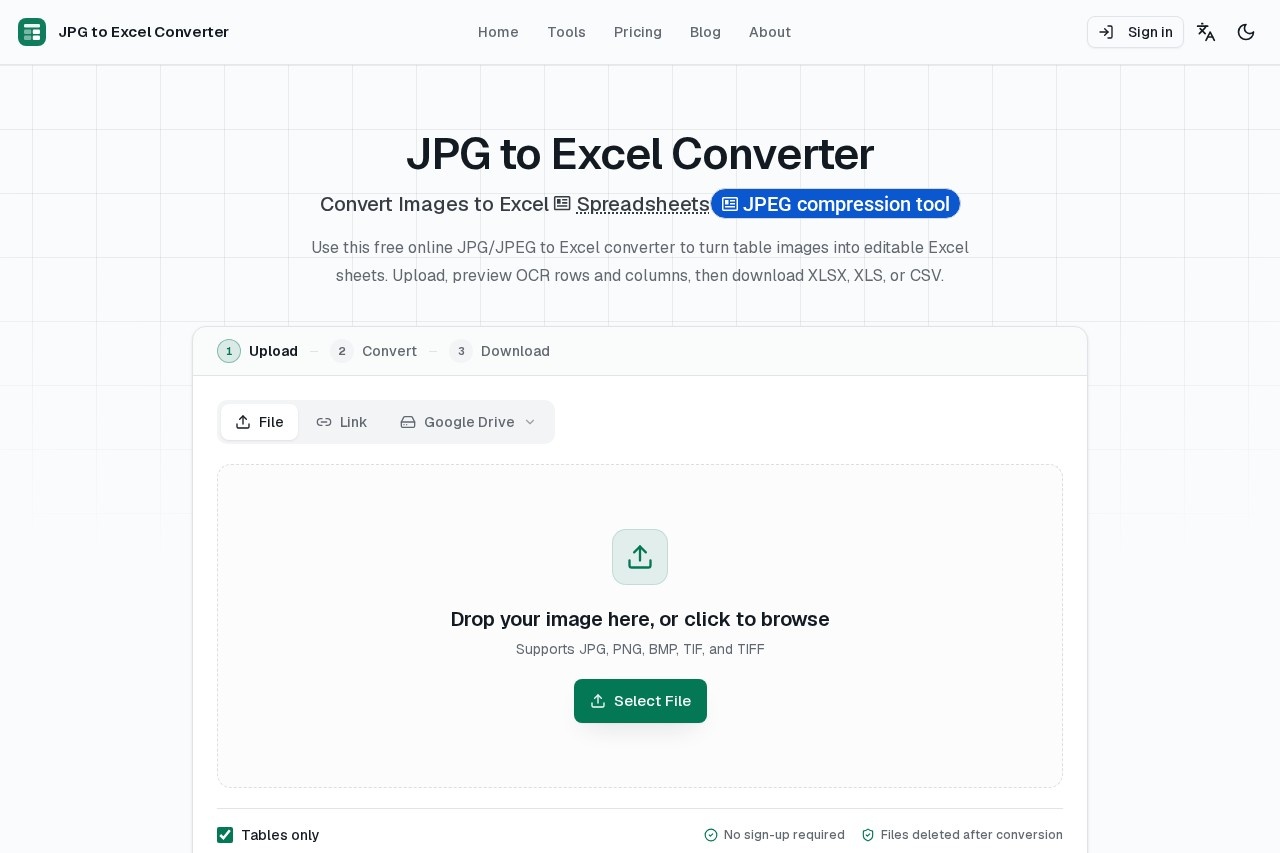
- Simple and Smooth Workflow: The process is straightforward: upload your JPG image, let OCR recognize it automatically, then download the generated Excel file—upload, recognize, download, all in one go.
- Saves Time and Effort: The slow, manual data entry of the past is now replaced with automated conversion, freeing up your time to focus on more meaningful work.